
Overview
Notion functions as a "modular workstation" designed to replace the fragmented stack of tools most of us rely on. Instead of jumping between Google Docs for writing, Trello for tasks, and Excel for data, Notion attempts to combine all those functions into a single interface. Think of it as the "Lego" of software. It gives you building blocks (text, images, databases, toggles) and lets you construct your own tools without writing a single line of code.
This platform is primarily built for tech-savvy professionals, startups, and SMBs who need a "company brain" or wiki. It is also a favorite among students and creatives building "Second Brain" systems to organize personal research. The main draw here is consolidation. By linking your documents, tasks, and knowledge base in one place, Notion aims to solve the "app fatigue" that kills productivity in modern teams.
Key Features
1. Relational Databases & Views
This is the feature that separates Notion from standard note-taking apps like Evernote. You can create a database (like a spreadsheet) and view that same data in multiple ways: as a Kanban board, a Gantt chart (Timeline), a Calendar, or a Gallery. More importantly, these databases are relational. You can link a "Clients" database to a "Projects" database. This allows you to build a mini-ERP system customized exactly to your workflow, connecting different silos of information.
2. AI Agents & Enterprise Search (2025 Update)
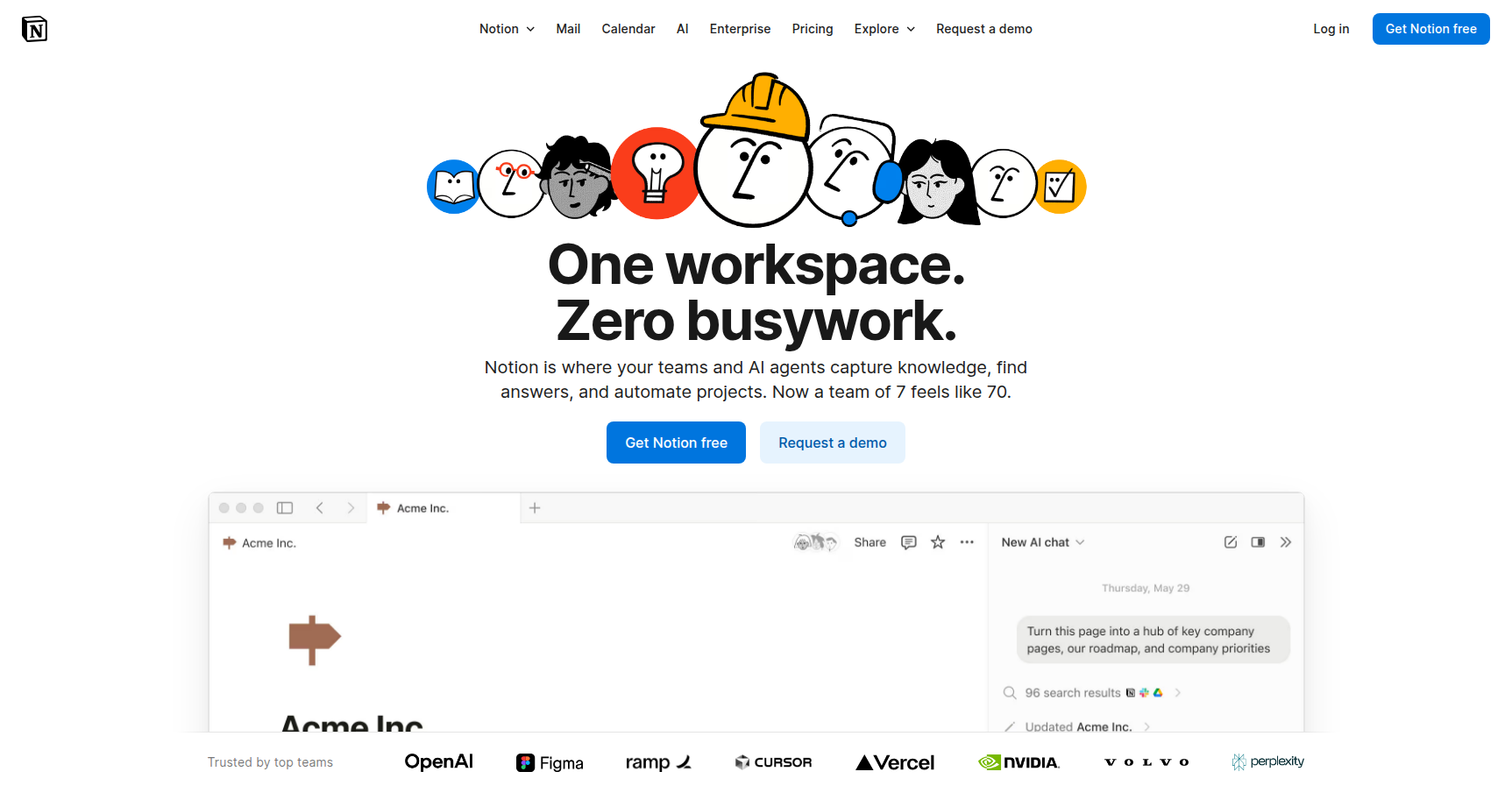
Notion has moved beyond simple text summarization. The new "AI Agents" can autonomously handle multi-step workflows. An agent can research the web, draft a project plan based on that research, and update your internal tracking database without constant prompting. Additionally, the Enterprise Search acts as a unified search bar. It connects to external apps like Slack, Jira, GitHub, and Google Drive, allowing you to find and summarize information from your entire tech stack directly within Notion.
3. Integrated Mail & Calendar
Newly integrated in 2025, Notion now includes native Mail and Calendar tools. This solves a long-standing friction point where users had to leave the app to check schedules or communications. You can now manage time-blocking directly alongside your project notes and convert emails into database tasks with a single click.
4. Synced Blocks
This is a massive time-saver for documentation. A "Synced Block" allows you to have the exact same piece of content live on multiple pages simultaneously. If you edit the block on your "Home" dashboard, it automatically updates on your "Client Portal" page. This ensures your information remains a centralized source of truth without manual copying and pasting.
Pricing
Notion updated its pricing structure in 2025 to bundle AI features into higher tiers. Here is the breakdown:
- Free Plan ($0): Best for individuals. You get unlimited pages and blocks. However, file uploads are capped at 5MB, and page history is limited to 7 days. Note: If you add members to a Free workspace, it becomes a "Team" trial with a limit of roughly 1,000 blocks.
- Plus Plan ($10/user/month billed annually; $12 monthly): The standard for small teams. It removes the block limit and file upload cap. It includes a 30-day page history and allows up to 100 guest collaborators.
- Business Plan ($20/user/month billed annually; $24 monthly): This now includes the full Notion AI suite (previously a separate add-on). You get private teamspaces, SAML SSO for security, advanced analytics, and a 90-day page history.
- Enterprise Plan (Custom): For large orgs requiring audit logs, dedicated success managers, and unlimited page history.
A 30-day free trial is available for the Plus and Business plans if you use a professional email domain.
Pros & Cons
Pros
- Extreme Flexibility: You are not forced into a specific workflow. You can build a CRM, a recipe book, or a product roadmap. It scales from simple to complex based on your needs.
- Aesthetics: The minimalist design, combined with support for dark mode and custom icons, makes the workspace visually appealing and less cluttered than tools like Jira.
- Community Ecosystem: If you don't want to build from scratch, there is a massive library of community templates available to get you started immediately.
Cons
- Steep Learning Curve: The "blank page" experience can be paralyzing. Setting up complex database relationships requires a specific mental model that takes time to learn.
- Performance at Scale: Large workspaces with thousands of blocks or complex database formulas can feel sluggish. The mobile app can also be slow to load compared to native note-taking tools.
- Offline Limitations: While better than it used to be, Notion is still primarily a cloud-first tool. True offline capability is spotty, which is a significant drawback for users who work while traveling.
- Security: Data is encrypted at rest and in transit, but it is not end-to-end encrypted. This is a common concern for users handling highly sensitive or IP-heavy data.
Verdict
Notion is currently the best "operating system" for knowledge work on the market. It excels at unifying documentation and project management, making it an easy recommendation for startups, creative agencies, and organized individuals. The 2025 addition of AI Agents and native Mail/Calendar integration has significantly reduced the need to leave the app, solidifying its value proposition.
However, it is not for everyone. If you need a tool that works flawlessly offline, or if you prefer rigid, pre-structured software that guides you on how to work, Notion will likely frustrate you. It requires setup and maintenance. But if you are willing to invest the time to build your system, it offers a level of control and organization that no other tool can match.