

Overview
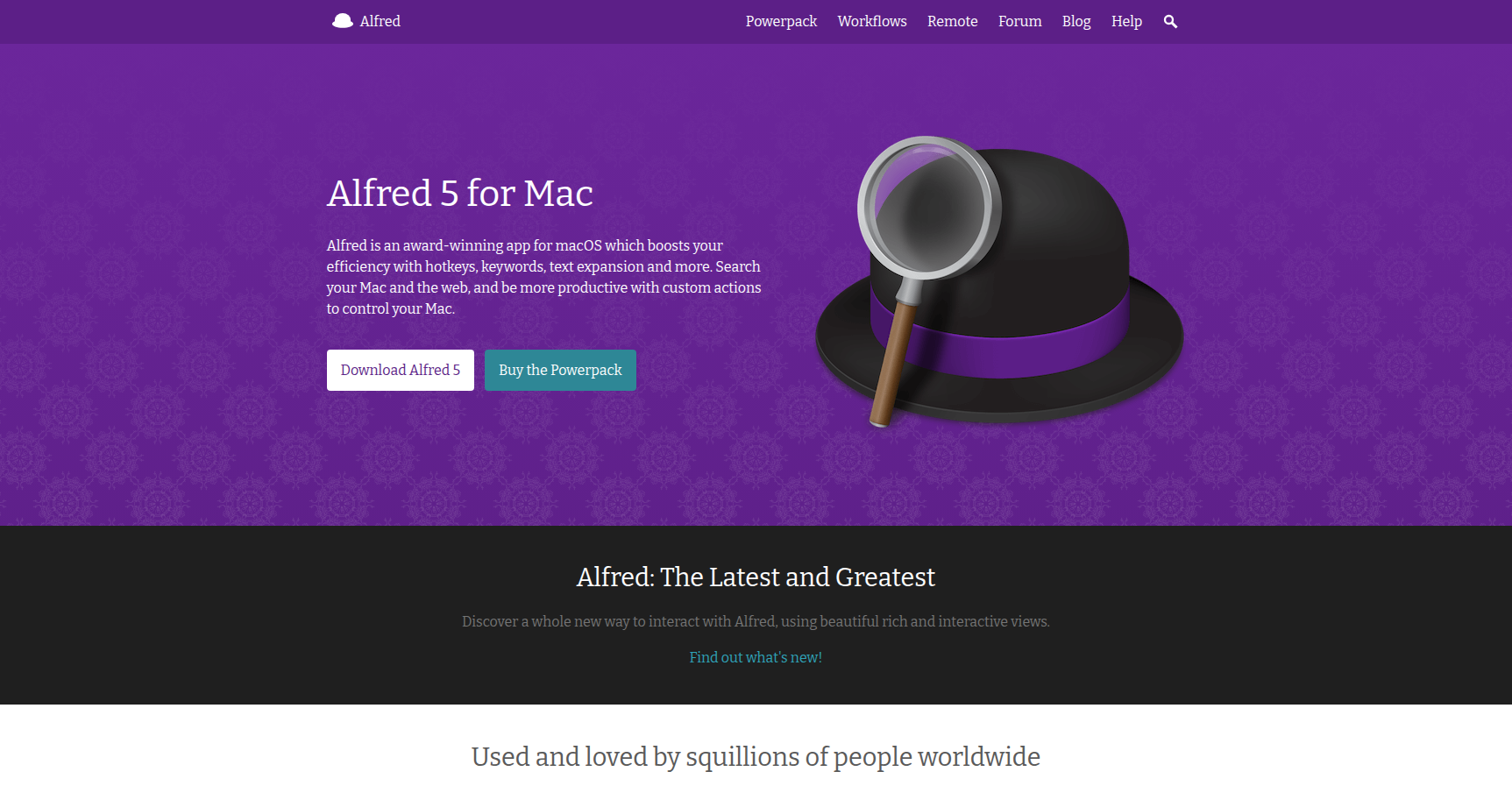
Alfred is a productivity application specifically for macOS that replaces the default Spotlight search. If you are comfortable clicking through menus to find files or launch apps, Spotlight is probably fine for you. However, if you are the type of user who wants to keep your hands on the keyboard and maintain a "flow" state, Alfred acts as a command center for your entire operating system.
The core philosophy here is efficiency at scale. Alfred indexes your data locally, meaning it doesn't rely on cloud processing to find your files or launch scripts. This makes it exceptionally fast and private. It is designed for developers, designers, and power users who want to turn multi-step manual processes (like finding a file, copying the path, and emailing it) into a single keyword command.
Key Features
Workflows (The Powerpack Feature)
This is the main reason to upgrade to the paid version. Workflows utilize a visual, no-code editor that lets you link hotkeys, keywords, and actions together. You aren't limited to just launching apps; you can automate complex tasks like resizing images, controlling smart home devices, or querying specialized databases. If you don't want to build them yourself, there is a massive "Gallery" of community-made workflows you can install to add features instantly.
Clipboard History
This feature is a lifesaver for anyone who writes code or manages content. Alfred keeps a searchable database of everything you have copied, including text, images, and files. You can pull up a history viewer to find and paste a snippet you copied hours or days ago, eliminating the frustration of accidentally overwriting your clipboard.
Universal Actions
Think of this as a context menu for your keyboard. When you select a file or a block of text, you can trigger Universal Actions to do something with that selection immediately. You can move a file, search for a highlighted word in a specific browser, or email a selection without having to drag and drop or open the destination app first.
Snippets & Text Expansion
Alfred includes a built-in text expander. You can create short abbreviations that automatically expand into full paragraphs, email signatures, or code blocks. It is smart enough to handle dynamic placeholders, so you can have it automatically insert the current date or time within the snippet.
File Navigation & Search
While Spotlight finds files, Alfred lets you act on them. You can use advanced filters to search specifically for folders or images. A distinct advantage here is the ability to "Quick Look" files directly from the search bar to preview them without actually opening the file, which saves significant time when hunting for a specific document.
Pricing
Alfred operates on a "freemium" model. The free version handles app launching, basic web searches, and calculation, but the real utility comes from the "Powerpack" upgrade.
- Free Version: Good for basic launching and system commands.
- Single User License (~£34): This unlocks all Powerpack features (Workflows, Clipboard History, Snippets) for one user on up to two Macs. Note that this license is valid only for the current major version.
- Mega Supporter (~£59): This is a lifetime license. It includes free upgrades to all future major versions of Alfred. It also allows activation on up to four Macs for personal use.
There are also corporate licensing options for businesses that need to manage multiple seats.
Pros & Cons
Pros
- Speed: It is consistently praised for being lightweight and fast. Results appear as quickly as you can type, with minimal impact on system resources or battery life.
- Business Model: In a software market saturated with monthly subscriptions, the one-time payment structure is a major selling point.
- Customizability: Between the workflow editor and the community Gallery, you can mold the app to do almost anything.
- Stability: It is a mature, native app that is widely regarded as rock-solid.
Cons
- Learning Curve: The basic features are easy, but the Workflow editor can be intimidating. Non-technical users might struggle to utilize the full potential of the Powerpack.
- Platform Lock-in: This is strictly a macOS tool. There is no version for Windows or Linux.
- Config Overload: It is easy to fall into the trap of "productivity playground," where you spend more time tinkering with your setup than actually working.
- UI Aesthetic: While you can theme it, the interface can feel a bit "functional" or dated compared to newer, more visual competitors.
Verdict
Alfred is the standard-bearer for macOS productivity for a reason. It bridges the gap between a simple app launcher and a full automation engine.
If you are a casual user who just wants to open Safari slightly faster, the free version is sufficient. However, if you are a developer, creative professional, or someone who manages a lot of files, the Powerpack is easily worth the investment. The ability to manage clipboard history and create custom workflows fundamentally changes how you interact with your Mac. Just be warned: you might lose a few hours setting it up exactly how you want it.