
Overview
Raycast is a command-line inspired productivity tool that effectively replaces your default application launcher. Think of it as a significant upgrade to the standard system search bar. It acts as a central hub for controlling your computer, designed specifically to keep your hands on the keyboard and off the mouse.
The core philosophy here is eliminating context switching. Instead of clicking away to check Slack, GitHub, or your calendar, Raycast lets you perform actions in those apps via an overlay without leaving your current window. It is built for software engineers, designers, and power users who want to maintain a "flow" state by executing system-level commands and high-level workflows in milliseconds.
Key Features
The Extension Ecosystem
The real power of Raycast lies in its community-driven store. It is not just for launching apps; it connects directly to the tools you use for work. You can install extensions to manage Pull Requests in GitHub, update Jira tickets, control Spotify playback, or join Zoom calls directly from the command bar. Developers love this because they can build their own extensions using standard web technologies to automate specific personal workflows.
System Replacement Tools (Clipboard & Windows)
Raycast is often called the "app that uninstalls five other apps" because it bundles essential utilities into one interface.
- Clipboard Manager: It keeps a persistent, searchable history of everything you copy (text, images, links). You can search through it and paste old items without needing a dedicated clipboard tool.
- Window Management: You can snap windows to the left, right, or specific corners of your screen using built-in commands. This removes the need for third-party window managers.
AI Integration
The tool features "AI-Native" commands woven into the interface. You can access AI assistance to rewrite emails, summarize text, or generate code snippets without opening a browser. This includes a chat interface and specific commands for quick text manipulation. It supports a range of models, giving you access to standard or high-capacity AI depending on your needs.
Snippets and Quicklinks
For users who type the same things repeatedly, Raycast offers a text expansion engine. You can create triggers to insert email templates, code blocks, or frequently used phrases instantly. Additionally, Quicklinks allow you to set up custom shortcuts that jump to specific URLs or run searches across specific web databases (like searching a private documentation site) immediately.
Pricing
Raycast offers a tiered pricing structure depending on your need for advanced AI features and team collaboration.
- Free Forever Plan: This is surprisingly generous. It includes the full extension store, clipboard history, window management, snippets, and limited complimentary AI messages. It is available for both personal and organizational use.
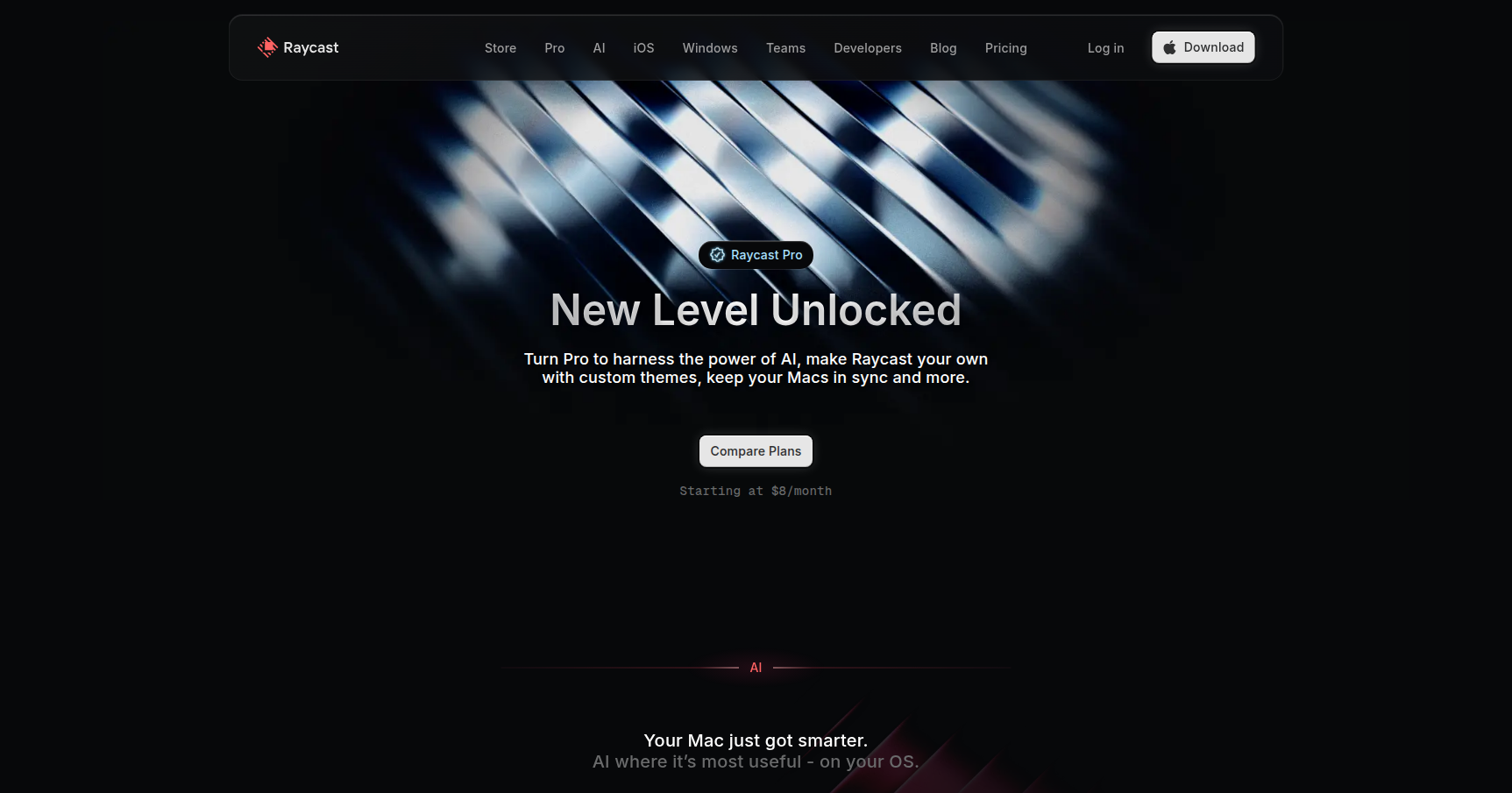
- Pro Plan: Costs roughly $8 per month (billed annually) or $10 monthly. This tier unlocks unlimited standard AI access, Cloud Sync to keep settings consistent across devices, custom themes, and unlimited clipboard history.
- Pro + Advanced AI: Costs approximately $16 per month (billed annually) or $20 monthly. This gives you access to top-tier, high-capacity AI models with higher usage limits for complex reasoning tasks.
- Team Plans: "Teams Pro" is $12 per user/month and adds a private extension store and shared snippets. "Teams + Advanced AI" is $20 per user/month, giving every team member access to the advanced AI models.
Pros & Cons
Pros
- Speed: The interface is snappy and responsive. It generally feels faster than native OS search tools.
- Consolidation: It reduces menu bar clutter by replacing standalone apps for screenshots, window management, and clipboard history.
- Dev-Friendly: The UI is opinionated but clean, and the ability to write custom scripts makes it highly adaptable for engineers.
Cons
- Subscription Fatigue: While the core tool is free, unlocking the AI features adds another monthly subscription to your stack.
- Learning Curve: It is easy to start using it as a basic launcher, but building the muscle memory for all the shortcuts and custom commands takes time.
- Platform Maturity: The tool is incredibly robust on its primary operating system, but versions for other platforms may still be in beta or lack the same depth of extension support.
Verdict
If you are a knowledge worker who lives at a keyboard, Raycast is an immediate upgrade to your workflow. The ability to perform complex tasks without touching the mouse saves a significant amount of micro-time throughout the day.
The Free plan is more than enough for most users to see the benefits of the window management and clipboard history alone. The Pro subscription is mostly a question of whether you want their specific implementation of AI integration or if you prefer using a separate tool for that. For developers and designers, this is an essential installation.