

Overview
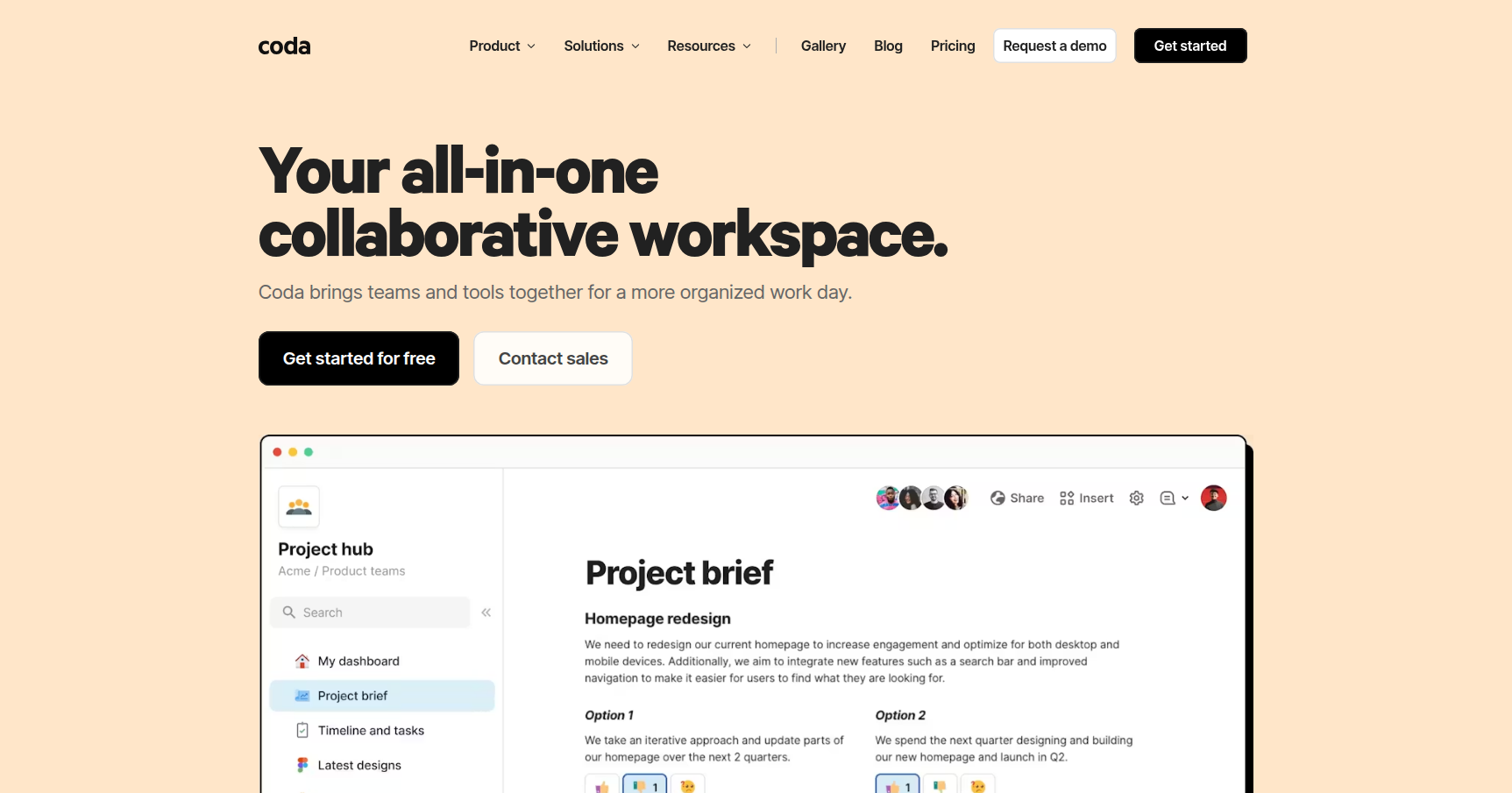
If you have ever felt the pain of having a Google Doc for specs, an Excel sheet for the budget, and a Trello board for tasks, Coda is trying to solve that specific headache. At first glance, it looks like a standard document editor. But underneath the surface, it functions more like an app builder.
The core philosophy here is "Doc-as-App." Instead of static text, you are working with building blocks. You can type up a project brief and drop a database right in the middle of it. Unlike a standard spreadsheet where data is trapped in a grid, Coda treats tables like databases. That means the same set of data can look like a Kanban board to your designer, a Gantt chart to your project manager, and a simple list to your CEO, all without duplicating a single row.
It is heavily used by Product Managers and scaling startups (like Figma and Uber) who need to build internal tools—like an applicant tracking system or a roadmap—but do not want to burn engineering time to build them.
Key Features
The "Doc-as-App" Canvas Most docs are dead surfaces. Coda docs are alive. You can insert interactive elements like voting buttons, sliders, and date pickers directly into the text. This allows you to build "mini-apps" for things like meeting notes where the action items automatically sync to your team's task tracker.
Packs (Integrations that actually work) Integrations in other tools often just show a read-only preview of a link. Coda "Packs" are two-way streets. You can pull live data from Jira, Figma, or Salesforce into your doc. More importantly, you can push updates back. You can configure a button in Coda that, when clicked, updates a Jira ticket status or sends a message to a specific Slack channel.
Buttons & Automations This is probably Coda's standout feature. You can place a physical button inside a row of a table. Let's say you have a table for "Content Approvals." You can add a button labeled "Publish" that, when clicked, marks the row as complete, emails the marketing team, and archives the row. You can also set time-based automations, like sending a summary email of all incomplete tasks every Friday at 9 AM.
Readable Formulas
If you hate the abstract coordinate syntax of Excel (like =SUM(A1:B2)), you will appreciate Coda. It uses named references. A formula in Coda looks like [Tasks].Filter([Status]="Done").Count(). You can use these formulas anywhere in the document, effectively letting you write a report that updates its own numbers as the underlying data changes.
Cross-Doc Syncing For larger organizations, you can't have everything in one massive file. Cross-Doc allows you to have a "Master Roadmap" that pulls specific rows from ten different "Team Docs." The teams work in their own private spaces, but the executive view stays updated automatically.
Pricing
Coda uses a distinct billing model called "Doc Maker" pricing. This is generally very friendly for larger teams because you only pay for the people creating the docs, not the people editing or viewing them.
- Free Plan: Good for personal use or testing. You get unlimited doc size for private docs, but shared docs have a limit on how many "objects" (tables, buttons) you can add. It includes 7-day version history.
- Pro Plan ($10/month per Doc Maker): Removes the object limits and extends version history to 30 days. This also unlocks hidden pages and custom domains.
- Team Plan ($30/month per Doc Maker): This is where the heavy lifting happens. You get unlimited automations, cross-doc syncing, locking permissions (so people don't break your formulas), and unlimited version history.
- Enterprise: Custom pricing for SSO, SOC 2 compliance, and dedicated support.
The Fine Print:
- Editors & Viewers are Free: You could have 1 Maker and 50 Editors on a team, and you would still only pay $10 or $30 a month total.
- Startup Discount: They offer a generous program where eligible startups get the Team plan for free for 6 months.
Pros & Cons
Pros
- Cost Efficiency: The Maker billing model is a massive money saver compared to tools like Airtable or Notion where you pay for every seat.
- Database Power: The table features blow Notion out of the water. If you care about data integrity, formulas, and complex views, Coda is the superior choice.
- Flexibility: It really does bend to your workflow. You aren't forced into a specific project management methodology. You build the tool you need.
Cons
- Performance on Large Docs: This is the most common complaint. If you load a doc with thousands of rows, heavy formulas, and multiple Packs, it will get sluggish. It is not a replacement for a true SQL backend.
- No Native Desktop App: Coda lives in the browser. While you can install it as a PWA (Progressive Web App), the lack of a dedicated, offline-capable desktop app for Mac or Windows frustrates power users.
- Steep Learning Curve: It is easy to type text, but mastering the formula language and understanding how tables link together takes serious effort. It is closer to learning a simplified coding language than learning Microsoft Word.
Verdict
Coda is arguably the most powerful "no-code" doc editor on the market right now. If your team is struggling because your project management tool is too rigid, or your spreadsheets are breaking under the weight of manual updates, Coda is a fantastic solution.
It is specifically best for Product Managers, Operations leads, and startups who need a "single source of truth" that handles data as well as it handles text.
However, if you just want a place to take quick notes and don't care about databases or automation, stick with Notion or Obsidian. Coda shines when you use it to build tools, not just to store static information.