

Overview
If you have been running paid traffic since the iOS 14 update, you know the headache. The link between ad spend and actual revenue is broken. Meta and Google are essentially guessing (modeling) your data because they can no longer track users reliably through browser cookies.
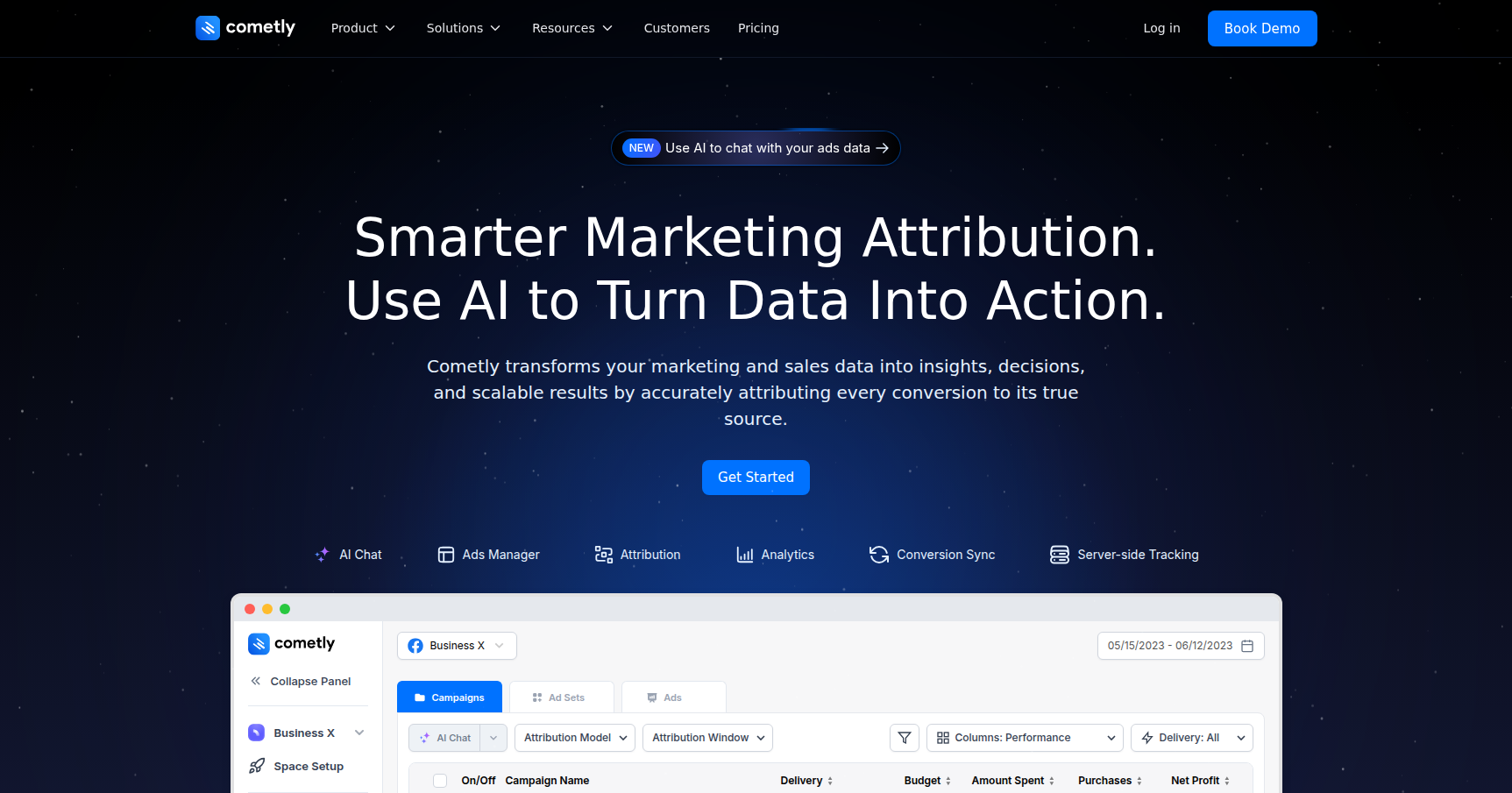
Cometly exists to fix this specific signal loss. It is a server-side tracking and attribution platform that bypasses the reliance on browser pixels. Instead of trusting what the browser sees, Cometly pulls data directly from the server to tell you exactly which ad generated a sale.
This tool is built primarily for E-commerce and DTC brands (Shopify, WooCommerce) and performance agencies. The sweet spot here is for businesses spending between $10,000 and $100,000+ per month on ads. If you are spending that kind of money, a 10% discrepancy in reporting can mean thousands of dollars in wasted spend. Cometly acts as the "source of truth" so you aren't flying blind.
Key Features
Gen-2 Server-Side Pixel
This is the engine under the hood. Most basic trackers rely on client-side (browser) data, which gets blocked by ad-blockers, iOS privacy updates, and brave browsers. Cometly uses a first-party "Gen-2" pixel that tracks events on the server side.
The result is claimed 95%+ attribution accuracy. It captures the data before the browser has a chance to block it. This means when you look at your dashboard, you are seeing actual purchase data matched to specific clicks, not "modeled" or estimated conversions.
The Feedback Loop: Conversion API Sync
Tracking accurate data is only half the battle. The other half is telling the ad platforms what happened so they can optimize. Cometly takes that enriched server-side data and pushes it back into Meta and Google’s Conversion APIs.
This is critical because it "trains" the ad platform's AI. When Meta knows exactly who bought (instead of guessing), it can find more people like that. It improves your match rates significantly compared to the standard Facebook Pixel setup.
AI Ads Manager
Usually, you have to look at your tracker for data, then tab over to Facebook Ads Manager to kill a campaign. Cometly integrates management directly into its interface.
You get a control room where you can turn ads on or off and adjust budgets based on Cometly’s accurate data without leaving the platform. They have also added an AI assistant that allows you to ask natural language questions like "Which ad set had the highest profit last week?" to get instant analysis.
Customer Journey & Attribution Models
Not every sale happens on the first click. Cometly offers granular "Conversion Profiles" that show the timeline of a specific customer. You can see if they clicked a TikTok ad on Monday, Googled your brand on Wednesday, and clicked a retargeting ad on Friday before buying.
They support multiple attribution models (First Click, Last Click, Linear) so you can understand how your top-of-funnel ads are contributing to revenue, even if they aren't the final touchpoint.
Pricing
Cometly isn't cheap, but it is priced for businesses where data accuracy creates ROI. They generally push for a demo to give custom quotes for larger accounts, but here is the typical breakdown:
- 14-Day Free Trial: You get full access and about 10 Free AI Credits to test the assistant.
- Lite/Starter (~$199 - $500/mo): This is for smaller shops tracking roughly $10k to $50k in monthly ad spend. You get the core server-side tracking and attribution.
- Growth (~$1,000/mo): For the mid-market teams spending up to $100k/mo. This opens up advanced reporting, more user seats, and better CRM integrations.
- Enterprise ($5,000+/mo): For high-volume brands and agencies needing unlimited tracking and custom API work.
Note: There used to be chatter about a "Free Forever" plan for very small spends, but they have pivoted to a paid-model focus.
Pros & Cons
Pros
- Data Integrity: It consistently uncovers sales that Meta Ads Manager misses. The server-side match rate is undeniably better than browser tracking.
- Shopify Integration: The setup is widely praised as being much easier than competitors like Hyros. For Shopify users, it is nearly "one-click."
- UI/UX: The interface is cleaner and faster than the native Facebook Ads Manager.
- Support: Technical support is actual humans who understand ad tech, which is rare in this space.
Cons
- Cost Barrier: For a bootstrapper spending $2k/mo on ads, paying $200/mo for tracking is a hard pill to swallow. It eats into margins if you lack the volume.
- Learning Curve: While the UI is nice, understanding the difference between "Linear" and "Last Click" attribution takes some marketing maturity.
- Documentation: If you have a weird custom tech stack (headless commerce, custom checkout), the self-serve documentation might be a bit thin.
- Occasional Latency: During high-traffic events (like Black Friday), some users notice a slight delay in real-time reporting.
Verdict
Cometly is a strong piece of tech for a specific type of user.
If you are a solo dropshipper spending $50/day, you do not need this yet. Stick to the basics until you scale.
However, if you are an E-commerce brand or agency spending over $10k/month, Cometly is a verified recommendation. The reality is that the native data on Meta is degrading. If Cometly helps you identify just 10% more profitable ads or prevents you from killing a winning campaign because Meta reported zero sales, the software pays for itself immediately.
It is easier to set up than Hyros and provides better actionable data than Triple Whale for pure media buying decisions. It restores the visibility you lost three years ago.