

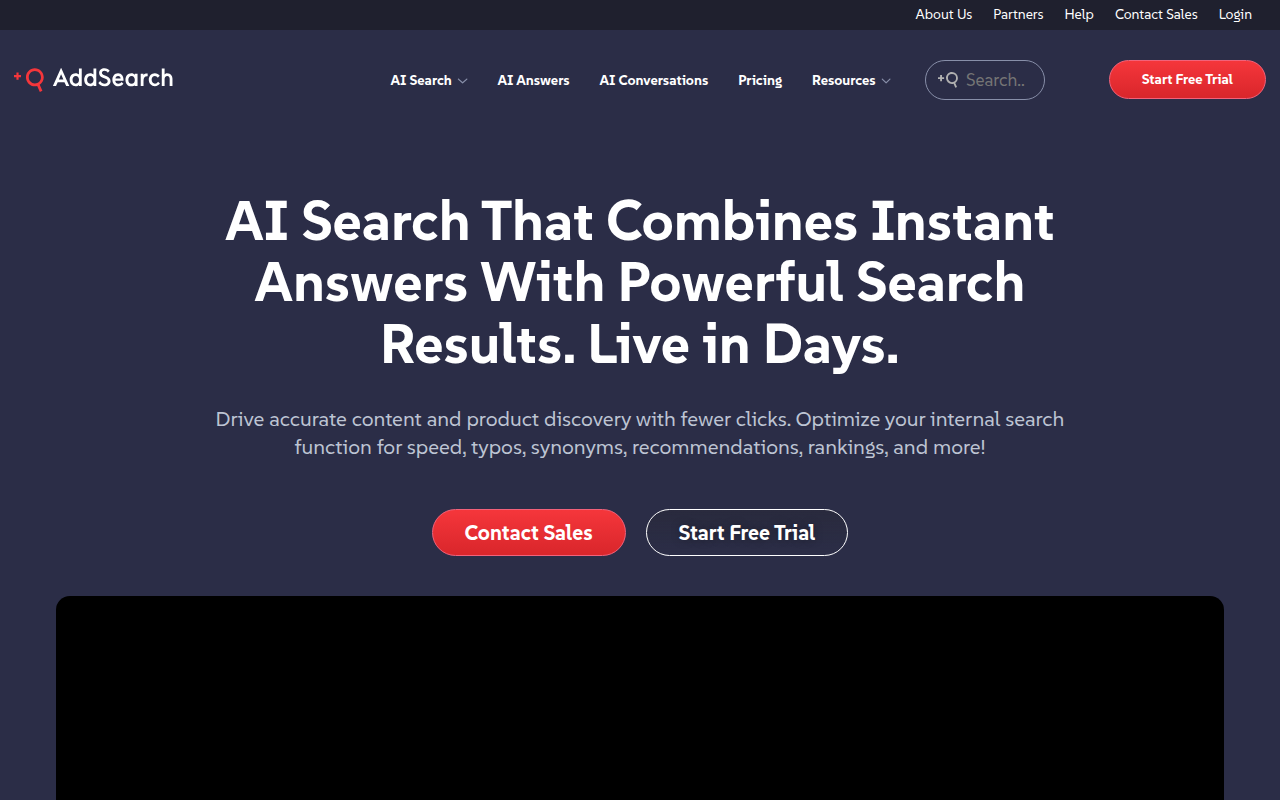
Overview
AddSearch is a dedicated site search solution that tries to solve a very specific problem: default internal website search usually sucks. If you have ever tried to find a specific product on a retailer's site or a policy document on a government portal and got zero results, you know the pain. AddSearch replaces those native, database-heavy search bars with a hosted, crawler-based engine.
The platform sits comfortably in the "middle market" of search tech. It is significantly more powerful than a WordPress plugin but doesn't require the massive engineering resources needed to maintain a custom Elasticsearch or Solr instance. It works by crawling your site much like Google does, indexing the content, and serving results from an in-memory engine.
This tool is best suited for e-commerce brands, government bodies, and large media portals. Basically, if your organization relies on users finding specific content to generate revenue or reduce support tickets, AddSearch is built for you. If you just have a small personal blog, this is likely overkill.
Key Features
In-Memory Search & Crawler-First Architecture
Most basic search tools query your database every time a user types a letter. That is slow and heavy. AddSearch indexes your site content and stores it in its own high-speed memory (RAM). This results in search predictions appearing in milliseconds as the user types. Because it uses a crawler, implementation is often as simple as pasting your URL and letting the bot do the work. It handles complex document types too, easily indexing PDFs, Word docs, and PowerPoint files.
AI Answers & Retrieval-Augmented Generation (RAG)
This is the modern layer on top of the search index. Instead of just giving the user a list of blue links, AddSearch uses Generative AI to read the search results and synthesize a direct answer.
- Conversational Interface: Users can ask follow-up questions.
- Context Awareness: It understands that if a user searches for "tuition" on a university site, they probably want a dollar amount, not a blog post from 2018 about a fundraiser.
Visual Search Designer
Marketing teams often clash with developers over how the search bar looks. AddSearch includes a "no-code" visual editor. You can tweak fonts, colors, layout, and result styling to match your brand guidelines without touching the CSS files. It supports mobile responsiveness natively, so you don't have to build separate views for phone users.
Merchandising & "Pinning"
For e-commerce and media sites, the "most relevant" result isn't always the one you want to show first. You might want to clear out old inventory or highlight a breaking news story. AddSearch allows you to manually "pin" specific pages to the top of results for certain keywords. If someone types "running shoes," you can force your new arrival to the #1 spot regardless of the algorithmic ranking.
Multi-Domain Search
This is a massive time-saver for large organizations. If you run example.com, shop.example.com, and support.example.com, AddSearch can crawl all of them and combine the results into a single interface. The user doesn't care that your store is on Shopify and your blog is on WordPress; they just want to find the product.
Pricing
AddSearch operates on a SaaS subscription model. There is no permanent free tier, which reflects its positioning as a business tool, but they do offer a 14-day full-feature trial.
- Professional Plan (~$99/mo): This is the entry point. You get the core search engine, support for one domain, and standard analytics. It is billed annually.
- Premium Plan (~$499/mo): This is where the advanced tech kicks in. It includes the AI Answers (GenAI), personalized results based on user behavior, and a dedicated implementation manager to help you get set up.
- Enterprise Plan (Custom): For the big players. Includes a 99.999% SLA, Single Sign-On (SSO), unlimited domains, and advanced user management permissions.
Pros & Cons
The Good
- Performance: The in-memory engine is legitimately fast. The "instant" feel as you type helps user retention.
- Tech Support: User sentiment consistently highlights that the support team is composed of actual humans who help with technical implementation, not just bots reading scripts.
- Implementation Speed: Since it crawls your site, you can get a functional search index up and running in minutes, not weeks.
- Search Map Analytics: The dashboard provides a "Search Map" that visualizes what people are looking for and, more importantly, what they are looking for but not finding (Zero Results).
The Bad
- Cost: Starting at around $99/month, it is expensive for small businesses or hobbyists compared to cheaper plugins like Site Search 360.
- Dashboard UI: While functional, the admin interface feels a bit dated compared to newer, hyper-minimalist SaaS tools.
- Indexing Lag: On lower-tier plans, if you update a page on your site, it might take a little while for the crawler to come back and update the search index unless you trigger it manually.
- Complexity Gap: While the basics are easy, using the API for deep customization or fine-tuning ranking weights requires a developer who knows what they are doing.
Verdict
AddSearch is a robust, "set it and forget it" solution for mid-to-large-sized organizations that have outgrown their native search bar. It bridges the gap between simple plugins and massive enterprise architecture effectively.
I recommend AddSearch if: You manage an e-commerce site, university portal, or government website where accurate information retrieval is critical to your operations. The ability to use AI to summarize answers and the multi-domain crawling make it a strong contender against giants like Algolia, especially if you lack a large dev team to build a custom UI.
I would skip it if: You run a simple blog or a small portfolio site. The $99/month starting price is hard to justify unless the search bar is directly driving revenue or significantly reducing your customer support costs.