
Overview
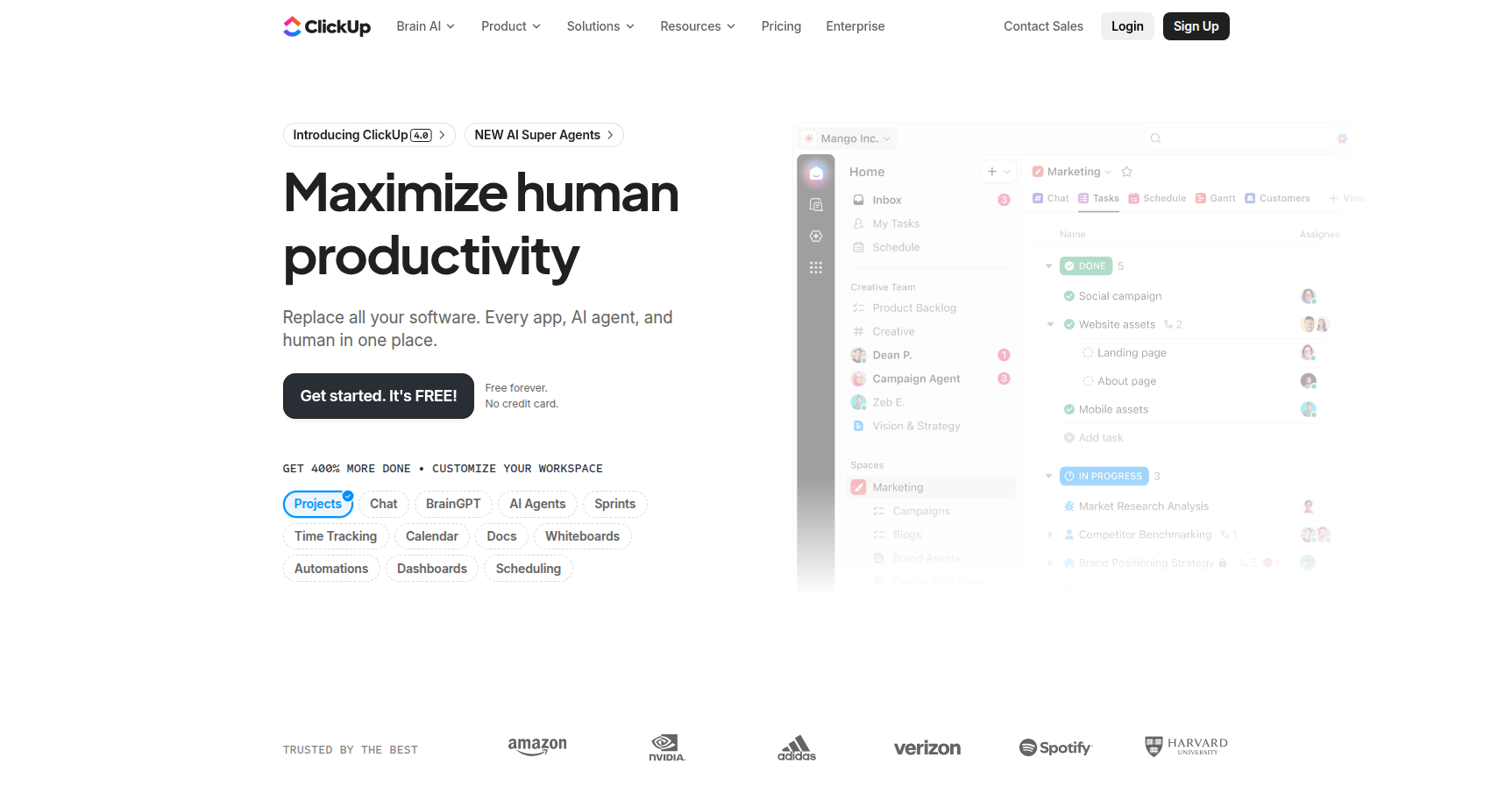
ClickUp markets itself as the "everything app for work." The goal is ambitious: they want to stop you from toggling between Jira, Asana, Slack, and Google Docs by shoving all that functionality into a single browser tab.
If you are tired of "tool sprawl," this is the software equivalent of a Swiss Army knife. It is built around a rigorous hierarchy (Workspace > Spaces > Folders > Lists > Tasks) that allows you to manage high-level executive goals alongside granular daily subtasks. It is not a simple to-do list. It is a massive relational database disguised as project management software.
It works best for agile software teams, marketing agencies, and operations managers who need deep visibility. However, the sheer volume of buttons and settings means it is overkill if you just need to track a grocery list.
Key Features
The Hierarchy & Everything View Most PM tools use a flat structure. ClickUp forces you into a specific hierarchy that organizes work logically. The real power here is the "Everything View." This allows a manager to look across the entire workspace and see every single task across every department in one list, filtered exactly how they need it. It solves the visibility problem where tasks usually go to die in isolated folders.
15+ Dynamic Views You aren't stuck with a standard list. You can toggle between Board view (Kanban), Gantt charts, Timelines, and Mind Maps. For resource managers, the "Workload" view is essential for capacity planning to see who is burnt out and who has bandwidth. There is even a "Map View" for location-based logistics.
ClickUp Brain (AI) This is their integrated AI layer available as a paid add-on. It goes beyond simple text generation. It acts as a workspace search engine that can answer questions like "What did the design team decide about the logo?" by scanning your tasks, docs, and chat threads. It can also summarize long update threads and automate data entry, which saves actual administrative time.
Whiteboards ClickUp includes a native digital canvas similar to Miro or FigJam. The distinct advantage here is integration. You can brainstorm on a whiteboard with sticky notes and immediately convert those shapes into trackable tasks without leaving the board. It bridges the gap between ideation and execution.
Pricing
ClickUp generally offers more features per dollar than competitors like Asana or Monday.com. Note that they push a 30% discount for annual billing.
- Free Forever: $0. Surprisingly robust. You get unlimited tasks and members. The catch is storage (100MB cap) and limits on advanced features like Gantt charts (60 uses).
- Unlimited: ~$7/user/month (annual). The sweet spot for small teams. Removes storage caps, unlocks unlimited integrations, and allows guest permissions.
- Business: ~$12/user/month (annual). Aimed at mid-sized teams. Necessary if you need Google SSO, advanced time tracking, and unlimited "Teams" (user groups).
- Enterprise: Custom pricing. Required for white-labeling and HIPAA compliance.
- ClickUp Brain: An extra $7/user/month on top of any paid plan.
Pros & Cons
Pros
- Extreme Customization: If you can dream up a workflow, you can probably build it here using custom fields and statuses. It molds to your process rather than forcing you to adapt to the tool.
- Feature Density: You get native time tracking, documents, and screen recording without paying for extra plugins.
- Velocity: The development team ships updates constantly. If a feature is missing today, it might be there next week.
- Context: The "Subtasks in Multiple Lists" feature is brilliant. A single task can live in a "Marketing" list and a "Product Launch" folder simultaneously without duplicating the work.
Cons
- Steep Learning Curve: New users often feel overwhelmed. The UI is dense. Expect to spend time configuring views and training your team on how to use it, otherwise it becomes a mess.
- Performance: Historically, the app has struggled with lag in large workspaces. While the "ClickUp 3.0" update improved speeds significantly, it can still feel heavier than lightweight tools like Trello.
- Notification Overload: The default settings notify you about everything. You need to dial these back immediately or your inbox will be unusable.
- Mobile App: It has improved, but the mobile experience is still buggy and less intuitive than the desktop version.
Verdict
ClickUp is the best option for "Power Users" and organizations that want granular control over their workflows. If you are willing to invest the initial setup time to configure the hierarchy and automations, it offers incredible ROI by replacing 3 or 4 other monthly subscriptions.
However, if your team resists change or prefers simplicity, ClickUp might bounce off them hard. It requires a commitment to the ecosystem. If you just want to track simple tasks, look elsewhere. If you want to run an entire company OS in one tab, this is it.