
Overview
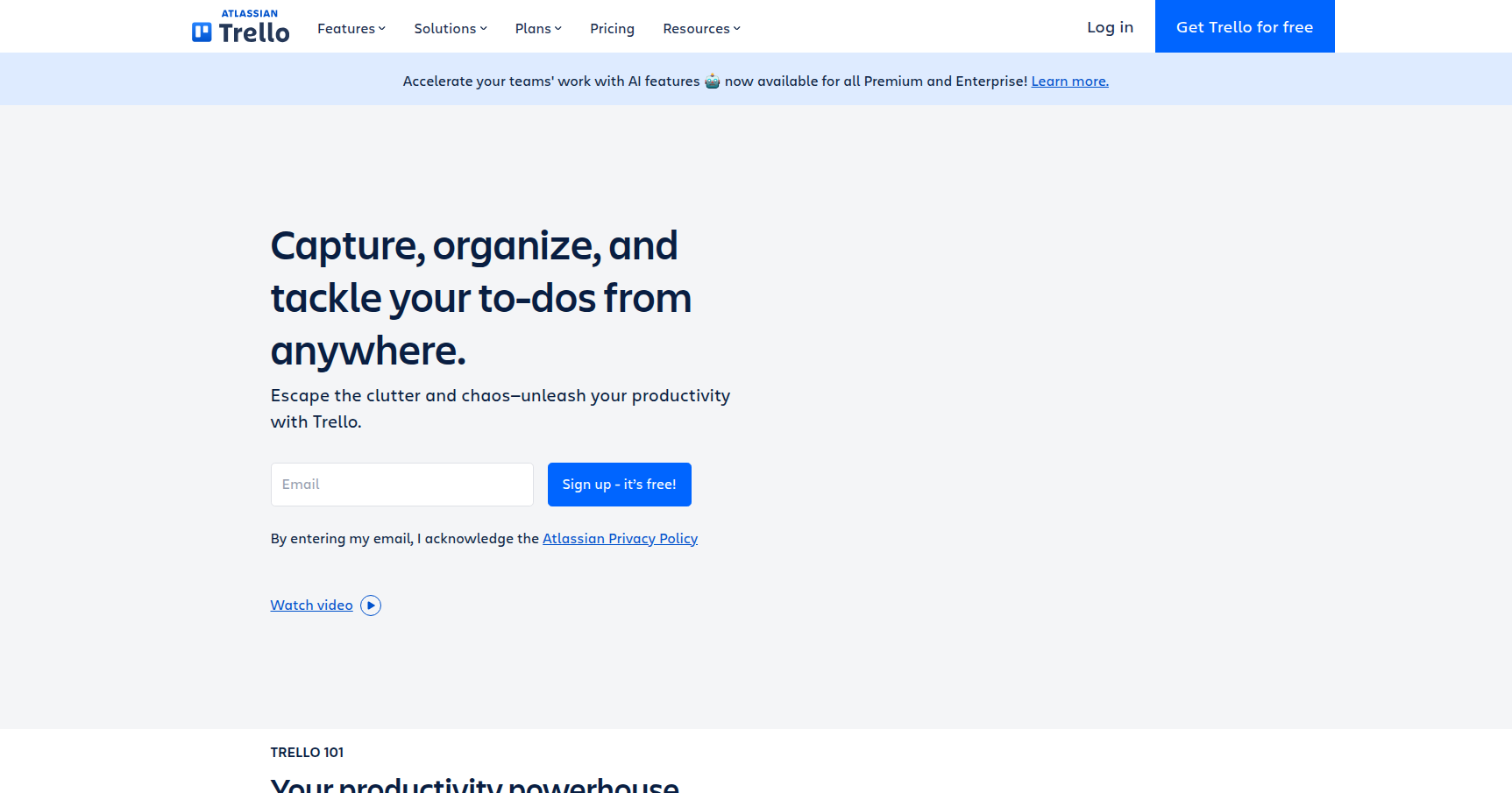
Trello is the digital equivalent of a wall covered in sticky notes, but one that actually keeps your team organized rather than falling off the plaster. Owned by Atlassian, it is arguably the tool that popularized the Kanban methodology for the general public. The concept is deceptively simple: you have Boards (projects), Lists (stages like "To Do" or "Done"), and Cards (tasks).
While many project management tools try to force you into a specific rigid workflow, Trello acts as a blank canvas. It is designed for visual thinkers, creative agencies, marketing teams, and anyone who wants to see the status of a project at a single glance. It removes the administrative overhead usually associated with project management software. You drag a card from left to right, and everyone knows the job is moving forward. It’s not built for complex engineering dependencies, but for general workflow tracking, it remains the standard to beat.
Key Features
The Kanban Board & Views
The core experience is the Board view, which mimics physical columns. However, Trello has evolved beyond just vertical lists. If you are on the Premium plan, you get access to the Timeline, Calendar, Table, and Map views. This allows managers to visualize the same data in different ways. For example, a content team can view tasks on a Kanban board, while the manager views the same cards on a Calendar to check publication dates.
Butler Automation
This is Trello's built-in, no-code robot. Butler allows you to set up rules to automate tedious admin work. For instance, you can create a rule that says: "When a card is moved to the 'Done' list, mark the due date as complete, remove all members, and post a message in Slack." You don't need to be a developer to set this up. It works on simple "If This, Then That" logic, saving your team from clicking around unnecessarily.
Power-Ups (Integrations)
Trello keeps its core lightweight by offloading complex features to "Power-Ups." These are essentially plugins that connect your board to the rest of your tech stack. You can attach Google Drive files directly to cards, create Jira tickets from Trello, or sync with Slack. There are over 200 of these integrations. Crucially, the Mirror Cards feature (a relatively new addition) allows you to sync one card across multiple boards. If you update the status on a personal board, it updates on the team board automatically.
Atlassian Intelligence (AI) & Smart Features
Rolling out through 2024 and 2025, Trello has integrated AI to handle text-heavy grunt work. Atlassian Intelligence can summarize long comment threads on a card so you don't have to read the whole history. It can also draft task descriptions or brainstorm action items based on a rough prompt. Additionally, the new Trello Inbox helps capture tasks from email and Slack, while the Planner view lets you drag those tasks onto a calendar to block out focus time.
Pricing
Trello’s pricing structure is straightforward, though recent changes to the free tier have introduced some friction for larger teams trying to pay nothing.
- Free Tier ($0/user): Good for individuals or very small startups. You get unlimited cards and up to 10 boards per Workspace. The Catch: There is now a strict limit of 10 collaborators per workspace. If your team is larger than 10 people, you cannot stay on the free plan.
- Standard Plan (~$5/user/mo): Best for scaling teams. This unlocks unlimited boards and adds Custom Fields (vital for tracking specific data like priority or cost) and Advanced Checklists (assigning due dates to sub-tasks).
- Premium Plan (~$10/user/mo): The most popular tier for businesses. This unlocks the advanced views (Calendar, Timeline, Map), unlimited Butler automation runs, and the AI features.
- Enterprise Plan (Starts at ~$17.50/user/mo): For large orgs needing SSO, deeper security controls, and multi-board permission management.
Note: Trello typically offers a 14-day free trial of the Premium features.
Pros & Cons
Pros
- Zero Learning Curve: You can onboard a new hire in five minutes. If they know how to use a sticky note, they know how to use Trello.
- Visual Satisfaction: Moving a card to the "Done" column provides a tangible sense of progress that checklist-style tools often lack.
- Mobile Experience: The iOS and Android apps are excellent. They are fast, responsive, and mirror the desktop functionality almost perfectly.
- Flexibility: It doesn't care if you are tracking software bugs, a wedding plan, or a sales pipeline. The tool adapts to your process, not the other way around.
Cons
- The "Clutter" Factor: Trello boards do not scale well visually. If you have a list with 100 cards, the board becomes noisy and difficult to parse.
- Weak Native Reporting: Unless you pay for Premium or use third-party Power-Ups, getting high-level analytics (like burndown charts or time tracking) is difficult.
- Dependency Management: It is not great for complex "waterfall" projects. If Task B cannot start until Task A is finished, Trello doesn't handle that link as strictly or clearly as tools like Asana or Microsoft Project.
- Free Tier Restrictions: Long-time users have expressed frustration with the tightening limits on the free plan, specifically the cap on collaborators.
Verdict
Trello is the Honda Civic of project management tools: reliable, approachable, and it gets you where you need to go without overcomplicating the drive.
It is the best choice for marketing teams, creative agencies, and remote squads who need a shared digital workspace but hate the rigidity of "enterprise" software. If your workflow involves moving a task through distinct stages (Idea -> Drafting -> Review -> Published), Trello is unbeatable.
However, if you are running a complex engineering team that requires strict dependency chains, detailed resource management, or native Gantt charts for a 500-task project, you will likely outgrow Trello and should look toward Jira or Asana. For everyone else, Trello remains the gold standard for visual collaboration.