

Overview
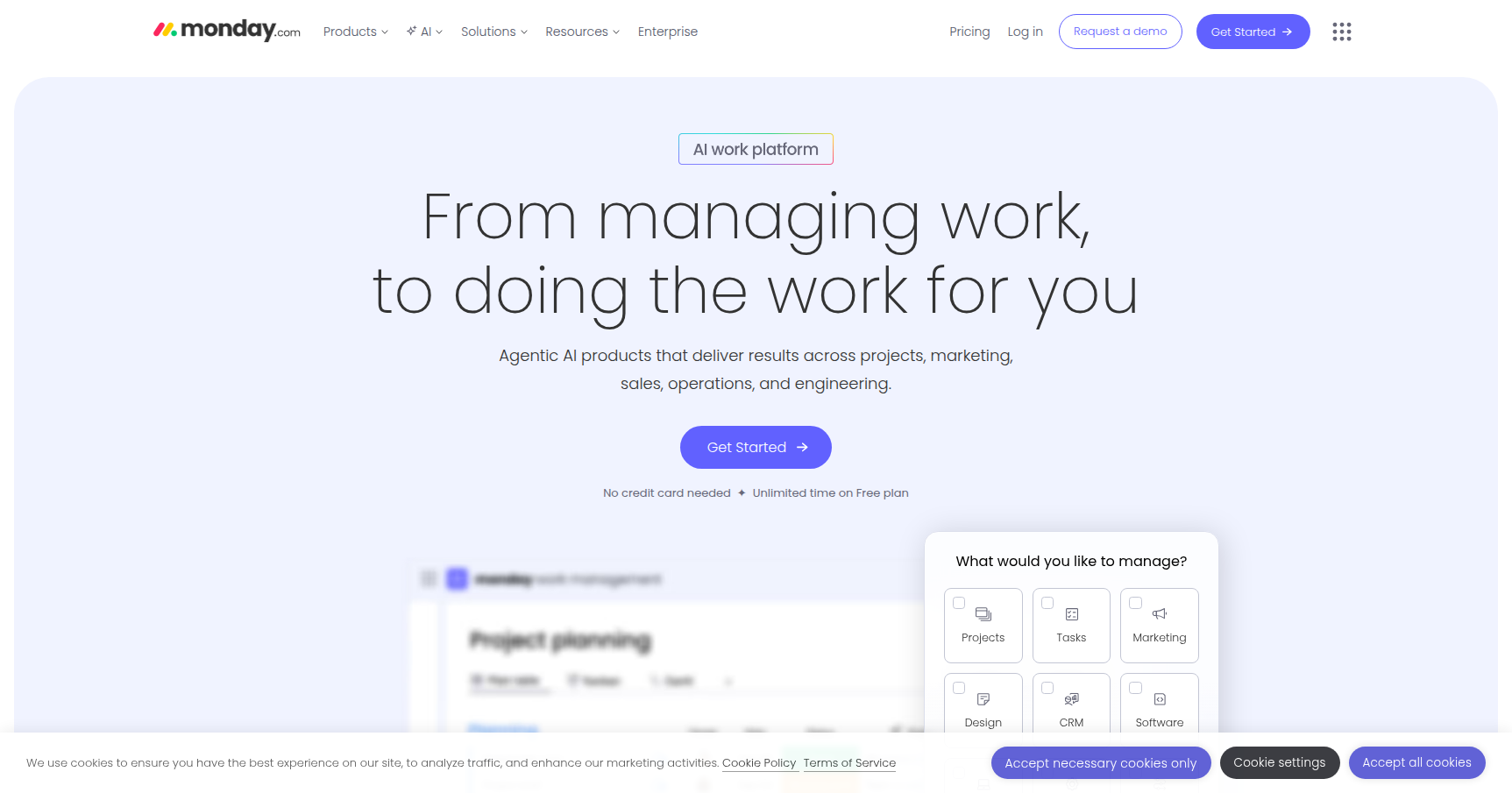
monday.com bills itself as a Work Operating System (Work OS). If you strip away the marketing jargon, that essentially means it is a highly visual, colorful database that you can mold into whatever tool you need. It started as a straightforward project management platform to compete with Asana or Trello, but it has evolved into a multi-product ecosystem. Today, you can use it to build your own CRM, run software development sprints, or manage IT tickets.
The core philosophy here is eliminating "information silos." Instead of having your design team on Trello, your sales team in Salesforce, and your management team drowning in Excel sheets, monday.com attempts to consolidate that data into a single "Source of Truth."
It creates a structure that works for everyone from a 3-person marketing agency to giants like Coca-Cola and Hulu. It is specifically designed for visual-first users. If you find Jira too technical or spreadsheets too ugly and prone to breaking, monday.com is usually the alternative you are looking for.
Key Features
The Board & Column System
At its heart, monday.com is built on "Boards" (think of them as super-powered spreadsheets). But unlike a static Excel sheet, every column is actionable. You have over 30 column types to play with, ranging from simple Status buttons and Person assignees to more complex World Clocks and Formula columns.
What makes this unique is the visual feedback. You can tell the status of a project at a glance based on the color-coded columns. For 2025, they have also introduced Custom Item IDs, which is a massive quality-of-life update for organizations that need to reference specific tasks across different departments without getting confused.
No-Code Automations & Integrations
This is where the platform saves you actual hours. You don’t need to be a developer to build workflows. The automation builder uses a simple "If-This-Then-That" logic (e.g., "When status changes to Done, move item to Archive and email the client").
It connects with over 200 external apps like Slack, Gmail, Zoom, and Salesforce. A standout feature here is the ability to use Mirror Columns. This allows you to sync data between two different boards. If you update a deadline on the "Master Portfolio" board, it automatically updates on the specific "Marketing Project" board. This keeps cross-functional teams on the same page without manual double-entry.
Multi-Product Ecosystem
monday.com isn't just one generic tool anymore. They have split the platform into specialized products that sit on top of the core OS:
- monday CRM: Dedicated pipelines for lead management.
- monday dev: Built for R&D teams with features for sprint management and bug tracking.
- monday service: A newer offering for ITSM and support tickets.
monday AI Assistant
Rolling out more broadly in late 2024 and 2025, the AI features here are actually useful rather than just gimmicky. The assistant can summarize long update threads (saving you from reading 50 comments to find the decision), autofill board data, and even generate complex automation recipes from natural language commands.
Pricing
The pricing model is the most controversial part of monday.com because of the 3-seat minimum. Even if you are a team of two, you pay for three.
- Free Plan ($0): Good for solo freelancers only. You get 2 seats, 3 boards, and 200 items. It is very limited but functional for personal tracking.
- Basic ($9/user/mo): Honestly, skip this. It gives you unlimited boards but offers no automations or integrations. You are paying for a fancy to-do list.
- Standard ($12/user/mo): This is the "real" entry point for most businesses. It includes the Timeline and Gantt views, guest access, and 250 automation actions per month.
- Pro ($19/user/mo): The power-user tier. This unlocks Time Tracking, Formula columns, private boards, and a massive jump to 25,000 automation actions per month.
- Enterprise (Custom): For the big players needing advanced security, permissions, and reporting.
Note: All paid prices are billed annually. There is a 14-day free trial of the Pro plan available.
Pros & Cons
Pros
- Best-in-Class UI: It is arguably the most intuitive tool on the market. Onboarding new team members takes minutes because the interface makes sense.
- Flexibility: You can build a CRM in the morning and a content calendar in the afternoon using the same building blocks.
- Support & Community: Their 24/7 live chat is responsive, and the "monday academy" offers excellent tutorials.
- Fewer Meetings: The "Updates" section on specific items keeps communication contextual. Users report significantly less email clutter and fewer status-update meetings.
Cons
- The 3-User Minimum: This is a hard barrier for duos or solo power users who want paid features.
- Feature Gating: Essential project management features like Gantt Charts are locked behind the Standard plan, and Time Tracking is locked behind Pro. This forces many teams to upgrade earlier than they want to.
- Mobile App Weakness: The mobile app is fine for checking status, but don't expect to build dashboards or manage complex views from your phone.
- Action Limits: On the Standard plan, 250 automation actions per month burn out incredibly fast if you have an active team.
Verdict
monday.com is the best choice if your team values visuals and customization over strict, traditional project management methodologies. It excels for marketing, creative, operations, and sales teams who need a flexible workspace that looks good and automates the boring stuff.
However, be careful with the pricing tiers. If you absolutely need Time Tracking or have a heavy reliance on Automations, the bill will jump to the Pro tier ($19/user) very quickly. If you are a solo developer or a strict Agile shop, you might find tools like Jira or Linear more aligned with your specific workflow.
Recommendation: Start the 14-day Pro trial. If you can't build your ideal workflow within the first two hours, it likely isn't for you. But for most teams, it replaces about four other tools immediately.