

Overview
If you have spent any time in the software industry, you know the specific pain of waiting three seconds for a Jira ticket to load. Linear exists to kill that latency.
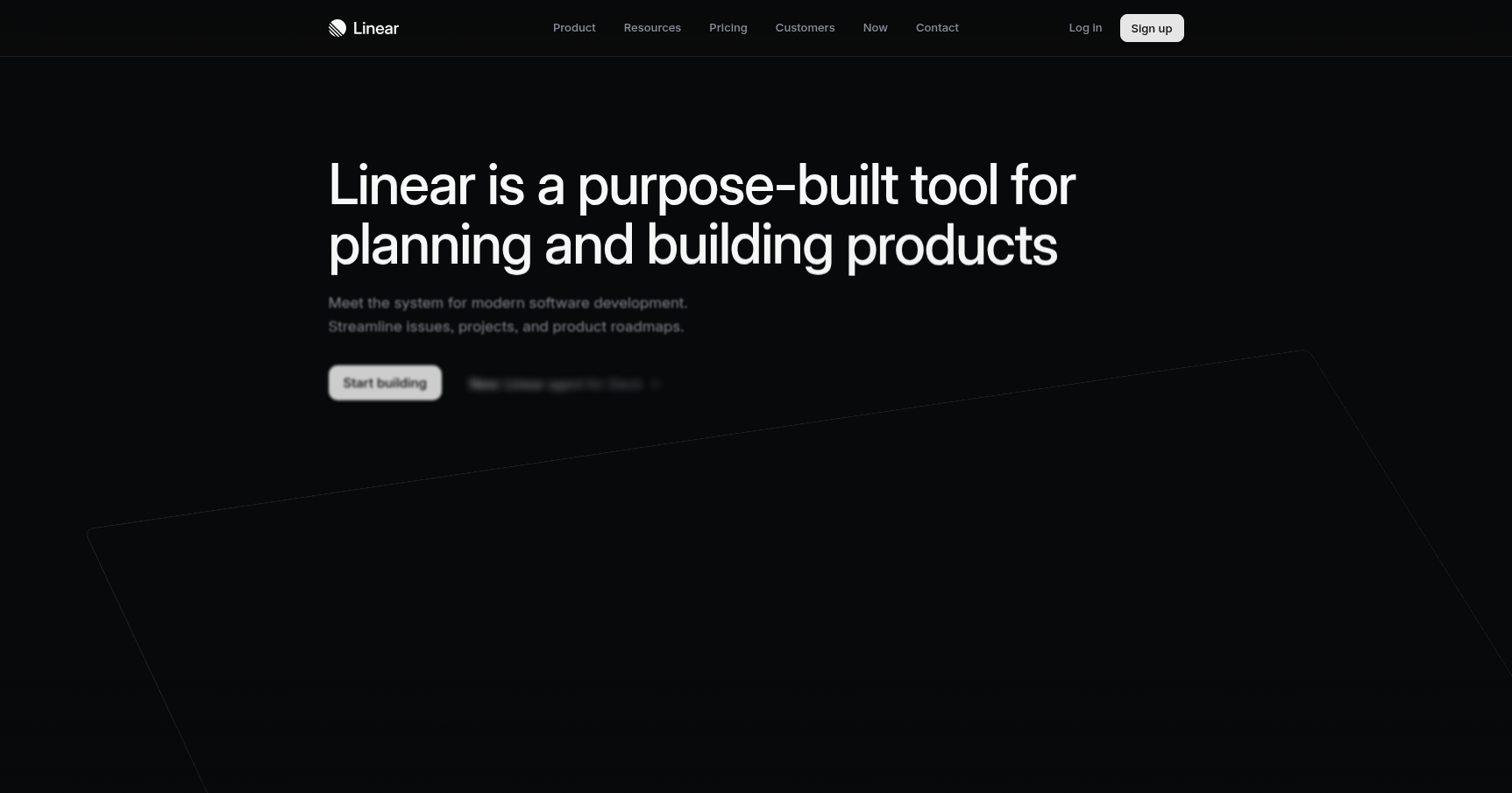
Linear is a project management tool built explicitly for software development teams (Engineering, Product, and Design). It has gained a massive following not because of a aggressive sales team, but because it treats project management as a workflow problem rather than a reporting problem.
The philosophy here is "opinionated." Unlike tools that let you customize every field until the UI breaks, Linear forces you into a specific way of working known as the "Linear Method." It prioritizes speed, keyboard shortcuts, and minimalism. It is designed to get out of your way so you can get back to your IDE.
If your team is agile, values aesthetics, and hates "work about work," this is likely the tool you have been looking for. If you run a rigid Waterfall process with heavy compliance reporting, this tool will fight you every step of the way.
Key Features
Here is what makes Linear actually different from the sea of Kanban boards out there.
Speed and Local-First Architecture
This is the headline feature. Linear is engineered with a "local-first" architecture. When you open the app or the browser tab, it downloads a copy of your database to your device.
This means interactions are near-instant (sub-100ms). When you click a ticket, it opens immediately. There is no loading spinner. The app syncs your changes to the cloud in the background. It also means you can keep working on a plane or a spotty connection without losing data. It feels less like a website and more like a native code editor.
The Command Menu (Ctrl+K)
Linear is designed to be used without a mouse. If you are comfortable with Spotlight on macOS or the command palette in VS Code, you will feel right at home.
Hitting Cmd+K (or Ctrl+K) brings up the global command menu. From here, you can create issues, change statuses, assign teammates, or jump to a specific project without taking your hands off the keyboard. It reinforces the "flow state" that is crucial for developers.
Cycles (The Linear Approach to Sprints)
Linear doesn't do generic "Sprints." It uses "Cycles." While the concept is similar to a Scrum sprint, the implementation is less punitive.
Cycles are automated. You set a duration (usually 1 or 2 weeks). At the end of the cycle, unfinished work doesn't sit there triggering red alerts. It simply rolls over to the next cycle or moves to the backlog. It encourages momentum rather than panic. It tracks velocity automatically so you can see how much work your team actually clears without setting up complex dashboards.
Triage and "Asks"
One of the biggest issues in product management is the noise. Every bug report or feature request usually lands directly in the backlog, creating a mess.
Linear solves this with Triage. New issues land in a specific inbox where a team lead must review them. You can accept it into the backlog, delete it, or merge it with a duplicate.
On the Business plan, this expands into Linear Asks. This connects to Slack or Zendesk. When a support agent or a colleague reports a bug in Slack, you can turn it into a Linear ticket instantly. It funnels external noise into a structured internal workflow.
Pricing
Linear keeps its pricing structure fairly simple. Prices listed below are based on December 2025 data.
Free Tier
- Cost: $0.
- Best for: Side projects or very small startups.
- Limits: 250 active issues (archived issues don't count against this), 2 teams, basic Slack/GitHub integrations.
Basic Plan
- Cost: $8/user/month (billed annually) or $10 monthly.
- Best for: Most growing teams.
- Features: Unlimited issues, unlimited file uploads, 5 teams, admin roles.
Business Plan
- Cost: $14/user/month (billed annually) or $16 monthly.
- Best for: Scale-ups needing analytics and help-desk features.
- Features: Linear Asks (internal help desk), Linear Insights (advanced analytics), Private Teams, SAML/SSO for security.
Note for Startups: If you are early-stage (usually under 50 employees), check their partner deals (YC, Sequoia, Mercury, etc.). You can often get 6 months free of the Basic or Business plan.
Pros & Cons
Pros
- The Developers Will Actually Use It: This is the biggest ROI. Because it is fast and keyboard-centric, engineers don't dread updating their tickets.
- Zero Lag: The performance creates a tangible difference in daily mood and efficiency.
- Git Integration: It links PRs to issues seamlessly. Merging a PR in GitHub can automatically close the issue in Linear.
- Design: It is arguably the best-looking B2B software on the market. Dark mode is enabled by default.
Cons
- Very Rigid: You play by Linear's rules. If you want custom fields for fifteen different types of metadata, Linear will not support it.
- Limited Reporting: The "Insights" are decent for velocity tracking, but if upper management demands complex pivot tables or custom burndown charts, you will be disappointed.
- Learning Curve for Non-Techies: Your marketing or sales team might struggle. The UI relies heavily on icons and shortcuts that aren't intuitive to people outside of product development.
Verdict
Linear is the best issue tracker on the market for teams that actually build software. It cuts out the administrative bloat and focuses entirely on velocity and craft.
However, it is not a "do everything" tool. It is not for the marketing team to manage their campaigns, and it is not for enterprise executives who need 50-page PDF reports.
Recommendation: Switch to Linear if you are a startup or a focused product team tired of Jira's slowness. Stick with the incumbents if you need high-level enterprise configurability or if your team relies heavily on non-technical staff to manage the board.