

Overview
IPVanish has been around since 2012, which makes it a veteran in the VPN space. While a lot of modern VPNs are marketing companies that rent server space from third parties, IPVanish positions itself as a "top-tier" provider because they actually own and operate a massive chunk of their physical infrastructure.
The logic here is simple: when you own the metal, you have better control over speeds and security protocols.
This service is a specific tool for a specific type of user. It isn't trying to be the minimalist, one-click app for casual web browsing. Instead, it leans heavily into performance and customizability. It has carved out a massive niche among Fire TV Stick users, Kodi enthusiasts, and large households that have too many devices to count. If you are looking for granular control over your connection and need to cover an entire ecosystem of hardware under a single bill, IPVanish is a serious contender.
Key Features
True Network Ownership
Most users don't realize that many VPNs are just white-labeling server space from huge data centers. IPVanish is different because they own and manage their own global network. This allows them to troubleshoot latency issues faster and theoretically keep closer tabs on physical security. For the end-user, this translates to consistent uptime and respectable speeds, especially now that they have integrated the WireGuard® protocol.
Unlimited Simultaneous Connections
This is the big selling point for heads of households or tech hoarders. IPVanish (along with Surfshark) is one of the few providers that completely removed the device cap. You can install and run the VPN on your iPhone, PC, gaming rig, the kids' tablets, and smart home gear all at once. You don't have to kick your iPad off the network just to secure your laptop.
Specialized Fire TV & Kodi Support
IPVanish is arguably the standard-bearer for Android TV boxes and Amazon Fire Sticks. The native app for these devices is excellent because it is designed for remote controls, not touchscreens. It also features a specialized "TV kill switch." If the VPN connection drops on your Fire Stick, the app cuts the internet immediately to prevent your ISP from seeing what you are streaming. This is a critical feature for the Kodi community.
Technical Controls (SOCKS5 & Split Tunneling)
For users who know their way around network settings, the app offers a "nerd-friendly" interface. It provides real-time graphs of your data speeds, which is great for troubleshooting. They also include a SOCKS5 proxy. This allows you to mask your IP address for things like torrenting clients without the overhead of full encryption, resulting in faster download speeds. Split Tunneling is also available, letting you route specific apps through the VPN while leaving others (like your banking app) on the regular connection.
Encrypted Storage Bundle
If you opt for the "Advanced" tier, IPVanish bundles in 1TB of encrypted cloud storage via Livedrive. It’s a solid value add if you are already looking for a Dropbox or Google Drive alternative but want zero-knowledge encryption for your backups.
Pricing
IPVanish has a somewhat complex pricing structure depending on the tier you choose and the duration. Be aware that the low introductory prices usually double upon renewal.
Essential Plan (VPN Only)
- Monthly: ~$12.99/mo (No money-back guarantee).
- Yearly: ~$3.33/mo (Billed ~$40 for the first year).
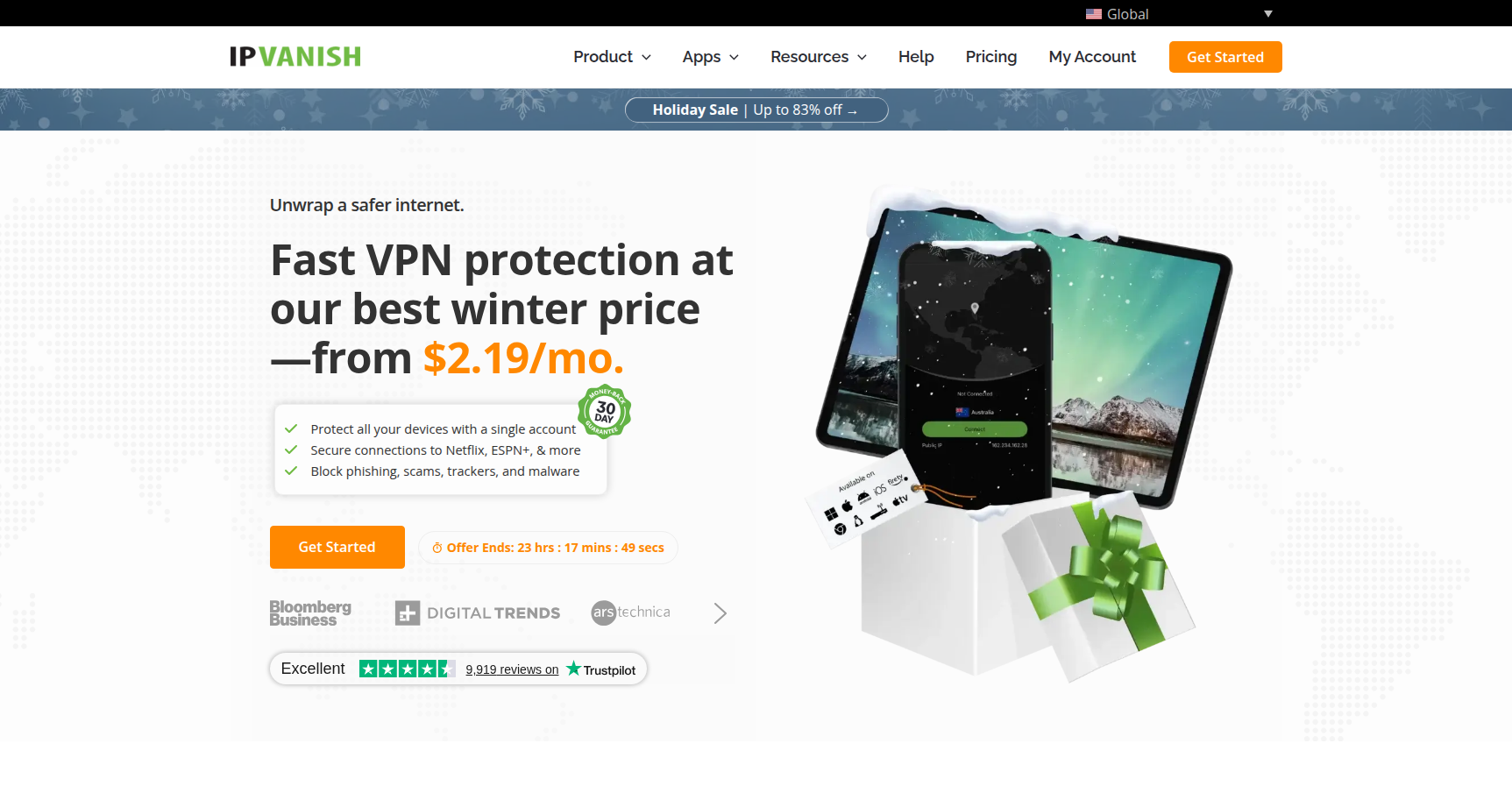
- 2-Year: ~$2.19/mo (Billed ~$53 for the first two years).
Advanced Plan (VPN + 1TB Cloud Storage + Secure Browser)
- Monthly: ~$14.99/mo.
- Yearly: ~$4.49/mo.
- 2-Year: ~$3.29/mo.
Important Notes:
- Refund Policy: There is a 30-day money-back guarantee, but it applies only to the Yearly and 2-year plans. If you buy a monthly plan, you cannot get a refund.
- Free Trial: There is a 7-day free trial, but you have to sign up through the iOS or Android app to get it.
Pros & Cons
The Good
- Performance: Thanks to WireGuard and their owned infrastructure, speeds are consistently high.
- Support: They offer 24/7 phone support. This is incredibly rare in the VPN industry where most support is just a chat bot or a slow email ticket.
- No Device Limits: One account covers your entire house.
- Transparency: Their "No-Logs" policy has been independently audited by Leviathan Security Group.
- Interface: The desktop app shows real-time data graphs, which is satisfying for technical users who want to see their connection performance visually.
The Bad
- Jurisdiction: They are based in the United States. The US is a core member of the "Five Eyes" intelligence alliance. For extreme privacy advocates or whistleblowers, this jurisdiction is often a dealbreaker regardless of their no-logs policy.
- Streaming Issues: While it handles Netflix US/UK okay, it struggles more than competitors like NordVPN when it comes to Amazon Prime Video or regional BBC iPlayer blocks.
- Renewal Price: The price hike after the first term is steep.
- Dated UI: While the graphs are cool, the interface feels a bit cluttered and "old school" compared to the sleek, modern designs of newer competitors.
Verdict
IPVanish is a workhorse VPN. It isn't the prettiest app on the market, and being based in the US might scare off the most paranoid privacy purists. However, if you are looking for raw performance and utility, it delivers.
I recommend IPVanish if: You are a "power user" with a house full of devices, or if you live in the Fire Stick / Kodi ecosystem. The combination of unlimited connections, a remote-friendly TV app, and a SOCKS5 proxy makes it the best tool for that specific job. The addition of phone support also makes it a safe bet if you aren't comfortable troubleshooting network protocols on your own.
Skip it if: You need a VPN specifically to unlock difficult streaming services like Amazon Prime Video or Japanese Netflix, or if you want a "set it and forget it" interface that looks pretty on a Mac. In those cases, you might be better served by a more streaming-focused provider.