

Overview
Surfshark has effectively rebranded itself from the "budget-friendly VPN" into a comprehensive digital security suite that actually competes with the heavy hitters like NordVPN and ExpressVPN. While its roots are in tunneling traffic, the platform now operates as a "Privacy-for-Everything" hub. It bundles a VPN, antivirus, data leak alerts, and identity protection tools into a single dashboard.
The biggest selling point here is the lack of friction. Most providers cap you at 5 or 10 devices. Surfshark offers unlimited simultaneous connections on a single account. If you run a household with four smartphones, three laptops, two smart TVs, and a tablet, you won't hit a login wall.
From a technical privacy standpoint, they check the necessary boxes. The infrastructure runs on RAM-only servers, meaning data is wiped every time a server reboots. They also operate under a strict no-logs policy that has been independently audited by Deloitte. It is designed for users who want high-end specs (WireGuard protocol, 10Gbps servers) but aren't interested in paying premium prices.
Key Features
Surfshark Nexus
This is their standout implementation of "Software Defined Networking" (SDN). Rather than connecting your device to a single physical server, you connect to Surfshark’s entire network. This architecture allows for a feature called IP Rotator. It automatically changes your IP address every few minutes without disconnecting the VPN session. This makes cross-site tracking significantly harder for advertisers without interrupting your connection.
Alternative ID
This feature is excellent for avoiding spam and protecting your real identity. It generates a totally fake persona, including a name, gender, birth date, and a masked email address. You can use these details to sign up for sketchy websites or one-time services. Any email sent to the masked address is forwarded to your real inbox, letting you keep your actual credentials off untrusted databases.
CleanWeb 2.0
Many VPNs claim to block ads, but Surfshark’s CleanWeb works at the DNS level. It is aggressive against malware and trackers. Because it filters traffic before it hits the browser, it is surprisingly effective at blocking ads on video streaming sites and preventing phishing attempts.
GPS Override (Android)
This is a niche but powerful tool for Android users. Most VPNs only mask your IP address, but apps can still query your GPS data to find your location. Surfshark can "spoof" your physical GPS coordinates to match the location of the VPN server you are connected to. This is essential for bypassing location checks on strict mobile apps.
Incogni Integration
Available on the "One+" plan, this integrates a data removal service directly into your subscription. It automatically sends legal deletion requests to over 180 data brokers. If you want to scrub your personal info from people-search sites without doing the manual legwork, this is a massive time-saver.
Pricing
Surfshark operates on a "heavy discount for long-term commitment" model. To get the prices below, you generally need to lock in for 24 months. The monthly rates are significantly higher (around $15–$18), making the month-to-month option financially illogical for most people.
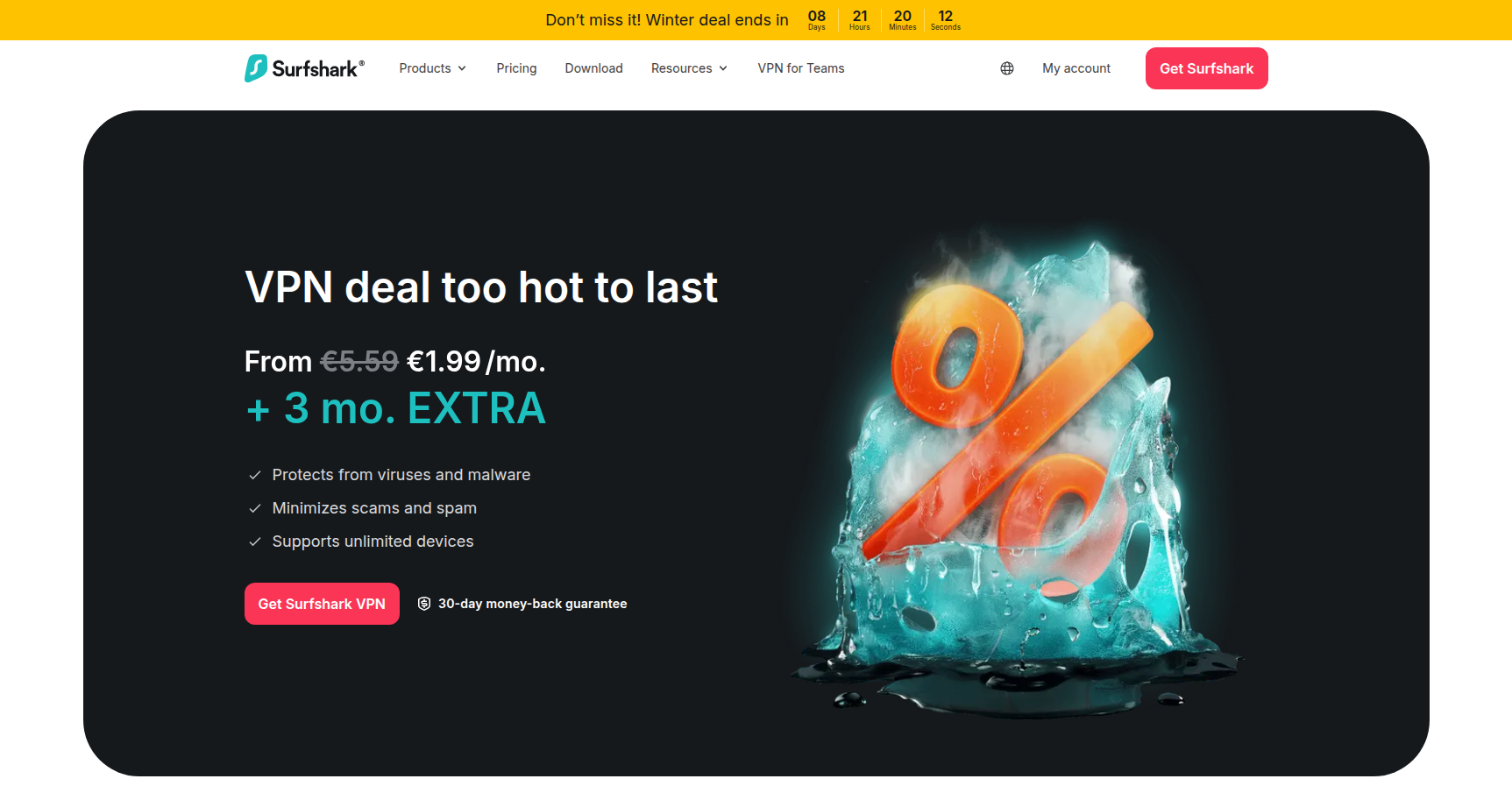
- Surfshark Starter: ~$1.99/mo (Billed ~$53.73 for 2 years)
- Includes: VPN, Ad-blocker, Cookie pop-up blocker.
- Surfshark One: ~$2.29/mo (Billed ~$59.13 for 2 years)
- Adds: Antivirus, private search engine, and real-time breach alerts.
- Surfshark One+: ~$4.19/mo (Billed ~$113.13 for 2 years)
- Adds: Incogni data removal service.
Important details:
- Free Trial: 7 days, but only available via Google Play or Apple App Store.
- Guarantee: 30-day money-back guarantee on all web purchases.
Pros & Cons
The Good
- Unlimited Devices: This is the killer feature. You can secure an entire extended family or a small office on one subscription.
- Price-to-Value: Getting a VPN and Antivirus for roughly $2.30/mo is hard to beat. The "One" plan is arguably the sweet spot in the market right now.
- Streaming Support: It is reliable for unlocking region-locked content. Users consistently report success with difficult libraries like Netflix Japan and BBC iPlayer.
- Clean UI: The interface is modern and intuitive. It is built for "set-and-forget" users rather than network engineers.
The Bad
- Renewal Sticker Shock: The low pricing applies to the first term. Once your 2 years are up, the renewal price often jumps to the standard, non-discounted rate. You need to watch your billing cycle.
- Windows Kill Switch: While generally safe, the Kill Switch on Windows can be finicky. Some power users report needing to reset it manually after the computer wakes from sleep.
- Support Hurdles: Support is 24/7, but you have to fight through a chatbot layer before you can talk to a human agent.
Verdict
Surfshark is currently the best value option on the VPN market, provided you are willing to commit to a 2-year plan. It is the ideal choice for multi-device households that want to put a VPN on every phone, tablet, and TV without tracking connection limits.
If you are a privacy purist who needs granular control over every network packet, you might prefer a service like Proton VPN or Mullvad. However, for 95% of users who just want to stop ISP tracking, access global streaming content, and block ads on the cheap, Surfshark is the logical pick. The Surfshark One tier is the specific recommendation here, as the addition of Antivirus and Breach Alerts for just 30 cents more than the base plan is excellent value.