

Overview
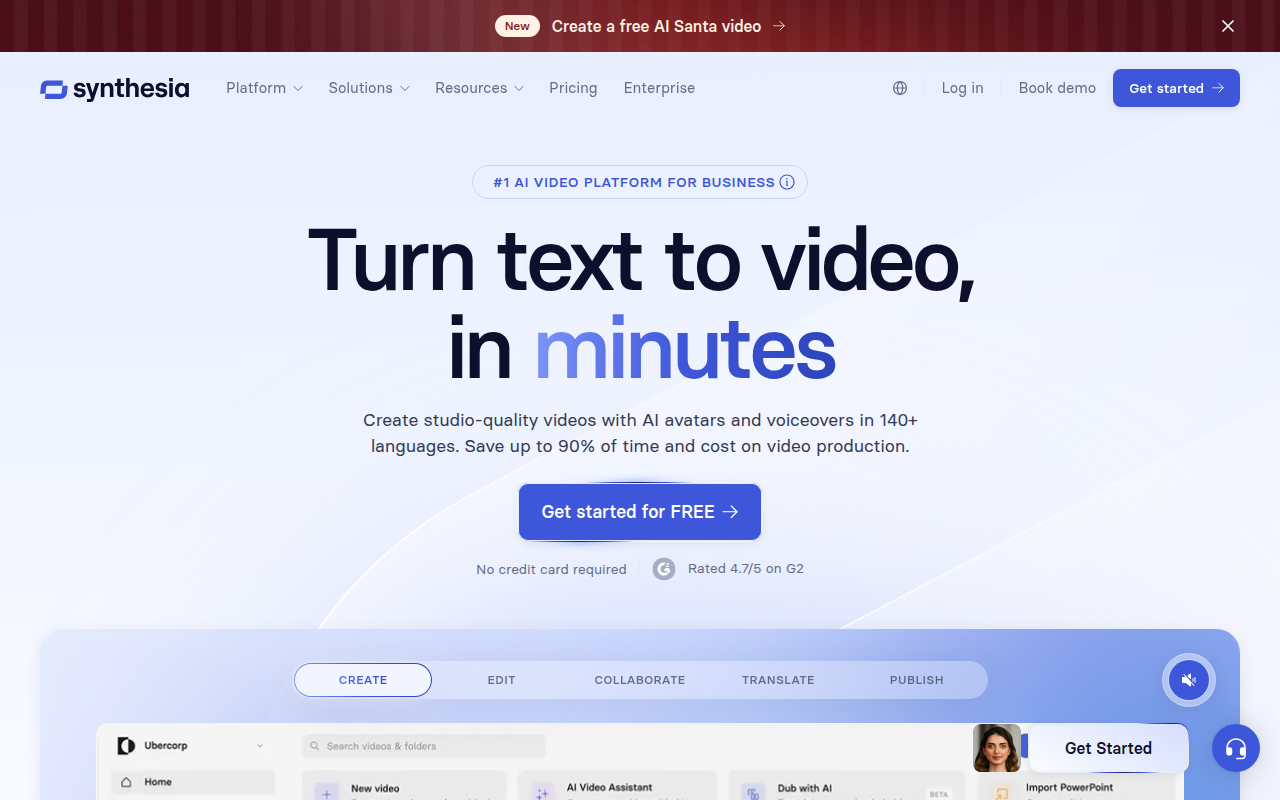
Video production usually involves a logistical nightmare of studios, lighting kits, and scheduling actors. Synthesia bypasses that entirely by allowing you to generate professional video content directly from text. It is currently the industry heavyweight in the "AI Avatar" space.
The premise is straightforward: you type a script, choose a digital presenter, and the software renders a video of a photorealistic human speaking your words. This "production-less" approach has made it a go-to tool for Fortune 100 companies like Xerox and Heineken, particularly for Learning & Development (L&D) and internal communications.
The real utility here isn't just creating the video; it is the maintenance. In traditional media, changing a compliance policy means reshooting the scene. With Synthesia, you just update the text in the script and hit render again. It treats video files like living documents rather than static assets.
Key Features
The Avatar Library & Digital Twins
Synthesia offers over 230 stock avatars covering a wide range of ethnicities, ages, and attire. They have moved past the stiff, robotic look of early deepfakes. With the Synthesia 2.0 updates, the "Expressive" avatars can now convey specific emotions like sadness or excitement based on the context of your script.
For teams that want a familiar face, you can create a "Digital Twin." This allows you to clone yourself or a company spokesperson. Once the model is trained, that person can effectively deliver unlimited presentations without ever stepping in front of a camera again.
massive Localization Capabilities
This is usually the primary reason enterprise teams buy the tool. Synthesia supports 140+ languages and accents. You can create a training module in English and instantly generate versions in Spanish, Japanese, and German without hiring voice actors or dubbing specialists. The lip-sync technology automatically adjusts the avatar's mouth movements to match the new language.
The "PowerPoint" Interface
The user experience is designed to feel like a slide deck builder rather than a video editor like Premiere Pro. You can import PowerPoint slides directly, add text overlays, and insert background logic. It also supports interactivity; you can embed quizzes, branching paths, and clickable Call-to-Actions (CTAs) directly inside the video player, which creates a more engaging experience for LMS users.
AI Video Assistant
If you are starting from zero, the built-in AI assistant acts like a specialized ChatGPT. You can feed it a simple prompt, a PDF, or a URL, and it will generate a full script, suggest scene layouts, and select appropriate avatars for you. It speeds up the rough draft phase significantly.
Pricing
Synthesia operates on a credit-based model. It’s important to note that credits generally equate to video duration, so you need to estimate your volume before committing.
Free (Basic) Plan
- Cost: $0/mo.
- Best for: Testing the tech.
- Details: You get about 3 minutes of video per month to play with. The output is watermarked, and you have a limited selection of 9 avatars.
Starter Plan
- Cost: $18/mo (billed annually) or $29/mo (monthly).
- Best for: Individuals or single creators.
- Details: Includes 10 minutes of video per month and opens up the library to 120+ avatars. The main benefit here is removing the watermark and gaining download rights.
Creator Plan
- Cost: $64/mo (billed annually) or $89/mo (monthly).
- Best for: Small marketing or HR teams.
- Details: Bumps you up to 30 minutes of video per month. You unlock custom fonts, branded sharing pages, and the full library of 180+ avatars.
Enterprise Plan
- Cost: Custom pricing (requires a contract).
- Best for: Large organizations needing scale.
- Details: This is where the limits are lifted. You get unlimited video minutes, SSO security, API access for automated generation, and priority support.
Pros & Cons
The Good
- Speed to Market: You can produce a localized, professional-looking video in the time it takes to write an email.
- Ease of Use: If you can use Canva or PowerPoint, you can use Synthesia. The learning curve is practically non-existent.
- Visual Quality: Currently, these are the best avatars on the market. They avoid the "jittery" look common in cheaper alternatives.
- Editing Flexibility: Being able to fix a typo in a video script and regenerate the file in minutes is a massive workflow improvement over traditional video editing.
The Bad
- The Uncanny Valley: While excellent, they are still AI. If you watch them for too long, the mouth movements or lack of micro-expressions can feel slightly unnatural.
- Pronunciation Tweaks: The AI is smart, but it struggles with niche industry jargon, acronyms, or unique names. You will often find yourself writing words phonetically (e.g., typing "Syn-thee-zya") to get the audio right.
- Pricing Structure: The credit limits on the Starter and Creator plans can feel restrictive if you have a busy month.
- Support Tiers: Users on lower-tier plans often report slower response times compared to the white-glove service Enterprise clients receive.
Verdict
Synthesia is the current gold standard for corporate AI video. It is not designed to replace creative filmmakers or high-end emotional storytelling. However, if your goal is to scale information delivery—specifically for training, onboarding, or global corporate comms—there is no better tool available.
It excels at replacing the "boring" videos companies have to make (compliance, updates, FAQs) and allows teams to produce them at a volume and speed that human production simply cannot match. If you have a global team and need consistent messaging in multiple languages, this is an essential piece of software.