

Overview
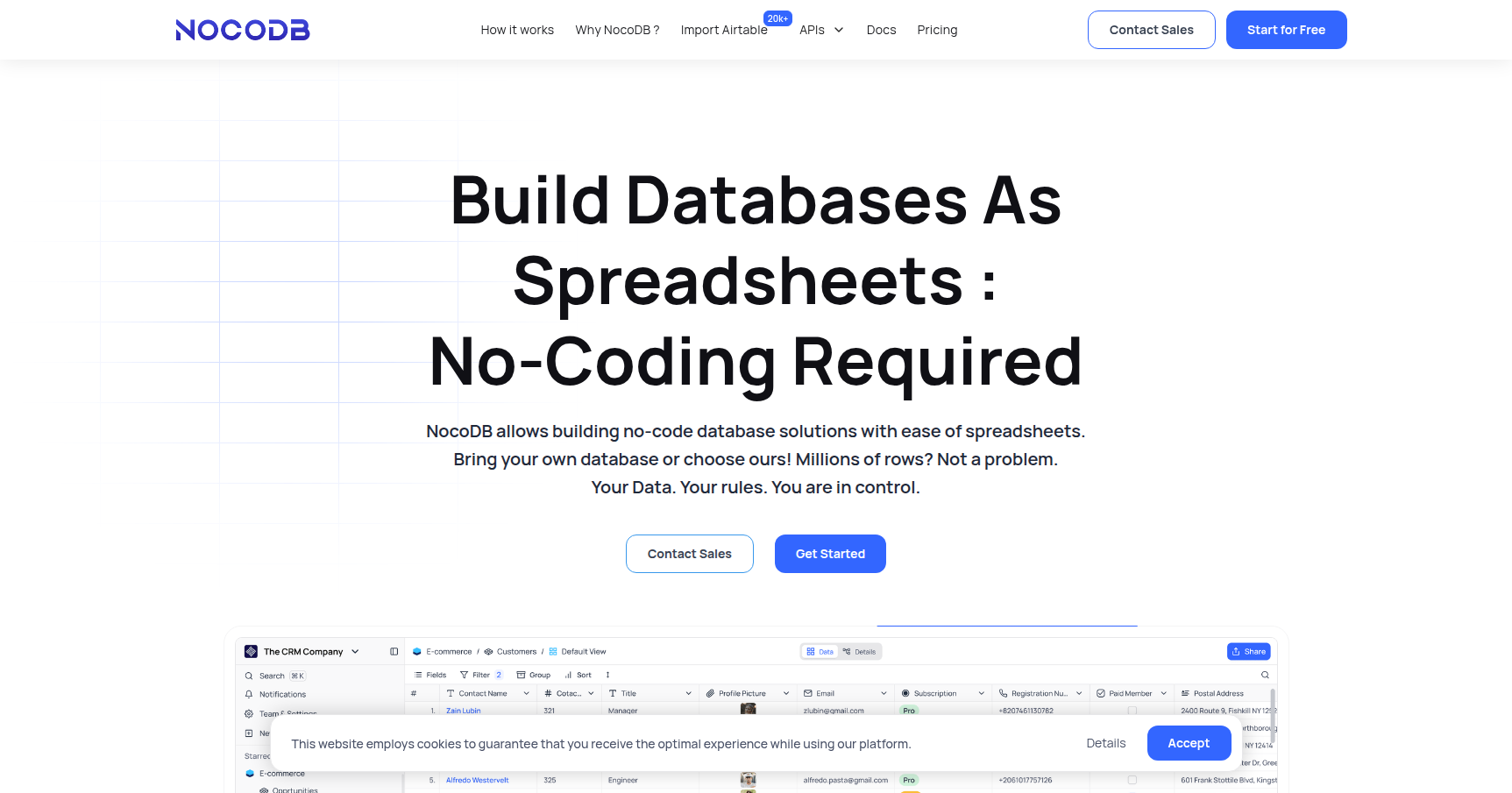
If you have ever loved the interface of Airtable but hated the fact that your data is locked inside their proprietary black box, NocoDB is exactly what you are looking for. It is an open-source, no-code platform that turns any database into a smart spreadsheet.
Think of it as a "meta-layer" or a visual skin. Most no-code tools force you to migrate your data into their cloud. NocoDB is different because it sits directly on top of your existing SQL data sources (like MySQL, PostgreSQL, or SQL Server). It gives non-technical team members a friendly UI to view, edit, and manage records without needing to write a single SQL query.
This tool is a massive hit with developers and IT teams who want to give business units access to data without building custom internal admin panels. It is also the go-to choice for privacy-focused organizations that need to self-host their stack to maintain full data sovereignty.
Key Features
The "Bring Your Own Database" Engine
This is the standout feature that separates NocoDB from the pack. You can connect it to a live production database—MySQL, PostgreSQL, MariaDB, SQL Server, or SQLite—and it instantly transforms those raw tables into a grid view. You are not just importing data; you are interacting with your actual database. If you update a cell in NocoDB, it updates the row in your SQL database.
Rich Views and Visualizations
Once connected, your data isn't just rows and columns anymore. NocoDB allows you to toggle between several views depending on your workflow:
- Grid View: The standard spreadsheet look for bulk editing.
- Kanban View: Perfect for project management and moving status cards across columns.
- Gallery View: Ideal for visual assets or employee directories.
- Form View: Allows you to collect data from external users and pipe it directly into a table.
Automatic API Generation
For the developers in the room, this feature is a massive time-saver. As soon as you connect a data source, NocoDB automatically generates a full set of REST APIs (and GraphQL support) for that database. It effectively acts as a backend-as-a-service, letting you build custom front-end applications programmatically while the operations team manages the content via the NocoDB spreadsheet UI.
Visual Schema & ER Diagrams
Understanding how tables relate to one another in a complex database can be a headache. NocoDB scans your connected database and auto-generates an Entity Relationship (ER) diagram. This visual map shows the links between tables, foreign keys, and dependencies, making it much easier to onboard new developers or debug schema issues.
Pricing
NocoDB offers a very aggressive pricing model for its managed cloud service, specifically designed to undercut competitors like Airtable. They use a "Pay for 9" model, meaning you strictly pay for the first 9 editors. Everyone else is free.
Cloud / SaaS Pricing:
- Free Plan: $0. Good for testing with 3 editors, 1,000 records, and basic API access.
- Plus Plan: $15/user/month (capped at $108/month for unlimited users). Includes 50k records and SSO.
- Business Plan: $30/user/month (capped at $216/month for unlimited users). This tier is required on the cloud version if you want to connect to External Databases (like your own Postgres/MySQL instances). It also includes advanced webhooks and audit logs.
- Enterprise: Starts at $1k/month for air-gapped setups and priority support.
Self-Hosted (Community Edition):
- Free Forever: If you run NocoDB on your own server (via Docker, etc.), you get unlimited users, unlimited records, and full external database connectivity for free. You only pay for your own infrastructure.
Pros & Cons
Pros
- No Vendor Lock-in: Since it connects to your SQL database, you can detach NocoDB at any time and your data remains safe and accessible in your own infrastructure.
- Incredible Value: The "Pay for 9" cap makes it infinitely cheaper than competitors for large teams. If you self-host, the cost is virtually zero.
- Dev-Friendly: It spins up via Docker in minutes. The API generation allows engineers to use it as a headless CMS or backend.
- Data Control: Ideal for GDPR, HIPAA, or internal compliance needs where data cannot leave your private network.
Cons
- UI Polish: While functional, the interface isn't quite as snappy or "premium" feeling as Airtable. You might encounter minor UX friction.
- No Interface Builder: It currently lacks a robust "app builder" or dashboard creator for end-users. It is strictly a database management view, not a frontend app builder.
- Collaboration Lag: It misses some of the real-time "Google Docs" style presence indicators that show exactly where other users are typing in real-time.
- Feature Gating: On the managed cloud version, connecting to your own external database is locked behind the higher-tier Business plan.
Verdict
NocoDB is the best option on the market if you need the ease of a spreadsheet but the power and security of a real SQL database.
If you are a non-technical team looking for a pretty interface and don't care where the data lives, Airtable might still offer a slightly smoother experience. However, if you are a developer, an IT manager, or a scaling business trying to avoid a $2,000/month SaaS bill, NocoDB is a no-brainer.
Recommendation: Try the self-hosted version first. It takes five minutes to set up with Docker and gives you the full power of the platform for free. If you don't want to manage servers, the Cloud Business plan is still significantly cheaper than the competition for mid-to-large teams.