

Overview
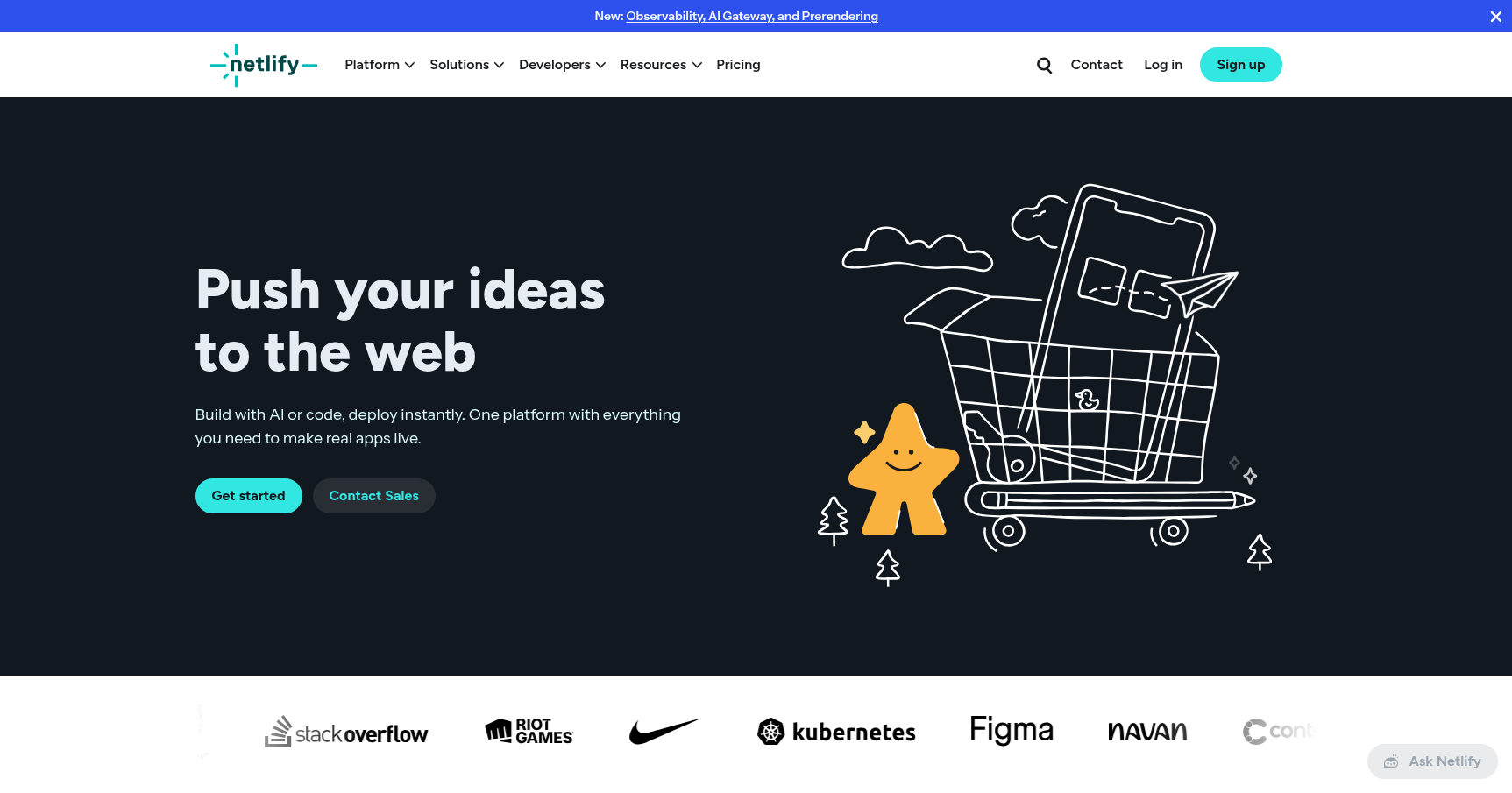
Netlify has effectively become the standard-bearer for the modern frontend developer's workflow. While it started as a pioneer of the "JAMstack" architecture (JavaScript, APIs, Markup), it has evolved into a "Composable Web Platform." In simple terms, Netlify handles the dirty work of DevOps so you don't have to.
The core premise is the "Git-to-Live" workflow. You don't configure servers or manage FTP uploads here. You connect your repository from GitHub, GitLab, or Bitbucket. Every time you push code, Netlify detects the change, runs your build command, and deploys the result to a global CDN.
It is designed specifically for frontend developers using frameworks like React, Vue, Svelte, or Astro who want a seamless CI/CD pipeline out of the box. It is also a massive hit with agencies because it simplifies client feedback loops. If you are looking to move away from monolithic architectures like WordPress toward a faster, headless setup, Netlify provides the infrastructure to make that happen without hiring a dedicated DevOps engineer.
Key Features
Collaborative Deploy Previews
This is arguably the platform's most valuable feature for teams. When you open a Pull Request in your git provider, Netlify automatically builds that specific branch and deploys it to a unique, temporary URL.
It goes a step further with a collaboration UI overlay. Reviewers, clients, or QA teams can visit the preview URL and leave comments, take screenshots, or record video directly on the page. These annotations sync back to your GitHub PR or Jira board. It keeps feedback in context and prevents the "which browser were you using?" back-and-forth.
The AI Gateway & Agent Runners
Updated for late 2024, Netlify is pushing hard into AI orchestration. The AI Gateway allows you to connect to multiple Large Language Models (OpenAI, Anthropic, Gemini) through a single Netlify API. This unifies your rate limiting, caching, and analytics so you aren't juggling five different API keys and billing dashboards.
Additionally, they introduced Agent Runners. This supports AI coding agents like Claude Code. It allows these agents to build, test, and ship code directly within the Netlify environment.
Serverless & Edge Functions
While Netlify is known for static sites, it is not limited to static content. You can write backend logic using Serverless Functions (AWS Lambda under the hood) or Edge Functions (Deno-based). These live right alongside your frontend code in the same repo. Netlify detects them and deploys them instantly.
Edge Functions are particularly interesting because they execute at the network edge closest to the user. This is ideal for tasks like intercepting a request to localize content, authenticating a user, or A/B testing before the page even loads.
Instant Rollbacks
In the event that you push bad code that breaks production, Netlify offers an "undo" button that actually works. Because every build is immutable, you can navigate to the deployment history and select any previous successful build. Clicking "Publish" reverts the live site to that version instantly across their global CDN. There is no downtime and no need to revert git commits frantically while the boss is watching.
Pricing
As of 2025, Netlify uses a Credit-Based System. This aims to simplify billing, but it requires you to understand how your site consumes resources.
The Credit Math:
- 10 credits = 1 GB of Bandwidth.
- 15 credits = 1 Production Build.
- 5 credits = 1 GB-hour of Compute (Functions).
The Tiers:
-
Starter (Free):
- Cost: $0/month.
- Allowance: 300 credits/month.
- Best for: Hobby projects, portfolios, and small experiments. It includes unlimited deploy previews and one team member.
-
Personal:
- Cost: $9/month.
- Allowance: 1,000 credits/month.
- Added Value: Adds smart secret detection to prevent leaking API keys, priority email support, and 7-day log retention.
-
Pro:
- Cost: $20 per member/month.
- Allowance: 3,000 credits/month.
- Added Value: Essential for teams. Includes shared environment variables, private organization repos, and the ability to run 3+ concurrent builds to avoid queues.
-
Enterprise:
- Cost: Custom.
- Added Value: 99.99% SLA, 24/7 support, Single Sign-On (SSO), and high-performance build environments.
Pros & Cons
The Good
- Developer Experience (DX): The "it just works" factor is high. Connecting a repo and seeing a live site in minutes is a magical experience for new users and a time-saver for veterans.
- Global Performance: Their High-Performance Edge Network ensures static assets are served incredibly fast from nodes closest to the user.
- The Ecosystem: Documentation is excellent, and the plugin ecosystem allows you to inject functionality (like image optimization or sitemap generation) into the build process without writing code.
- QA Workflow: The Deploy Previews with comment syncing solve a massive headache regarding client and stakeholder approval.
The Bad
- Potential Bill Shock: The credit system and bandwidth overages can bite you. On some tiers, exceeding limits can cost $55 per 100GB. If you host a media-heavy site that goes viral, the bill can escalate quickly compared to a traditional VPS.
- No Native Database: Unlike competitors that might offer integrated storage, Netlify focuses on the frontend and "glue" code. You will need to spin up a third-party database like Supabase, Neon, or MongoDB Atlas and connect it manually.
- Next.js Nuances: While Netlify supports Next.js very well, Vercel (the creators of Next.js) often releases features that work natively on their own platform first. Netlify sometimes plays catch-up with adapters.
Verdict
Netlify remains the premier choice for general-purpose modern web development. It is the best platform for agencies and freelancers who need to manage many client sites efficiently, largely thanks to the collaborative Deploy Previews.
If you are building a standard React, Vue, or Astro application, Netlify offers the best balance of ease-of-use and power. However, if your project is extremely bandwidth-heavy (like a video hosting site) or requires complex, long-running backend jobs, you might want to look at cheaper cloud storage or a traditional VPS. For everyone else, this is the gold standard for shipping code to the web.