

Overview
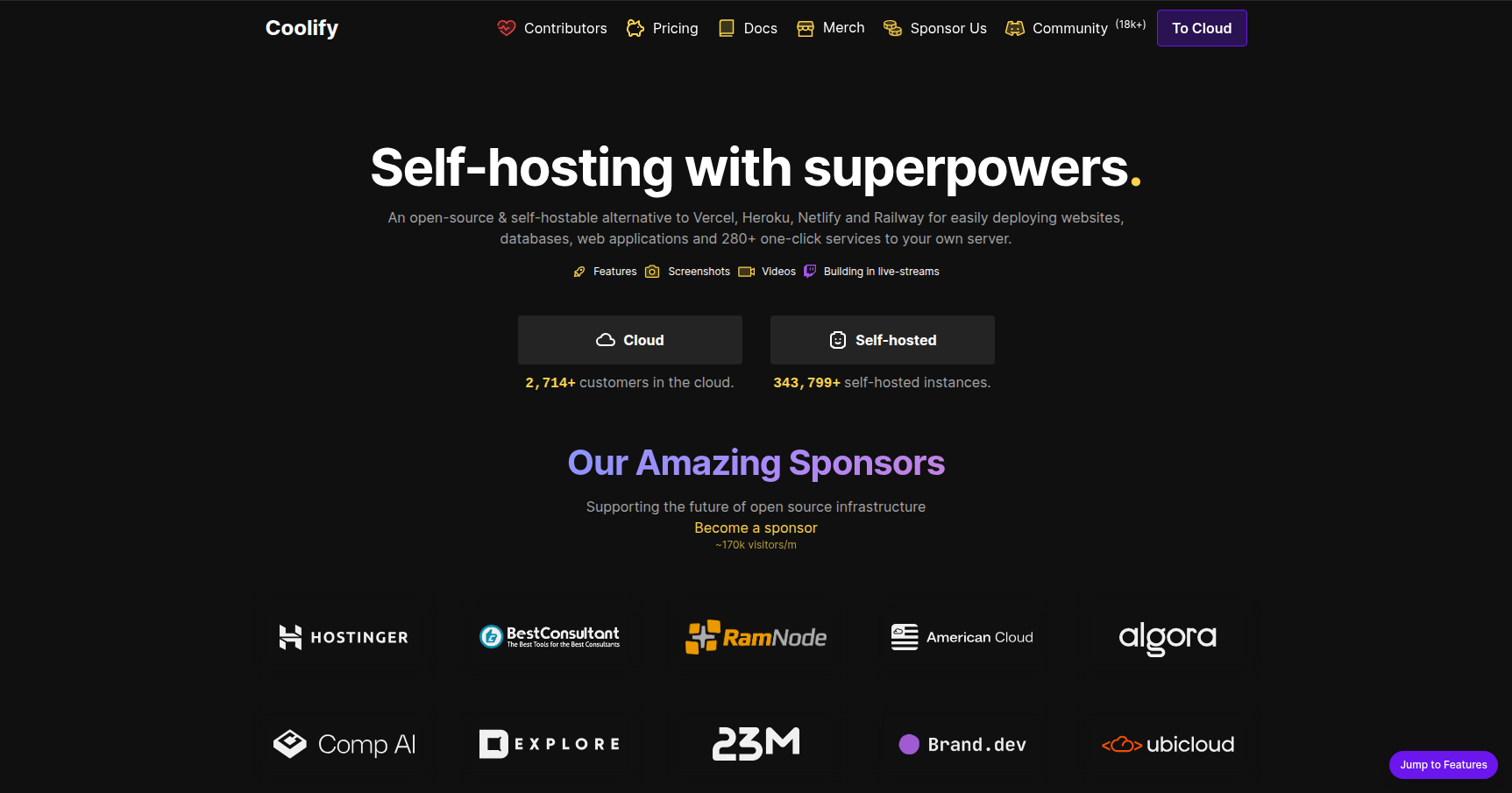
Coolify is essentially a self-hosted alternative to Vercel, Netlify, and Heroku. If you enjoy the developer experience of "git push to deploy" but are tired of unpredictable usage-based billing or vendor lock-in, this is the tool you move to.
It is an open-source Platform-as-a-Service (PaaS) that you install on your own infrastructure. You connect a server via SSH (anything from a $4 Hetzner VPS to an AWS EC2 instance or a Raspberry Pi in your closet) and Coolify transforms that raw Linux box into a polished deployment hub. It handles the messy parts of DevOps like reverse proxies, SSL certificates, and database management, letting you focus on shipping code.
This tool is a massive win for agencies, startups, and hobbyists who want to host multiple applications on a single server without paying per-user or per-bandwidth fees.
Key Features
Infrastructure Agnostic & Multi-Server
The biggest selling point here is freedom. Coolify doesn't care where your hardware lives. You can manage a cluster of servers from different providers all within one dashboard. You might keep your heavy production database on a high-performance AWS instance while running your staging environment on a cheap DigitalOcean droplet. Everything connects back to a single control plane via SSH.
Enormous Service Template Library
Coolify lowers the barrier to entry for self-hosting standard software. It comes with over 280 one-click templates. We aren't just talking about a generic WordPress install; it includes complex stacks like Supabase, Meilisearch, Ghost, and Plausible Analytics. It handles the Docker compose configurations for you, spinning up these services in seconds.
Automated SSL & Reverse Proxy
If you have ever manually configured Nginx and Certbot, you will appreciate this. Coolify has built-in integration with Caddy and Traefik. When you add a domain to your project, the system automatically routes the traffic and provisions a Let's Encrypt SSL certificate. It handles renewals automatically. You just point your DNS A record to the server IP, and Coolify handles the handshake.
AI Assistant Integration (MCP)
This is a newer feature that sets Coolify apart from older control panels like CapRover. It supports the Model Context Protocol (MCP). This means you can hook Coolify up to AI agents like Claude or Cursor. You can effectively manage your deployments or troubleshoot server issues using natural language prompts within your IDE or chat interface, rather than digging through the GUI or CLI every time.
Pricing
Coolify operates on a "Bring Your Own Server" model. Regardless of which tier you choose below, you still have to pay your cloud provider (AWS, Hetzner, DigitalOcean) for the actual servers your apps run on.
Self-Hosted Plan ($0/month)
- Cost: Free.
- Details: You host the Coolify dashboard itself on your own hardware.
- Limits: None. You get all features and can connect unlimited servers.
- Caveat: You are responsible for backing up and updating the dashboard instance.
Coolify Cloud ($5/month base)
- Cost: $5/month for the first 2 servers, plus $3/month for each additional server.
- Details: This is a managed version of the dashboard. The Coolify team hosts the control panel, handles its backups, and ensures high availability.
- Value: Good for teams who don't want to worry about their deployment tool going offline during an update.
Pros & Cons
Pros
- Cost Efficiency: You can stack 10 or 20 small apps on a single $10 VPS. On Vercel, the pro-rata costs for that many projects could be significantly higher.
- Developer Experience: The UI is genuinely nice. It feels modern and snappy, largely because it is built on Laravel and Livewire.
- Nixpacks Support: It uses Nixpacks to automatically detect your language and build your app, meaning you usually don't need to write a custom Dockerfile unless you want to.
- Active Creator: The founder, Andras Bacsai, is incredibly active on GitHub and Discord. Issues tend to get addressed quickly.
Cons
- Resource Hungry: The dashboard itself is not lightweight. It is a full Laravel application. You generally need a server with at least 2GB (preferably 4GB) of RAM to run Coolify comfortably along with your apps. It is not suitable for the smallest micro-instances.
- Documentation Lags: Because the project moves so fast, the documentation sometimes falls behind the release cycle. You might find a feature in the UI that isn't fully explained in the docs yet.
- Beta Quirks: Version 4 is technically stable, but users still report occasional bugs. It is reliable enough for most, but maybe not for a Fortune 500 banking infrastructure just yet.
Verdict
Coolify is currently the best self-hosted PaaS on the market. It hits the sweet spot between "powerful enough for production" and "easy enough for a weekend project."
If you are a solo developer or a small team spending hundreds of dollars a month on Vercel or Heroku for simple apps, switching to Coolify and a decent VPS could drop your bill by 90% while giving you data sovereignty. Just make sure your server has enough RAM to handle the dashboard, and you will be fine.
Highly recommended for: Agencies, SaaS startups, and homelab enthusiasts.