

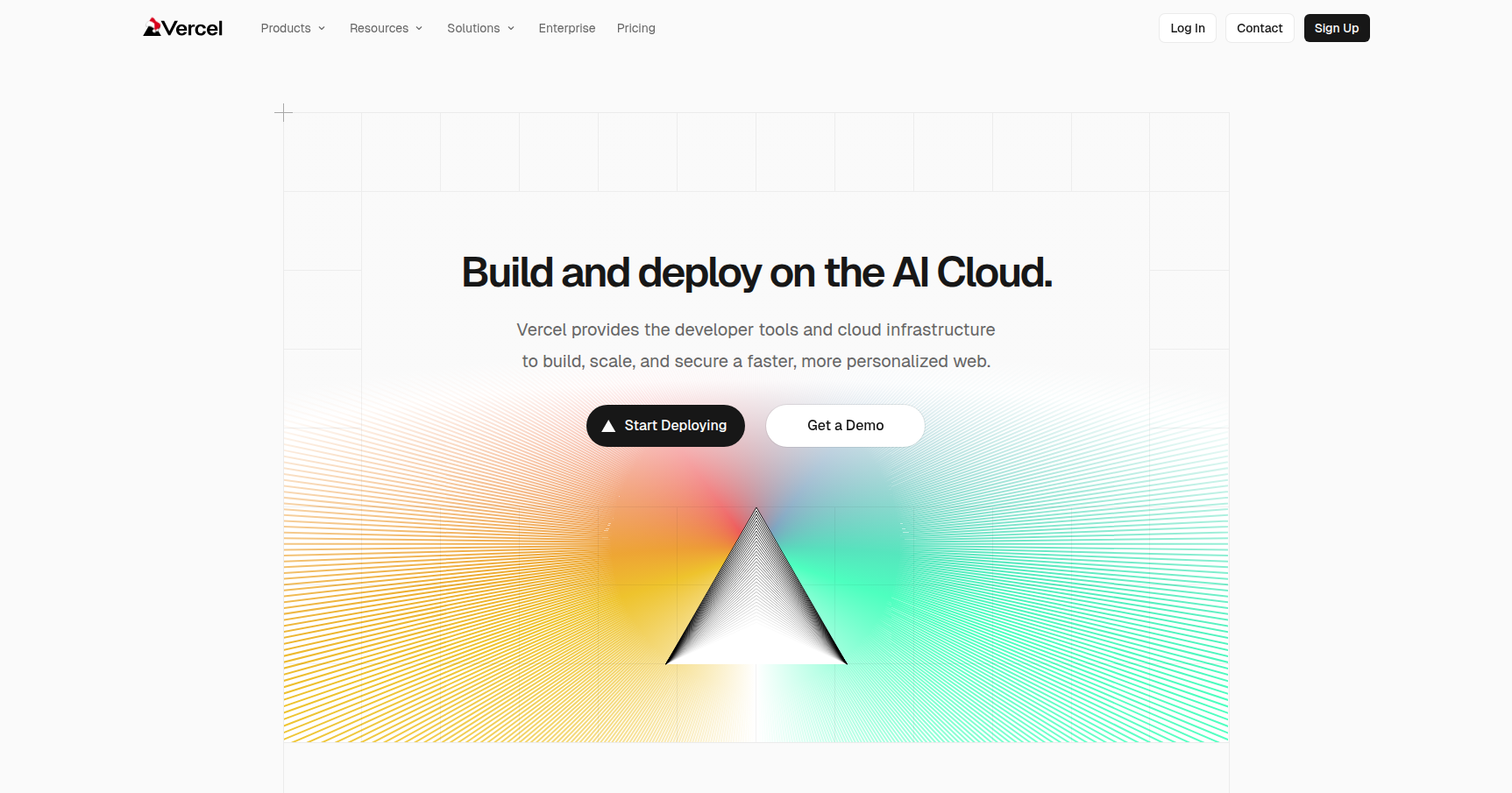
Here is a deep-dive review of Vercel, focusing on why it has become the default choice for React and Next.js developers.
Overview
Vercel has positioned itself as the "Frontend Cloud." While AWS or Google Cloud offer raw infrastructure where you have to configure servers and load balancers, Vercel abstracts all that complexity away. It is designed specifically to build, scale, and secure frontend web applications with zero configuration.
The core premise is automation. You connect your GitHub, GitLab, or Bitbucket repository, and Vercel takes over. Every time you push code, Vercel automatically builds the site and deploys it to a global Edge Network.
While it supports over 35 frameworks (including Vue, Svelte, and Nuxt), Vercel is best known as the creators and maintainers of Next.js. Because they own the framework, the platform offers the most optimized environment for running Next.js applications, handling complex tasks like Server-Side Rendering (SSR) and on-demand revalidation natively.
Key Features
1. Preview Deployments (The Collaboration Standard)
If there is one feature that locks teams into Vercel, it is this one. For every single Pull Request (PR) you open in Git, Vercel generates a unique, shareable "Preview URL."
This is a live version of the site specific to that branch. It allows stakeholders (designers, product managers, or clients) to view changes in a real environment before they merge to production. Vercel even overlays a commenting UI on these previews, allowing non-developers to leave feedback directly on the DOM elements, similar to Figma comments.
2. Infrastructure-as-Code & Edge Network
Vercel operates on a "Serverless" and "Edge" model. You do not provision servers. When a user visits your site, Vercel serves the static assets from the node closest to them in their global Edge Network (CDN).
For dynamic content, Vercel utilizes Serverless Functions and Edge Functions. These spin up instantly to handle backend logic (like API calls or database queries) and spin down immediately after. This includes their new Fluid Compute model, which bills only for the milliseconds the CPU is actually processing, rather than the idle time spent waiting for external API responses.
3. Integrated Storage & Backend
Vercel has moved beyond just hosting frontend code. They now offer a suite of managed storage options to bridge the gap between frontend and backend:
- Vercel KV: A serverless Redis solution for caching and session management.
- Vercel Postgres: A fully managed SQL database designed to work within serverless functions.
- Vercel Blob: For storing large files like images and videos.
4. AI-Native Tooling (v0 and AI SDK)
Vercel is heavily targeting the AI engineer demographic. They offer the Vercel AI SDK, a library that standardizes how you connect to LLMs (OpenAI, Anthropic, Mistral), making it easy to swap models with a single line of code.
Additionally, they launched v0.dev, a generative UI tool. You enter a prompt (e.g., "A pricing table with a toggle for monthly/yearly"), and it generates copy-paste ready code using React and Tailwind CSS. It is a solid tool for rapid prototyping.
Pricing
Vercel operates on a hybrid model. You pay a seat fee for team members, plus usage fees if you exceed the generous limits.
Hobby Plan
- Cost: $0 / month.
- Best For: Personal portfolios, hobby projects.
- Specs: 100GB bandwidth, 1M Edge Requests.
- Constraint: You cannot use this for commercial projects, and you cannot add team members.
Pro Plan
- Cost: $20 per user / month.
- Trial: 14-day free trial available.
- Specs: 1TB bandwidth, 10M Edge Requests, $20 included usage credit.
- Features: Unlocks team collaboration, higher execution limits for functions, and DDoS protection. This is the standard tier for startups and agencies.
Enterprise Plan
- Cost: Custom (Typically starts around $2,000 to $3,000+ per month).
- Features: This tier is required for SAML SSO (Single Sign-On), which is a hard requirement for many corporate IT security policies. It also includes SLAs (99.99% uptime), isolated build infrastructure, and dedicated support.
Pros & Cons
The Good
- Developer Experience (DX): The "one-click deploy" promise is real. Setting up CI/CD pipelines on AWS can take days; on Vercel, it takes minutes.
- Next.js Optimization: If you are using Next.js, no other host handles features like Incremental Static Regeneration (ISR) as smoothly.
- Feedback Loops: The Preview URL feature drastically speeds up QA and design reviews.
- Performance: The global edge network ensures static sites load almost instantly regardless of user location.
The Bad
- The Enterprise Cliff: There is a massive gap between the $20/user Pro plan and the Enterprise plan. If your company requires SSO for security compliance, you are forced to jump from a few hundred dollars a month to thousands.
- Pricing Complexity: The usage-based billing can lead to "bill shock." If your site goes viral or suffers a DDoS attack and you haven't configured spend caps, the overage fees for bandwidth and function execution can be steep.
- Vendor Lock-in: While Next.js is open source, Vercel's platform adds proprietary layers (like their specific Edge Functions or ISR implementation) that are not easily portable to other hosts like Netlify or a bare VPS without refactoring.
Verdict
Vercel is currently the gold standard for hosting React and Next.js applications. For startups, agencies, and solo developers, the speed at which you can ship features outweighs the potential cost premium compared to raw AWS. The developer experience is unmatched, and the Preview Deployment feature improves team velocity immediately.
However, mature enterprise teams need to do the math. The "Enterprise Cliff" regarding SSO is a significant friction point, and teams with massive bandwidth requirements might find Vercel's overage fees prohibitive compared to a self-managed solution.
Recommendation: Use Vercel if you want to focus 100% on code and 0% on infrastructure. Just be sure to set up "Spend Management" limits on day one.