

Overview
If you walk into any modern software company today, you will likely see Visual Studio Code (VS Code) running on at least 70% of the monitors. Developed by Microsoft, it is a cross-platform code editor that has effectively become the industry standard for web development, data science, and open-source contribution.
The core appeal of VS Code is that it sits in the "Goldilocks" zone of development tools. It isn't a "thin" text editor like Notepad++ or Sublime, which can lack context-awareness. However, it also isn't a massive, heavy Integrated Development Environment (IDE) like Visual Studio or IntelliJ, which can take minutes to load and eat up all your RAM. It provides the speed of an editor with the optional power of an IDE.
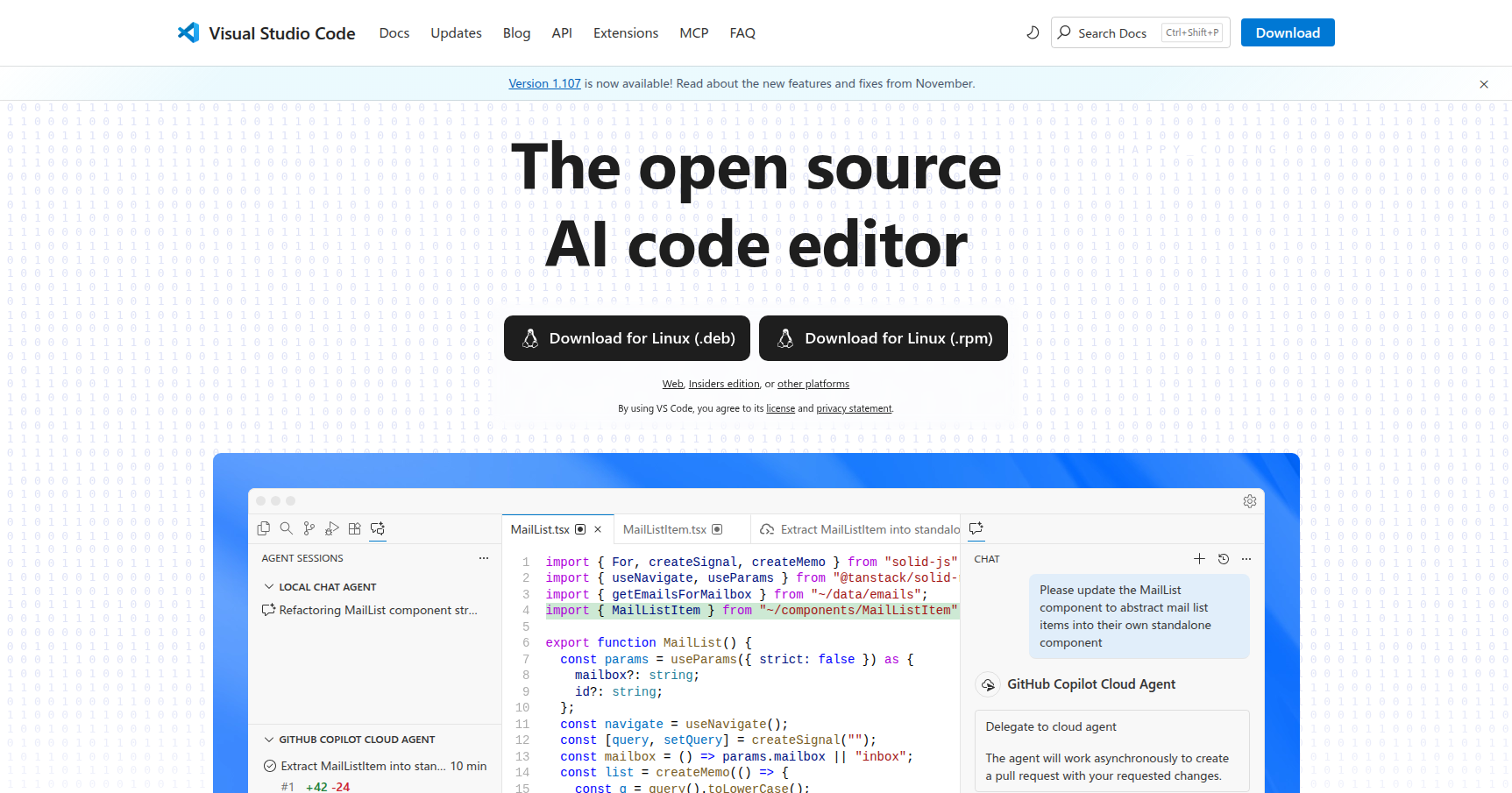
While it started as a lightweight code editor, its recent pivot has been toward "AI-powered" workflows. With deep GitHub Copilot integration, it is transitioning from a place where you type code to an environment where you manage AI agents that write, debug, and refactor for you.
Key Features
The Extension Ecosystem
VS Code is built on a philosophy of "extensibility first." Out of the box, it is surprisingly bare-bones. This is a feature, not a bug. It allows you to build your own perfect environment. Whether you need Python linting, C++ debugging, or a theme that matches your mechanical keyboard, there is an extension for it. The marketplace is massive, meaning if a new framework drops on Tuesday, there is usually a VS Code extension for it by Wednesday.
Remote Development Suite
This is arguably the strongest feature for professional engineers. The Remote Development extensions allow you to open a folder on a remote machine (via SSH), inside a Docker container, or within the Windows Subsystem for Linux (WSL).
Here is the kicker: the editor feels exactly like you are working locally. You get full IntelliSense, debugging, and file exploration, even though the code lives on a server halfway across the world or inside an isolated container. It eliminates the "it works on my machine" problem by letting you code directly in the deployment environment.
IntelliSense & Agentic AI
VS Code has always had IntelliSense, which provides smart completions based on variable types and imported modules rather than just guessing words. However, the 2024/2025 updates have introduced "Agent Mode."
Using GitHub Copilot, the editor can now read your entire codebase to understand context. It doesn't just autocomplete a line; it can suggest edits across multiple files, run terminal commands to fix errors it detects, and help resolve complex merge conflicts. It turns the editor into an active partner rather than a passive typewriter.
Live Share
Think of this as Google Docs for code. Live Share allows you to send a link to another developer, letting them join your coding session instantly. They don't need to clone your repo or install your dependencies. They just click the link, and they can see your code, edit along with you, and even share your localhost server and debugging terminals. It is the best tool available for remote pair programming or quick mentoring sessions.
Pricing
One of the biggest reasons for VS Code's dominance is its pricing model. The core software is fundamentally free.
- VS Code Editor: Free. It is proprietary freeware based on the open-source "Code - OSS" project. There is no "Pro" version of the editor itself, and it is free for both personal and commercial use.
- GitHub Copilot: While the editor is free, the "smart" features generally cost money.
- Free Tier: Includes 2,000 code completions per month and 50 chat requests (limited models).
- Pro ($10/month): Unlimited completions and chat, plus access to advanced models like GPT-4o and Claude 3.5 Sonnet.
- Business ($19/seat/month): Adds organizational management and IP indemnity.
Pros & Cons
The Good
- Speed vs. Power: It launches instantly compared to full IDEs like Eclipse or Visual Studio but offers significantly more power than simple text editors.
- Settings Sync: You can sync your extensions, themes, and keybindings to your GitHub account. If you get a new laptop, you sign in, and your entire dev environment is ready in minutes.
- Frequent Updates: Microsoft ships a stable build every month. They are very responsive to community feedback and new tech trends.
- Cross-Platform: It works identically on macOS, Windows, and Linux.
The Bad
- Extension Bloat: Because you have to install plugins for everything, it is easy to install too many. This leads to "extension fatigue" where plugins conflict with each other or cause the editor to consume massive amounts of RAM (Electron apps are notorious for this).
- Configuration Friction: To really customize the tool, you often have to edit
settings.jsonfiles manually. This can be intimidating for beginners who just want a toggle switch in a menu. - Not an IDE Out-of-the-Box: If you are a Java or C# developer, you have to spend time "building" your IDE with extensions. A dedicated tool like PyCharm or IntelliJ works perfectly the second you install it, whereas VS Code requires assembly.
- Large File Struggles: If you try to open a 500MB log file, VS Code will likely freeze or lag. It handles code files well, but massive data dumps are its kryptonite.
Verdict
Visual Studio Code is the current heavyweight champion of code editors for a reason. It strikes a near-perfect balance between performance and utility.
If you are a web developer (JS/TS), Python engineer, or work in a mixed-language environment, this is simply the best tool for the job. The ability to customize it to your exact workflow, combined with industry-leading AI and remote development tools, makes it hard to beat.
However, if you are strictly a Java or C# enterprise developer who prefers a tool that works flawlessly without tinkering, you might still prefer a dedicated heavy IDE like IntelliJ or Visual Studio. For everyone else, VS Code is the default.