

Overview
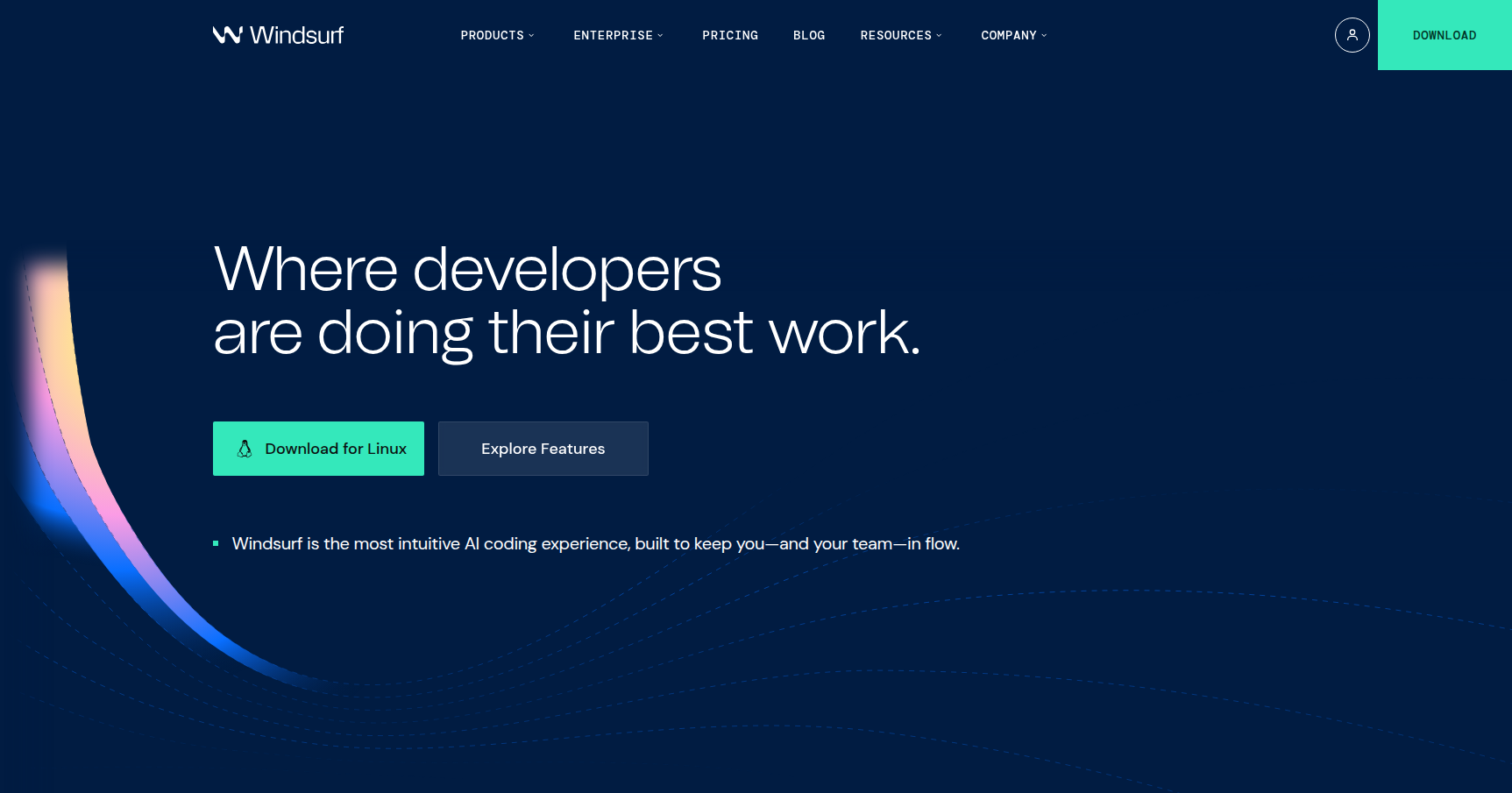
Windsurf is an AI-powered IDE built by Codeium. At first glance, it looks exactly like Visual Studio Code. That is intentional. It is a highly customized fork of VS Code, which means you can bring over your existing extensions, themes, and keybindings without missing a beat.
The real difference lies in how it handles AI. Most tools we use today act as "Copilots" or smart autocomplete engines. You have to tab through suggestions or copy-paste code from a chat window. Windsurf positions itself as an "Agent." It doesn't just suggest code; it performs actions. Through a system called Cascade, it can plan multi-step tasks, execute terminal commands to run tests, and edit multiple files across your codebase simultaneously.
It is designed for professional engineers and system architects who need a tool that understands the full scope of a project, not just the open file. If you are looking to maintain a "flow state" by offloading the drudge work (refactoring, boilerplate, bug hunting) to an autonomous assistant, this is the tool to watch.
Key Features
Cascade: The Agentic Flow
This is the core of the Windsurf experience. Cascade is not a chatbot. It is an agentic flow with deep integration into your environment. When you ask Cascade to fix a bug, it can read your file structure, look at the terminal output to identify the error, propose a fix, and apply it across several files. It even has a built-in browser to verify changes visually. It essentially closes the loop between "writing code" and "running code" without you needing to tab out.
Supercomplete (Windsurf Tab)
Standard autocomplete predicts the next few words. Windsurf’s "Fast Tab" logic tries to predict your next action. It utilizes a deep understanding of your current context to suggest code chunks, but it also handles navigation. If you are typing a function that relies on a new dependency, it might suggest importing that dependency or jumping to the relevant file where that logic should live. It feels less like a text predictor and more like a pair programmer anticipating your next move.
Deep Context & MCP Support
One of the biggest frustrations with AI coding tools is context blindness. Windsurf tackles this with a "unified context" architecture. It maintains real-time awareness of your open tabs, terminal state, and project history.
It also supports the Model Context Protocol (MCP). This allows you to connect Windsurf to external tools like Figma, Slack, or Google Drive. You can literally tell the AI to "look at the design spec in Figma" and generate the corresponding CSS. Combined with "Memories" (a feature where the AI remembers your specific styling preferences or architectural rules), it reduces the need to constantly repeat instructions.
Multi-Model Choice
You are not locked into a single proprietary model. Windsurf allows you to toggle between industry leaders like Claude 4.5 Sonnet (excellent for reasoning), GPT-5.2. For Pro users, they also offer unlimited access to SWE-1.5, their custom model tuned specifically for agentic software engineering tasks.
Pricing
Codeium uses a credit-based system for premium models, which can be a bit tricky to track, but the tiers are fairly standard for this space.
- Free Tier ($0/mo): Good for kicking the tires. You get 25 premium credits/month (for models like Claude 3.5), unlimited use of their "Base" model, and unlimited "Fast Tab" autocomplete. You are limited to 1 app deployment per day.
- Pro Plan (~$15/mo): The standard specifically for professionals. This bumps you to 500 premium credits/month and gives you unlimited access to the SWE-1.5 model. You also get advanced context features and a 2-week free trial to test it out.
- Teams Plan ($30/user/mo): Adds a centralized dashboard and pools the 500 credits/user for the whole team. The big selling point here is privacy; this tier ensures zero-data retention.
- Enterprise (~$60/user/mo): For the big players like Dell or JPMorgan. Includes 1,000 credits/user, SSO, and custom security audits.
Pros & Cons
The Good
- Context Awareness: In head-to-head comparisons, users frequently note that Windsurf holds context better than competitors like Cursor. It seems less likely to "hallucinate" imports or forget what you wrote in a different file three minutes ago.
- Seamless Migration: Since it is a VS Code fork, there is almost no learning curve. Your keybindings work, your extensions work, and your settings import instantly.
- Terminal Integration: The ability for the AI to "see" terminal errors and fix them without copy-pasting stack traces is a significant quality-of-life improvement.
- UI/UX: The interface feels cleaner and less cluttered than standard VS Code, with thoughtful UX touches around the chat interfaces.
The Bad
- The Credit System: The pricing model can be confusing. Unlike straight API usage billing, dealing with "credits" feels opaque, especially for power users on the Free tier who run out of premium access quickly.
- Resource Heavy: It is an Electron app running heavy AI integrations. It eats RAM. If you are on an older machine with 8GB or 16GB of memory, you might feel the weight of it.
- Early-Stage Bugs: It is a newer product. Users have reported occasional "loops" where the agent gets stuck trying to fix a problem, fails, and tries the same fix again.
- Support Latency: While Enterprise support is priority, individual Pro users have noted slower response times during periods of high user growth.
Verdict
Windsurf is currently one of the strongest contenders in the AI IDE space. If you are a professional developer working on a complex codebase, the Cascade flow alone is worth the install. It successfully shifts the paradigm from "I code, AI helps" to "AI codes, I supervise."
It is particularly valuable for developers who find themselves constantly copying error logs from their terminal into ChatGPT. Windsurf handles that context switching for you.
If you are already happy with Cursor or standard VS Code Copilot, the switch might feel like a lateral move initially. However, for those needing deep, multi-file refactoring and an agent that understands the broader architecture of a project, Windsurf is the superior choice right now. Download the free version, import your settings, and try a complex refactor with Cascade to see if it sticks.