

Overview
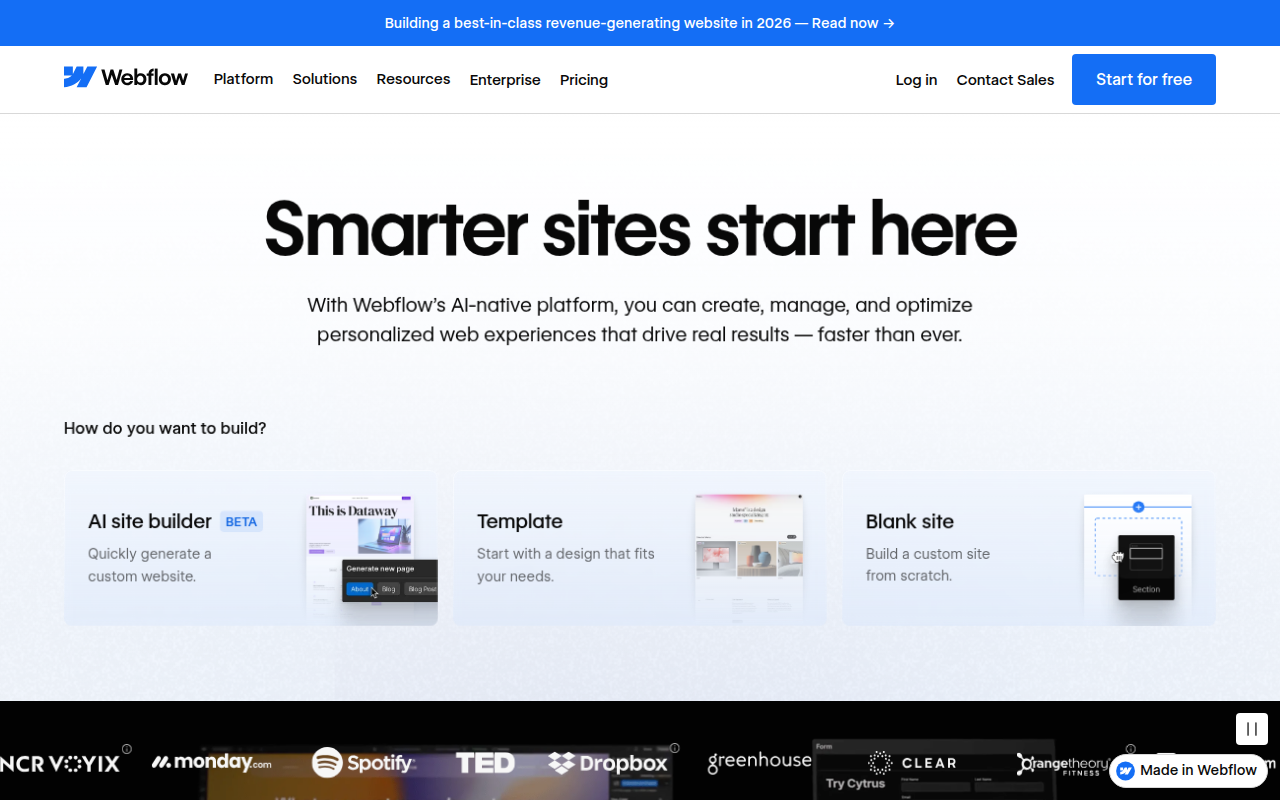
Webflow is often misunderstood. It gets lumped in with drag-and-drop builders like Wix or Squarespace, but that comparison is inaccurate. Webflow is a visual development platform. It doesn't hide the code behind a simplified interface; it gives you a visual UI to manipulate the actual code structure.
When you drag a block onto the canvas in Webflow, you aren't just placing an image. You are creating a <div>, applying CSS classes, and defining properties like padding, margins, and flexbox settings. The platform writes clean, semantic HTML, CSS, and JavaScript in the background while you design.
This tool is built for professional designers, agencies, and marketing teams who want the power of custom code without the slow turnaround times of manual development. It handles hosting via AWS and Fastly, includes a robust CMS, and prioritizes clean code export. If you are a designer tired of handing off Figma files to developers only to see the design break in production, this is the tool you use to take control.
Key Features
The Designer (Visual CSS Control)
This is the heart of the platform. Unlike competitors that restrict you to pre-made templates, the Webflow Designer gives you total access to the CSS Box Model. You can control layout using modern standards like Flexbox and CSS Grid. You define classes and styles down to the pixel. Because it follows web standards, the learning curve here is steep, but the payoff is that you are building a real website, not just a mockup.
Interactions & Animations
Usually, complex scroll-based animations or hover effects require a developer to write custom JavaScript libraries like GSAP. Webflow has a native animation engine that lets you build these interactions visually. You can create parallax effects, reveal animations, or complex multi-step timeline triggers. The platform compiles this into clean JavaScript that works across browsers without you writing a single line of code.
Dynamic CMS
The Content Management System is database-driven. You create "Collections" for things like Blog Posts, Team Members, or Projects. You then design a single template page, and Webflow automatically generates unique pages for every item in that collection. It is highly flexible. You can filter lists, conditionally show content (e.g., only show a "Featured" badge if a switch is toggled), and reference other collections.
The Editor (Client-Facing Interface)
One of the biggest headaches in web design is client handoff. Webflow solves this with "The Editor." This is a simplified interface that allows your clients to browse the live site and edit text or replace images right on the page. They cannot break the layout or mess up the design system. They just click, type, and publish.
Pricing
Webflow’s pricing model is notorious for being confusing because they split it into two categories: Site Plans (hosting for a specific project) and Workspaces (account-level team management).
Site Plans (Billed Annually):
- Starter (Free): Good for testing. You get a
webflow.iostaging domain but cannot connect a custom domain. - Basic ($14/mo): For static sites that don't need a blog or database.
- CMS ($23/mo): The sweet spot. This is what most freelancers and businesses use. It includes 2,000 CMS items, 3 content editors, and 200GB of bandwidth.
- Business ($39/mo): For high-traffic sites needing up to 10,000 CMS items and more bandwidth.
Ecommerce Plans: There are separate plans if you want native checkout ($29/mo to $212/mo), though many users prefer integrating Shopify or Stripe buttons into a standard CMS plan for better flexibility.
Workspaces (Account Level):
- Starter (Free): 1 seat. Sufficient for a solo freelancer.
- Core ($19/seat/mo): Allows up to 3 seats and code export capabilities.
- Growth ($49/seat/mo): For larger agencies needing advanced permissions and unlimited unhosted projects.
Pros & Cons
The Good
- No "Plugin Hell": Unlike WordPress, you don't need to manage 20 different plugins that constantly break or pose security risks. The ecosystem is closed and secure.
- Clean Code & SEO: Because Webflow writes semantic code and hosts on top-tier AWS infrastructure, sites load incredibly fast and rank well on Google right out of the box.
- Webflow University: Their documentation and video tutorials are arguably the best in the SaaS industry. They are actually funny, concise, and incredibly helpful.
- Design Freedom: If you can design it in Figma, you can build it in Webflow. You are rarely constrained by the tool.
The Bad
- Steep Learning Curve: This is not a tool you master in an afternoon. If you do not understand the basics of HTML and CSS (margins vs padding, absolute vs relative positioning), you will struggle.
- Limited Web App Logic: Webflow is for frontend presentation. You cannot build a complex app like Uber or Airbnb natively. You would need third-party tools like Wized or Xano to handle that kind of backend logic.
- Pricing Complexity: Explaining the difference between a Workspace plan and a Site plan to a client is often more difficult than it should be.
Verdict
Webflow is currently the best-in-class solution for marketing websites, agency portfolios, and corporate blogs. It removes the need for a dedicated frontend developer for most static content, allowing designers to ship production-ready sites autonomously.
However, it is not for everyone. If you are a complete novice looking for a "drag-and-drop" experience, use Squarespace. If you are building a massive application with complex user accounts and backend logic, use a dedicated tech stack. But for the vast middle ground of professional web presence, Webflow offers the perfect balance of control, performance, and speed.