

Overview
If you have ever been confused by the difference between WordPress.org and WordPress.com, you are not alone. Here is the simplest way to view it: WordPress.org is the free software you download and install on your own server. WordPress.com is a Managed Hosting and Website-as-a-Service (WaaS) platform owned by Automattic.
Think of it as the "Apple approach" to the WordPress ecosystem. You trade the total freedom of a DIY server for a walled garden that just works. The platform handles the heavy lifting regarding infrastructure, security, and updates so you can focus strictly on content creation.
It serves a wide spectrum of users. On one end, you have hobbyists and newsletter writers looking for a Substack alternative. On the other end, you have enterprise giants like CNN using WordPress VIP. The core value proposition here is reliability. You are paying to ensure you never have to touch a command line or worry about a plugin update crashing your site.
Key Features
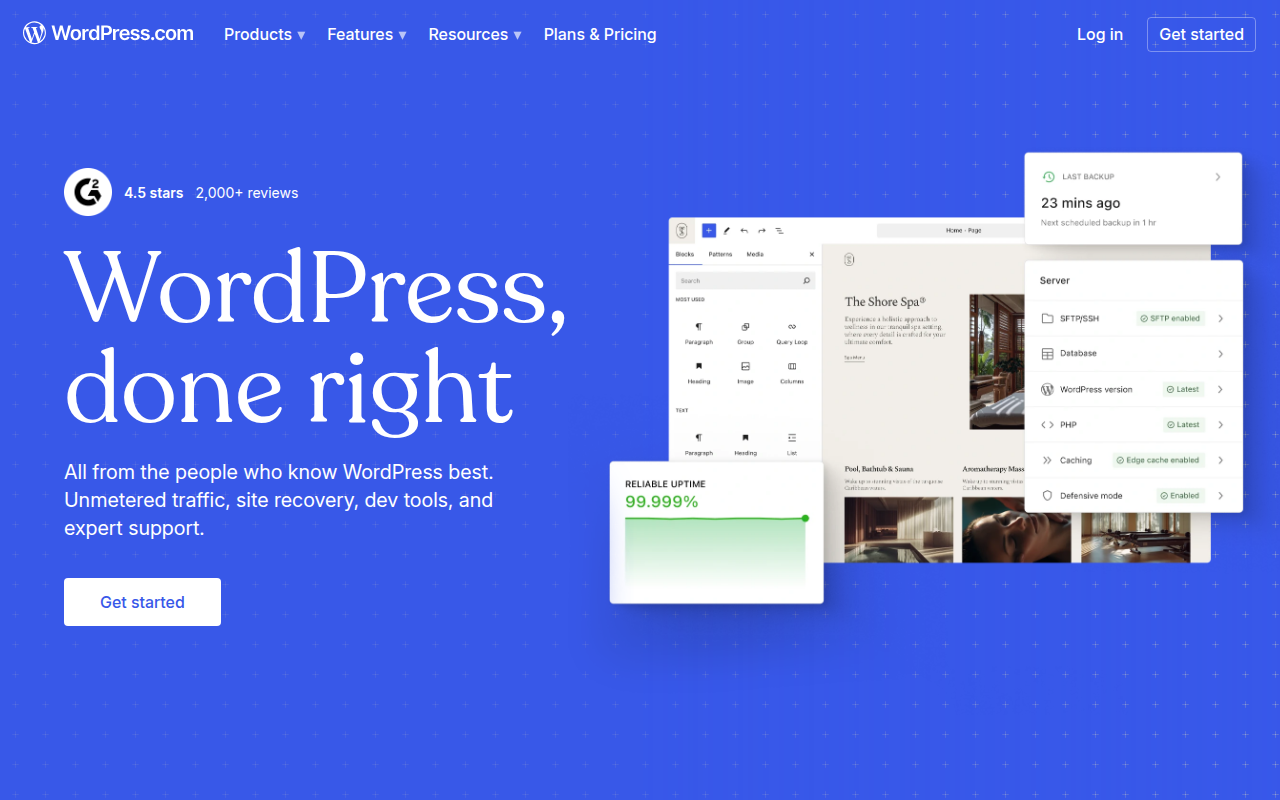
Managed Infrastructure & Global CDN The biggest selling point here is the hardware stack. When you host with WordPress.com, your site sits on their enterprise-grade architecture. This includes automatic mirroring across dozens of data centers worldwide via their global CDN. Unlike cheap shared hosting where you might struggle with caching plugins, edge caching is enabled by default here. Your site loads fast in Tokyo even if you are publishing from New York, without you configuring a thing.
The "Reader" & Community Network Most CMS platforms are isolated islands. WordPress.com is different because it includes a social discovery engine called "The Reader." When you publish a post, it gets pushed into a feed accessible by millions of other WordPress.com users. This tag-based system helps new blogs gain traction and traffic immediately without relying solely on SEO or external social media.
Integrated Newsletter Platform Automattic is aggressively targeting the newsletter market. The platform has native features that automatically convert your blog posts into emails for subscribers. It handles list management, open rates, and even paid subscriptions (gated content) directly in the dashboard. It effectively removes the need to pay for a separate service like Mailchimp or Ghost if your needs are content-focused.
Unified Dashboard & Jetpack The interface wraps the standard WordPress admin panel in a custom SaaS dashboard. This allows you to manage multiple websites from a single login. It comes pre-loaded with "Jetpack" features which handle brute-force security protection, site statistics, and image optimization. On self-hosted sites, Jetpack can be bloatware, but here it is deeply integrated and runs smoothly.
Pricing
The pricing structure is rigid. You pay annually to get the best rates.
- Free ($0): Good for testing. You get a
.wordpress.comsubdomain and 1GB of storage, but Automattic places their own ads on your site. - Personal ($4/mo): Removes the ads and gives you a custom domain for a year. Storage bumps to 6GB.
- Premium ($8/mo): Adds advanced design customization, Google Analytics integration, and 13GB storage. It also opens up the WordAds program for monetization.
- Business ($25/mo): This is the critical tier. This is the first tier that allows you to install custom plugins (like Yoast SEO or Elementor) and third-party themes. It includes 200GB storage and SFTP/SSH access.
- Commerce ($45/mo): The e-commerce bundle. It integrates WooCommerce with premium store themes and shipping calculators.
- Enterprise (WordPress VIP): Starts around $25k/year. This is a completely different beast with white-glove support for high-traffic media companies.
Pros & Cons
Pros
- Bulletproof Reliability: The uptime is exceptional. Because Automattic controls the environment, it is very rare for a bad update to take your site offline.
- Security: You do not need security plugins. They handle firewalls and malware scanning at the network level.
- Speed to Launch: You can go from zero to a live, professional-looking site in about five minutes.
- Mobile App: The mobile application for iOS and Android is surprisingly robust, making it one of the best platforms for blogging from a phone.
Cons
- The Paywall for Plugins: This is the main friction point. If you want to install a specific plugin or a custom theme you bought elsewhere, you must be on the Business plan ($300/year). There is no workaround.
- Pricing Jump: The gap between the $8/mo Premium plan and the $25/mo Business plan is steep.
- Limited Control on Lower Tiers: On Personal and Premium plans, you cannot edit the underlying CSS or code. You are stuck with what the customizer allows.
- Aggressive Upselling: The dashboard frequently nudges free and lower-tier users to upgrade to unlock basic features.
Verdict
WordPress.com is the correct choice if you prioritize peace of mind over raw flexibility.
If you are a freelancer, a writer, or a small business owner who is terrified of the "White Screen of Death" and has zero interest in server maintenance, this platform is worth the premium. The Business plan ($25/mo) is a solid product that competes well with high-end managed hosting like Kinsta or WP Engine, offering similar power with easier management.
However, if you are a tinkerer on a budget, or if you need to run specific custom plugins without spending $300 a year, you are better off buying a cheap shared hosting plan and installing the open-source version of WordPress yourself.