

Overview
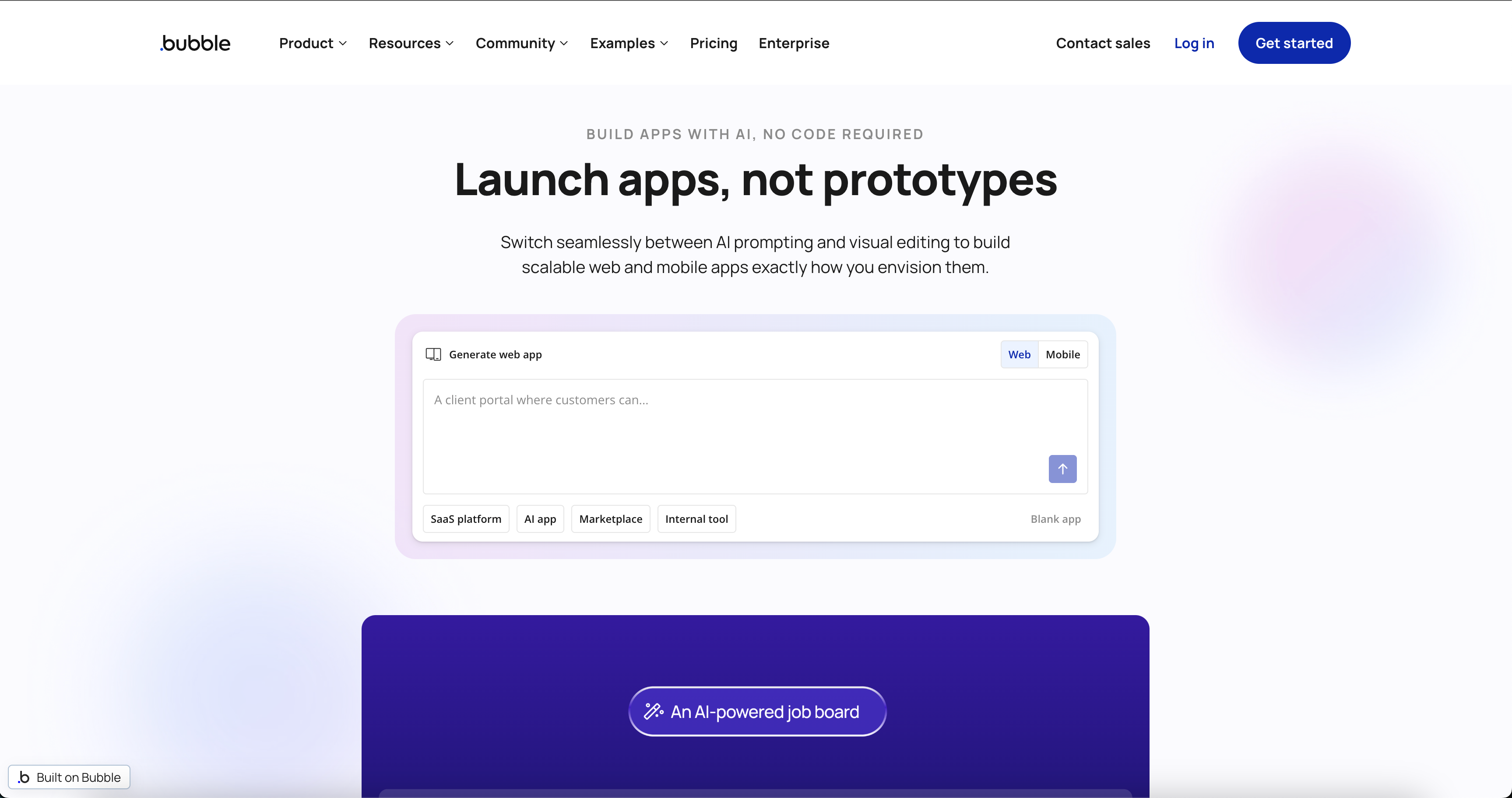
Bubble.io is the heavyweight champion of the no-code world, but calling it a "website builder" is a massive understatement. Think of it more as a visual programming language. Unlike Wix or Squarespace, which rely on rigid templates, Bubble provides a full-stack development environment. You design the interface (front-end), structure the data (database), and program the logic (back-end) all within a single browser window.
It is primarily built for non-technical founders who need to launch a functional Minimum Viable Product (MVP) without burning $50k on a development agency. It is also gaining traction with operations managers who need custom internal tools and "citizen developers" who want to build complex software without learning syntax. If you need to validate a SaaS idea or build a marketplace in weeks rather than months, this is likely the tool you are looking for.
Key Features
Visual Workflow Engine This is the brain of your application. Bubble moves beyond simple drag-and-drop UI by letting you program logic using English-based conditional statements. You set up workflows using a "When [Event] happens, Do [Action]" structure. For example, When 'Sign Up' button is clicked, create a new user, charge Stripe, and send a welcome email. It gives you granular control over the user experience.
The API Connector This is arguably Bubble's most powerful feature. It allows your app to talk to almost any external service that has a REST API. You aren't limited to Bubble's native features. You can hook your app up to OpenAI for AI features, Stripe for complex payments, or Google Maps for geolocation. It makes Bubble an extensible platform rather than a walled garden.
Integrated Database You do not need to set up an AWS instance or manage a separate SQL database. Bubble comes with a managed, scalable database out of the box. It supports complex data relationships and includes privacy rules to ensure users only see data they are authorized to access.
Responsive Design System Bubble uses a Flexbox-based engine. This ensures that what you build isn't just a static desktop site. It allows you to create pixel-perfect layouts that adapt fluidly to mobile, tablet, and desktop screens. Recently, they have also introduced native mobile capabilities (currently in Beta) to deploy directly to the App Store and Google Play.
Pricing
Bubble’s pricing model changed recently to a system based on Workload Units (WU), which measures the computational resources your app consumes.
- Free Plan ($0/month): This is generous because it is indefinite. You can build your entire application and test it without paying a dime. It includes the API connector and visual editor. However, you cannot deploy to a live domain, and your app sits on a
bubbleapps.iosubdomain with Bubble branding. - Starter Plan ($29/mo annually or $32/mo monthly): The entry point for launching. You get a custom domain, 175,000 WUs, and live deployment. This is usually sufficient for an MVP or a personal portfolio.
- Growth Plan ($119/mo annually or $134/mo monthly): Geared toward startups. You get 250,000 WUs, two app editor seats for collaboration, 14 days of server logs, and the removal of Bubble branding.
- Team Plan ($349/mo annually or $399/mo monthly): For scaling businesses. It bumps you to 500,000 WUs and allows for 5 editors and sub-apps.
Important Note on Overages: If your app is inefficient or goes viral, you pay for overages at roughly $0.30 per 1,000 WU. This requires you to be mindful of how you optimize your database searches and workflows.
Pros & Cons
The Good
- Unrivaled Logic: Most no-code tools hit a ceiling where you can't build specific features. Bubble rarely has this problem. If you can map out the logic, you can usually build it.
- Speed to Market: You can iterate incredibly fast. Fixing a bug or adding a feature takes minutes, and deployment is a single click.
- Ecosystem: The community is massive. Between the 5,000+ plugins in the marketplace and thousands of forum posts, you can almost always find a solution to your problem.
The Bad
- Vendor Lock-in: This is the biggest trade-off. You cannot export your code. If you decide to leave Bubble, you have to rebuild your app from scratch on a new stack.
- The Learning Curve: Do not expect to master this in a weekend. Understanding database relationships and responsive design principles takes time. It is easier than code, but it is still engineering.
- Pricing Complexity: The Workload Unit model can be unpredictable. A poorly designed workflow can drain your units, leading to surprise costs if you aren't monitoring your logs.
Verdict
Bubble is currently the best option on the market for building complex web applications without code. It offers a balance of power and speed that is hard to beat for early-stage startups and MVPs.
However, you need to go in with your eyes open regarding the platform risk. You are renting their tech stack, not owning the code. For 95% of founders, the speed benefits outweigh this risk. If you are willing to invest the time to learn the tool and optimize your workflows to keep costs down, Bubble is a legitimate powerhouse for shipping software.