

Overview
If you have ever tried to run a complex project in a standard spreadsheet and felt the distinct panic of "Version 2_Final_REAL.xlsx," you understand the problem Airtable solves.
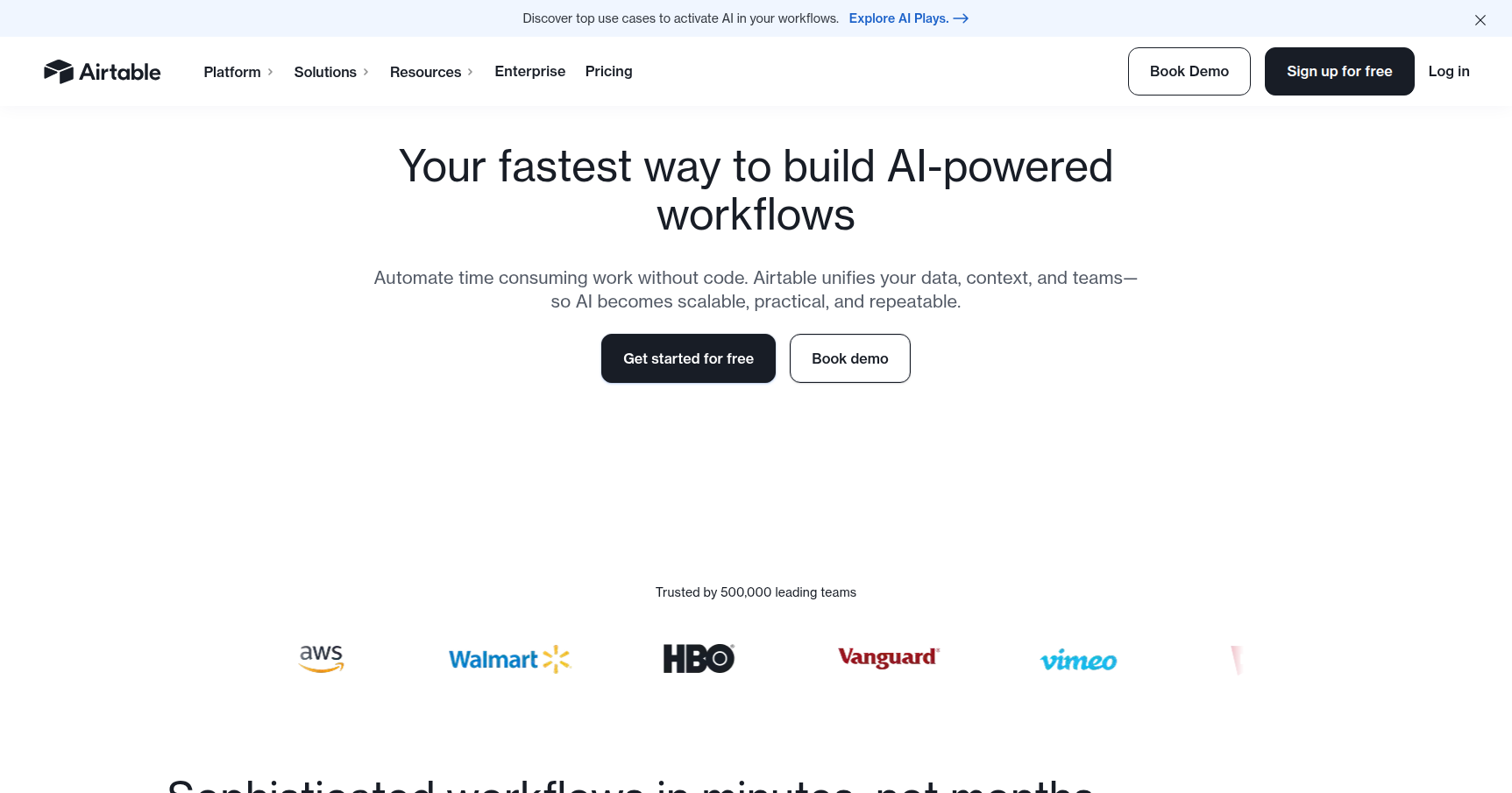
At a glance, Airtable looks like Excel or Google Sheets. It has rows, columns, and tabs. However, that familiarity is a bit of a trick to get you in the door. Under the hood, Airtable is a relational database. This means you don't just type "Client A" into five different rows; you create a single record for "Client A" and link it everywhere else.
In 2025, Airtable has moved past being just a fancy tracking tool. It is now effectively an AI-native operations platform. It allows creative teams, product managers, and ops leaders to build their own internal software—like CRMs, inventory systems, or content pipelines—without pestering the engineering department for resources.
Key Features
The Relational Database Engine
This is the foundational logic that separates Airtable from a spreadsheet. In a standard sheet, data is flat and dumb. In Airtable, records are aware of each other. You can link a "Project" record to a "Client" record and an "Invoice" record. If you update the client's email address in one spot, it updates everywhere instantly. This relational linking creates a "Single Source of Truth" that prevents data silos.
Interface Designer
For a long time, the biggest issue with databases was that they looked like databases. They are intimidating to non-technical users. Interface Designer solves this by letting you build a visual front-end on top of your data. You can drag and drop components to create a dashboard that hides the messy raw data grid. You can give your marketing team a simple form and a gallery view of assets, while the operations team sees the nitty-gritty logic on the back end.
Airtable Cobuilder & Multi-Model AI
This is the major 2025 update. Cobuilder is an AI-powered "app generator." You simply type a prompt, such as "I need a system to manage a film production schedule with casting lists and location scouting," and the AI builds the tables, fields, and linking logic for you.
Furthermore, they haven't locked themselves into a single AI provider. You can choose between models like OpenAI’s GPT-4 or Anthropic’s Claude to perform tasks inside your base. You can set up workflows to automatically summarize records, extract data from PDF attachments, or draft emails based on status changes.
Views & Sync
Airtable acknowledges that different brains process data differently. The same dataset can be viewed as a Grid (spreadsheet style), a Kanban board (Trello style), a Calendar, a Timeline, or a Gantt chart.
Additionally, Airtable Sync ensures your data isn't lonely. It supports bi-directional sync with tools like Salesforce and Jira. This allows enterprise teams to keep using their massive legacy ERPs while agile teams use Airtable for day-to-day work, with data flowing back and forth automatically.
Pricing
Airtable’s pricing is per-seat, which can get expensive if you aren't careful with permissions.
Free Plan
- Cost: $0
- Best for: Hobbyists or MVP testing.
- Specs: Unlimited bases, but capped at 1,000 records per base and 5 editors. You get basic views and the Interface Designer, plus 500 AI credits a month.
Team Plan
- Cost: $20/user/month (billed annually) or $24 (monthly).
- Best for: Small businesses or specific departments.
- Specs: The record limit jumps to 50,000 per base. You get 20GB of attachment space and access to Gantt and Timeline views.
Business Plan
- Cost: $45/user/month (billed annually) or $54 (monthly).
- Best for: Companies needing strict data governance.
- Specs: 125,000 records per base. Key features here are the 2-way sync (essential for Salesforce integration), SSO administration, and "Verified Data" to lock down critical info.
Enterprise Scale
- Cost: Custom pricing.
- Best for: Organizations hitting the record limits.
- Specs: Handles 500,000+ records (up to 100M with the HyperDB add-on) and includes advanced security controls.
Note: New accounts usually get dropped into a 14-day trial of the Team plan automatically.
Pros & Cons
Pros
- Visual Variety: Being able to toggle between a Grid view for data entry and a Gallery view for visual presentations is a massive productivity booster.
- Low Barrier to Entry: The UI is polished and friendly. It encourages people to build their own tools rather than waiting for IT.
- Flexibility: It doesn't force a workflow on you. You mold the tool to fit your specific business logic.
Cons
- Price Creep: The billing model is aggressive. On higher tiers, you often end up paying full price for users who barely touch the system. Costs scale up very fast for mid-sized teams.
- Performance Issues: Despite the "HyperDB" claims, standard users often report lag once a base exceeds 50,000 records. It is not a replacement for a true data warehouse like Snowflake.
- Formula Syntax: While it looks like Excel, the formulas are different. If you are an Excel wizard, you will have to unlearn some habits and learn Airtable’s specific logic functions.
Verdict
Airtable is currently the best-in-class option for the "middle ground" of business data. It sits perfectly between the chaos of loose spreadsheets and the rigidity of enterprise software like Salesforce or SAP.
If you are a Product Manager, Marketer, or Operations lead who needs to build a custom workflow now and cannot afford to wait six months for a dev team, Airtable is your tool. However, you need to keep a close eye on your record counts and your user seat count, as both can spiral out of control as your organization scales.