

Overview
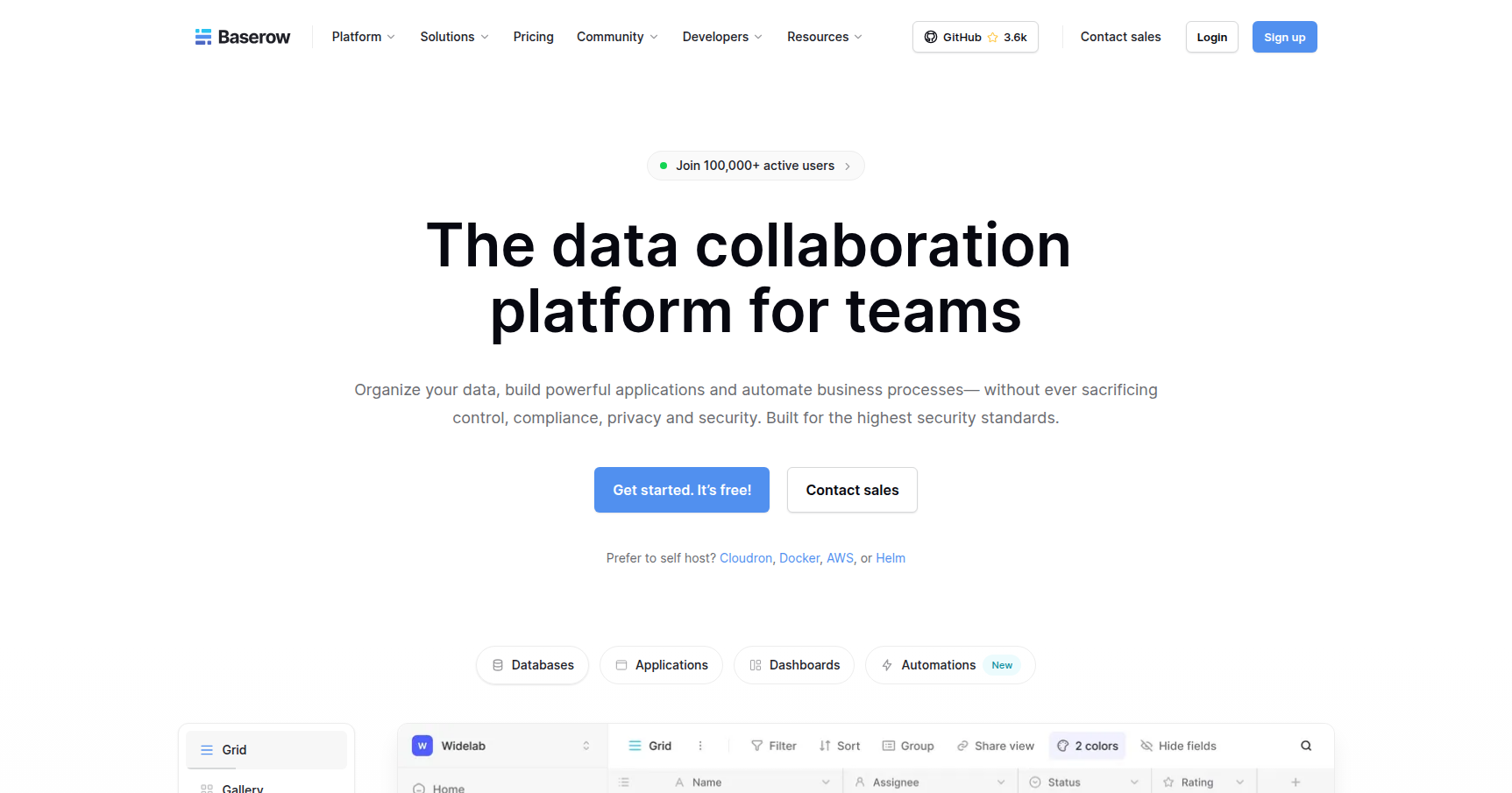
Baserow started its life as an open-source alternative to Airtable, but calling it just a "clone" doesn't really do it justice anymore. With the recent shift to version 2.0, the platform has evolved from a simple spreadsheet-database hybrid into a full-stack "data collaboration workspace."
The core appeal here is control. If you are in a highly regulated industry like healthcare or finance, or if you are just an engineer who hates having your data held hostage by a SaaS vendor, Baserow is built for you. You can run it on Baserow's cloud, sure, but the real power move is self-hosting it on your own server via Docker. This gives you data sovereignty, GDPR/HIPAA compliance, and the ability to scale without hitting arbitrary "row limits" that force you into enterprise pricing tiers on other platforms.
It sits right in the middle of the "no-code" and "pro-code" spectrum. Non-technical users can click together a database, while developers can access a plugin framework and an API-first architecture to build serious internal tooling.
Key Features
1. The "All-in-One" Architecture (2.0 Update)
Baserow used to be just tables and views. Now, it integrates three distinct pillars into one interface:
- Databases: This is the core relational data structure. It looks like a spreadsheet but behaves like a SQL database.
- Applications: This is a drag-and-drop builder that lets you turn that database into a frontend. You can build internal admin panels, client portals, or public websites without leaving the tab.
- Automations: You can handle logic and workflows natively. This reduces the need to constantly webhook out to tools like Zapier or Make for simple tasks.
2. Baserow AI (Kuma)
Most "AI" features in SaaS tools are just wrappers for ChatGPT that write email copy. Baserow’s AI, nicknamed Kuma, is actually integrated into the database logic. You can use it to generate complex formulas or build entire database structures from a single plain-text prompt. More interestingly, they have an AI Database Field. This lets you run classification or data extraction tasks row-by-row automatically.
For the heavy tech users, Baserow also includes an MCP Server. This allows external AI agents to connect to your database, read the schema, and interact with your data programmatically.
3. Self-Hosting & Performance
This is the main reason engineering teams choose Baserow. You can deploy it on your own metal. While cloud tools often choke or force upgrades after 50,000 records, a self-hosted Baserow instance is limited only by your hardware. Users report handling millions of rows with minimal latency. Because it is open source, you have full auditability of the code, which is a requirement for many government and enterprise contracts.
4. API-First & Developer Extensibility
Every single feature you see in the GUI has a corresponding endpoint in the REST API. This makes it incredibly reliable for headless CMS work or syncing with external tools like n8n. If the platform doesn't do what you need out of the box, the Plugin Framework allows developers to write custom field types or entire new modules using Vue.js and Django, effectively letting you "hack" the platform to fit your specific needs.
Pricing
Baserow splits its pricing between Cloud (they host) and Self-Hosted (you host). The value proposition shifts heavily in favor of self-hosting if you have the technical chops.
Cloud (Hosted by Baserow)
- Free ($0): Good for testing. 3,000 rows per workspace, 2GB storage. Includes standard Grid, Form, and Gallery views.
- Premium ($10/user/mo): Bumps you to 50,000 rows and 20GB storage. Unlocks Kanban, Calendar, Survey views, and advanced export options.
- Advanced ($18/user/mo): 250,000 rows. Adds Role-Based Access Control (RBAC), SSO, and audit logs.
Self-Hosted (You Host)
- Open Source ($0): The winner for scalability. You get core database features with unlimited rows and storage. You only pay for your own server costs.
- Premium ($5/user/mo): Adds the premium views (Kanban, Timeline, etc.) to your self-hosted instance.
- Enterprise (Custom): For when you need SAML SSO, co-branding, and priority support.
Pros & Cons
Pros
- No Vendor Lock-in: Since you own the stack and the data, you aren't vulnerable to sudden price hikes or service sunsets.
- High Scalability: It handles large datasets significantly better than Airtable, especially when self-hosted.
- Cost Efficiency: The self-hosted Premium plan ($5/user) is half the price of the Cloud equivalent and significantly cheaper than competitors.
- Easy Migration: The "Import from Airtable" tool is robust and makes switching relatively painless.
Cons
- No Native Mobile App: This is the biggest gap. There is no dedicated iOS or Android app. You have to rely on the mobile web browser version, which works but isn't as smooth as a native experience.
- UI is "Utilitarian": It is clean and functional, but it lacks the polished, "bouncy" feel of Silicon Valley SaaS tools. It feels like software built by engineers, not designers.
- Setup Complexity: To get the most out of it (self-hosting), you need to know your way around Docker and server management.
- Fewer Native Integrations: While the API is great, it doesn't have the massive library of "one-click" native integrations that older platforms possess.
Verdict
Baserow is currently the best "adult" alternative to Airtable.
If you are a small marketing team that just needs a pretty grid and a mobile app, stick with Airtable or Monday. However, if you are a technical team, an agency building client portals, or a business handling sensitive data that requires on-premise compliance, Baserow is a no-brainer.
The ability to self-host essentially uncaps your potential for growth. You won't hit a paywall just because your database grew to 100,000 rows. For organizations that prioritize data ownership and long-term stability over flashy UI animations, Baserow is the right tool.