

Overview
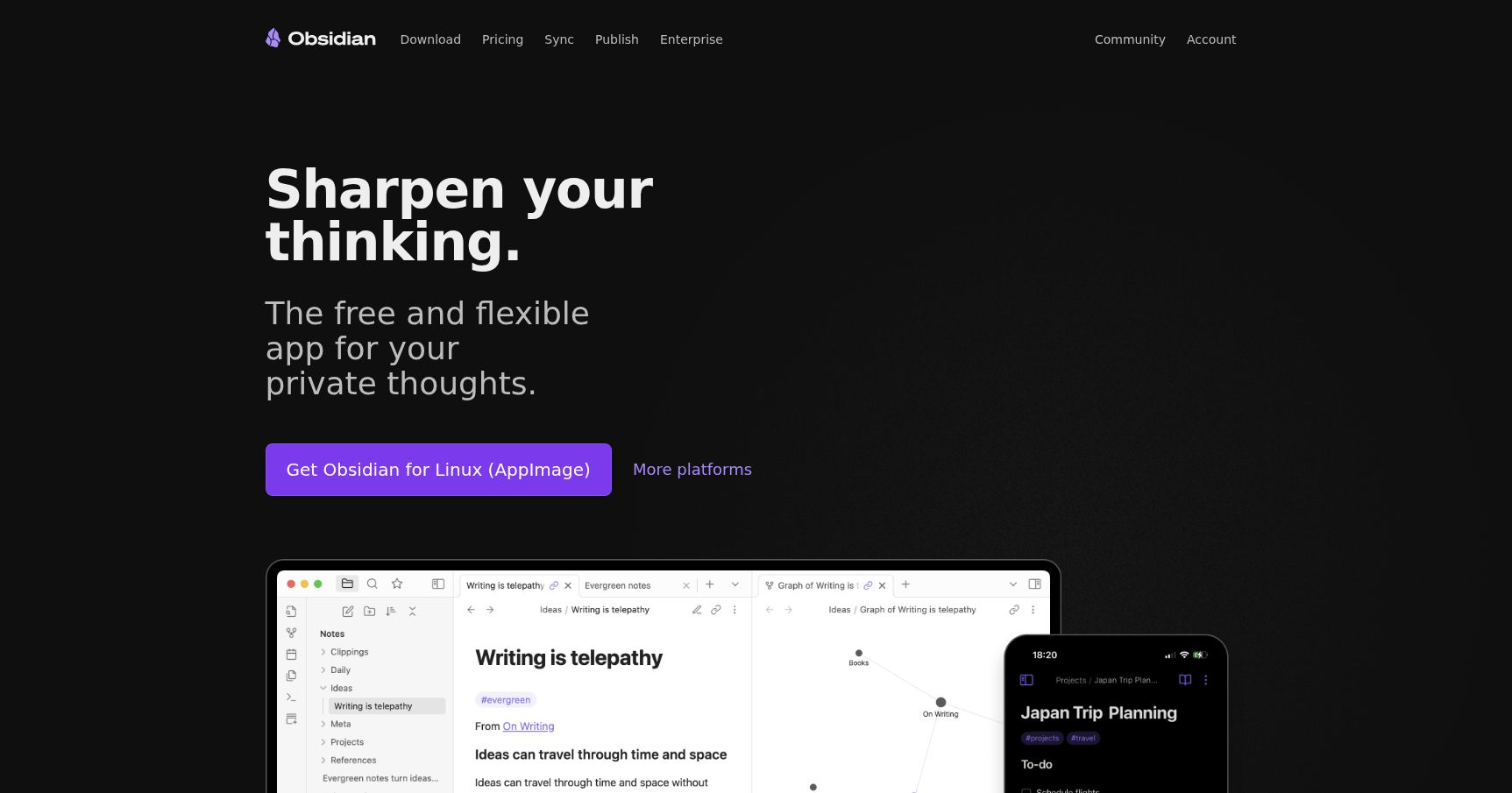
Obsidian is best described as an IDE for your thoughts. While most note-taking apps try to keep your data in a proprietary cloud database, Obsidian takes a different approach. It is a local-first application that treats your notes as a folder of plain-text Markdown files sitting right on your hard drive.
This architecture offers two specific benefits. First, it gives you total data ownership. Because your files are just text, they are readable by any text editor and will remain accessible even if the Obsidian app disappears tomorrow. Second, it allows for offline-first performance. Searching through ten thousand notes feels instant because there is no API latency or cloud synchronization lag to wait for.
The tool is designed for "networked thinking." Instead of forcing you into a rigid hierarchy of folders, it encourages you to link notes together bi-directionally. This creates a web of information that mirrors how the human brain associates ideas, making it a strong choice for researchers, developers, and writers who need to manage complex information architectures without vendor lock-in.
Key Features
The Graph View & Bidirectional Linking
The core mechanic of Obsidian is the ability to link any note to any other note using a simple syntax. When you link Note A to Note B, the software tracks this relationship. It can then show you a "backlink" on Note B, letting you know exactly where it was referenced.
This data feeds into the Graph View, a visual map where every note is a node and every link is a connection string. This allows you to visually identify clusters of knowledge or spot "gaps" in your research where connections are missing.
Canvas
For users who think spatially, the Canvas feature offers an infinite, zoomable interface. It acts as a project board where you can place notes, images, and media files side-by-side. You can draw arrows between these elements to build flowcharts, plot out story timelines, or visually organize a complex research paper before you start writing.
Bases (Native Databases)
Obsidian includes a core feature called Bases that allows you to treat a collection of notes like a database. You can structure your information into tables, cards, or lists, which makes the app function similarly to tools like Notion but without the cloud dependency. This is useful for project tracking or managing inventories of information where you need to filter and sort data properties.
Intelligent Web Clipping
The Official Web Clipper is a browser extension designed to keep your research workflow smooth. It doesn't just screenshot a page. It extracts the main content, metadata, and your specific highlights, then saves them directly into your vault as formatted Markdown. This keeps your external research clean and readable within your local environment.
Plugin Ecosystem
While the core app is stripped back, the community plugin architecture allows you to mold the software into whatever you need. You can install plugins to turn Obsidian into a Kanban board, a task manager, a calendar, or a dedicated writing environment. It provides extreme flexibility for technical users who want to script their own workflows.
Pricing
Obsidian is notably generous with its free tier, which covers the full application for personal use.
- Personal & Commercial Use: Free. This includes personal use, non-profits, and even commercial work usage.
- Obsidian Sync: If you want end-to-end encrypted synchronization managed by Obsidian, you have two options.
- Standard: Approximately $4–$5 per month. Supports 1 vault with limited storage.
- Plus: Approximately $8–$10 per month. Supports up to 10 vaults with larger storage and file size limits.
- Obsidian Publish: Approximately $8–$10 per month per site. This hosting service lets you turn your notes into a public website.
- Catalyst: A one-time payment starting around $25. This is effectively a donation to the developers that grants access to "insider" beta builds.
Pros & Cons
The Good
- Performance: Because it runs locally, the app is incredibly fast. Opening, searching, and switching between notes happens instantly.
- Future-Proof: Your data is stored as plain Markdown. You are not locked into a proprietary format, ensuring your work is portable forever.
- Customizability: Between CSS themes and plugins, you can tweak the interface and functionality to match your exact mental model.
The Bad
- Learning Curve: This is not Apple Notes. The interface and Markdown syntax can be intimidating for new users who just want to jot down a grocery list.
- Sync Complexity: If you don't pay for the official Sync service, setting up your own sync via iCloud, Dropbox, or Git requires technical know-how and can occasionally lead to file conflicts.
- No Native Collaboration: Since it is local-first, there is no real-time co-authoring (like Google Docs). It is primarily a tool for individual work.
Verdict
Obsidian is arguably the best choice on the market for knowledge workers, developers, and writers who value privacy and longevity over convenience. It demands that you take responsibility for your own data structure, which can be a hurdle for casual users.
However, if you are building a long-term body of work—such as a dissertation, a novel, or technical documentation—and you want to ensure your work remains yours regardless of what happens to the software company, Obsidian is the tool you want. It is a power tool for people who take notes seriously.