
Overview
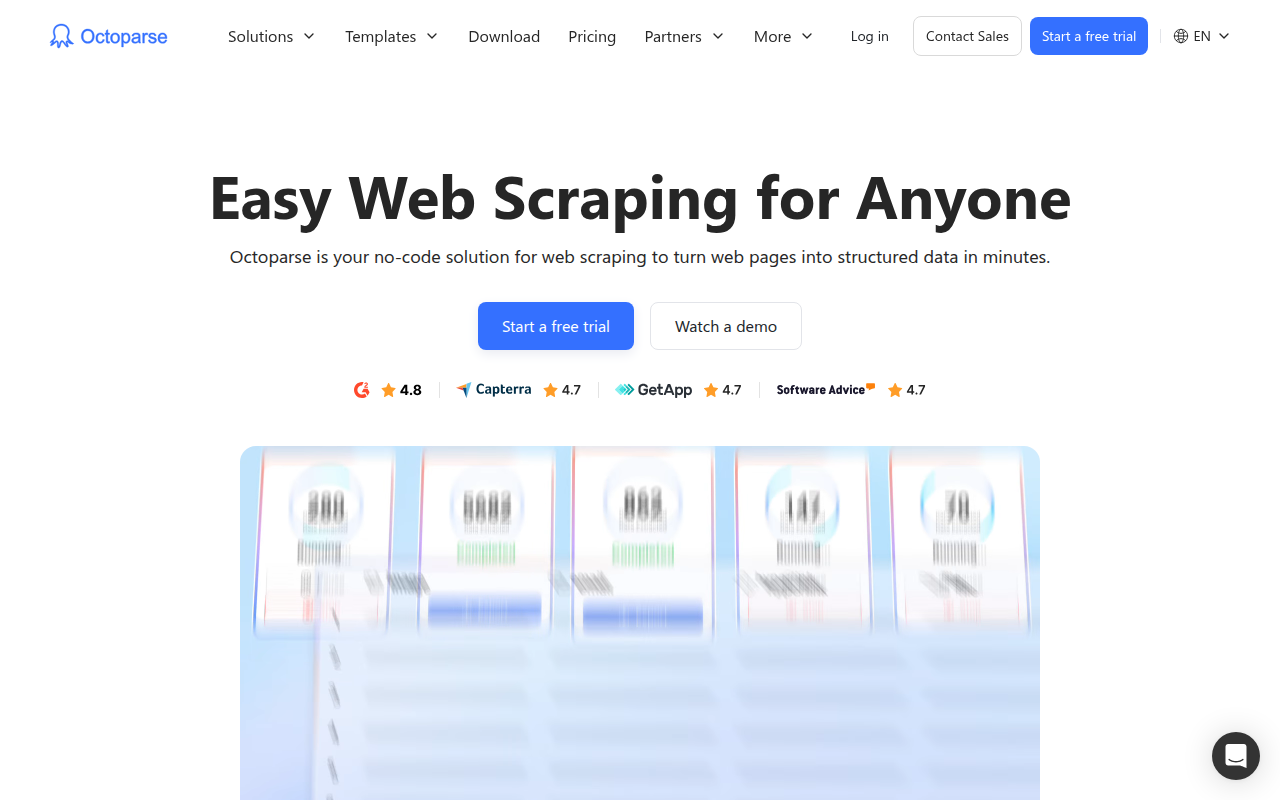
Octoparse is a web scraping tool designed to bridge the gap between manual copy-pasting and writing custom Python scripts. If you need data from the web but don't have a software engineering background, this is likely the tool you are looking for.
It functions as a "no-code" solution that turns messy HTML into structured rows and columns. Instead of writing code to identify elements, you browse a website within the Octoparse application and click on the data you want. The software records these actions to create a crawler.
This tool is particularly useful for E-commerce managers tracking competitor prices, marketing teams scraping lead directories like Yelp or LinkedIn, and researchers who need large datasets without relying on IT support. It handles the heavy lifting of human behavior simulation, meaning it clicks, scrolls, and logs in just like a real user to avoid getting blocked.
Key Features
Visual Workflow Designer
This is the core of the software. When you load a website in Octoparse, you interact with it visually. If you click on a product title, Octoparse highlights it. If you click the next product, it identifies the pattern and selects them all. On the backend, it builds a flowchart (Open Page > Loop > Click Element > Extract Data) that allows you to visualize exactly what the bot is doing. You can drag and drop these blocks to adjust the logic without writing syntax.
AI-Powered Auto-Detection
For users who want to move fast, the "Smart Mode" is a solid feature. You enter a URL, and the built-in AI scans the page structure. It automatically guesses what you are trying to scrape, such as product lists, prices, or pagination buttons, and drafts a workflow for you. While complex sites might need manual tweaking, this feature saves significant setup time for standard list-based sites.
Cloud Extraction & Scheduling
Running a scraper on your local laptop is fine for small jobs, but it consumes resources and stops if your computer goes to sleep. Octoparse offers a cloud platform (available in paid plans) where tasks run on their servers. You can schedule a scraper to run every Monday at 9 AM, and it will execute in the background 24/7. This is essential for live price monitoring or inventory tracking.
Built-in Anti-Blocking Mechanisms
Modern websites are aggressive about blocking bots. Octoparse counters this by mimicking human behavior. It supports:
- IP Rotation: Using a pool of IP addresses so requests don't all come from one location.
- User-Agent Customization: Identifying the bot as Chrome, Firefox, or Safari.
- Randomized Waits: Adding random delays between clicks so the behavior doesn't look mathematically perfect and robotic.
Pricing
Octoparse operates on a subscription model. While there is a free tier, serious automation requires a paid plan.
- Free Plan ($0/mo): Good for testing and small, one-off projects. It allows for 10 tasks and runs locally on your machine only. You are limited to 10,000 data rows per export.
- Standard Plan (~$119/mo): This is the entry point for serious users. It unlocks the Cloud Extraction service, allowing for scheduled tasks and IP rotation. It creates a massive efficiency jump for businesses.
- Professional Plan (~$299/mo): Designed for scale. You get 250 tasks and, crucially, 20 concurrent cloud processes. This means you can scrape 20 different pages at the exact same time for massive speed. It also includes API access.
- Enterprise Plan: Custom pricing for large-scale operations needing dedicated support.
Note: They offer a 14-day free trial for the paid tiers, though you will likely need to input a credit card to access it.
Pros & Cons
The Good
- Accessibility: The point-and-click interface is excellent for non-coders. It makes scraping accessible to analysts and marketers who would otherwise be blocked by technical barriers.
- Template Library: They have hundreds of pre-built templates for major sites like Amazon, eBay, and Twitter. If you just need data from a popular site, you often don't even need to build a crawler. You just type in a keyword.
- Cloud Reliability: Being able to "set it and forget it" is a major productivity booster. The cloud servers handle the bandwidth and processing.
The Bad
- The "No-Code" Ceiling: While 90% of the work is no-code, difficult sites with weird structures or dynamic AJAX loading might force you to learn basic XPath or Regular Expressions (RegEx) to get the bot to work correctly.
- Resource Heavy: The desktop application (used to build the scrapers) can be a memory hog. On older Windows or Mac machines, it might feel sluggish when processing large pages.
- The Price Jump: The gap between $0 and $119/month is significant. There is no cheap "hobbyist" tier for someone who just wants cloud scraping for one small project.
- Support Speed: Users on free or lower-tier plans often report slower response times from customer support.
Verdict
Octoparse is one of the strongest contenders in the visual web scraping market. It is a robust tool that pays for itself quickly if your business relies on external data.
If you are a Python developer comfortable with libraries like Selenium or Scrapy, you might find the interface restrictive and the cost unnecessary. However, for data analysts, marketers, and e-commerce professionals who need structured data without learning to code, Octoparse is highly recommended. It successfully abstracts the complexity of web crawling into a manageable, visual process.