

Overview
As of late early 2026, AFFiNE has successfully graduated from "promising GitHub project" to a serious daily driver for knowledge management. If you have ever felt frustrated by the disconnect between your structured notes in Notion and your visual brainstorming in Miro, this is the tool attempting to bridge that gap.
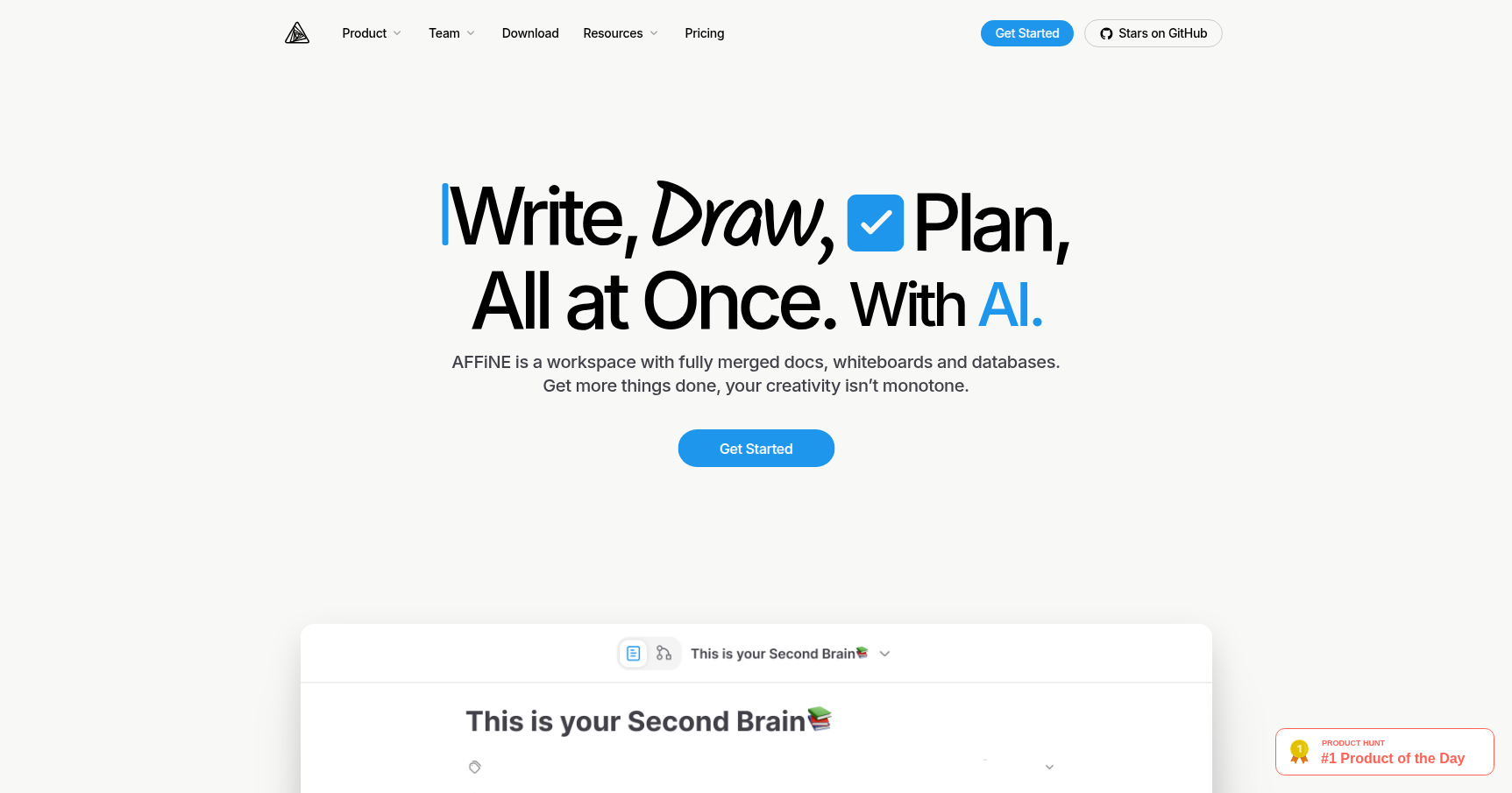
AFFiNE markets itself as a "KnowledgeOS." In practical terms, it is a privacy-focused, local-first workspace that fuses docs, whiteboards, and databases into a single block-based environment. You are not just embedding a board into a doc; the data is the board.
For developers and privacy advocates, the biggest draw here is control. Unlike cloud-only competitors where your data lives on someone else's server, AFFiNE stores everything on your device by default. It currently sits at over 60k stars on GitHub, signaling a massive developer following that values its open-source nature and the ability to self-host.
Key Features
The "Edgeless" Mode (Doc-to-Whiteboard Fusion)
This is the standout feature. In most tools, a document is just a vertical stream of text. In AFFiNE, you can click a button to switch to "Edgeless Mode," and your document instantly transforms into a spatial canvas.
Every paragraph, image, or Kanban card becomes a movable element. You can draw connections between text blocks, group them into visual clusters, and then switch back to "Page Mode" to see it all as a linear report again. It solves the friction of moving ideas from the brainstorming phase to the documentation phase because the data lives in both states simultaneously.
Model Context Protocol (MCP) & AI Integration
The December 2025 update brought significant maturity to the AI stack. AFFiNE now supports the Model Context Protocol (MCP). This is a big deal for developers. It allows you to generate JSON configurations that let external AI tools (like Cursor or Claude Desktop) read and interact directly with your AFFiNE workspace.
Internally, the "AFFiNE Intelligence" engine is no longer generic. It supports the latest frontier models including Claude Sonnet 4.5, Gemini 3 Pro, and GPT-5.1 via the Pro API. For the self-hosting crowd, you can hook it up to Ollama or Open WebUI to run local LLMs against your notes without sending a single byte to the cloud.
Local-First Architecture
Speed is the primary benefit here. Because the app runs locally, navigating between huge databases and whiteboards feels snappy compared to the loading spinners often seen in web-first apps. Your data is stored as CRDTs (Conflict-free Replicated Data Types) on your disk. Cloud syncing is optional and uses end-to-end encryption, meaning AFFiNE (the company) cannot read your data even if they wanted to.
Mobile & Database Maturity
After a long wait, the official iOS and Android apps stabilized in late 2024 and are fully functional as of December 2025. While the desktop experience is still superior for heavy lifting, the mobile apps now reliably handle quick capture and review. On the database front, the new "vibe-coding" feature allows you to describe a workflow to the AI, and it will generate complex Kanban or Table views with the correct property types automatically.
Pricing
AFFiNE keeps the pricing structure simple and developer-friendly.
- Free Plan ($0/mo):
- Best for individuals.
- Includes unlimited local workspaces and devices.
- Generous 10GB of cloud storage for syncing.
- Pro Plan (~$7.99/mo):
- Often discounted to around $6.75/mo if paid annually.
- Bumps cloud storage to 100GB.
- Increases max file uploads to 100MB.
- Adds a 30-day Cloud Time Machine to restore version history.
- Supports up to 10 members in a workspace.
- Self-Hosted (Free):
- The Community Edition is free via Docker.
- You pay only for your own infrastructure (e.g., a VPS or a Raspberry Pi). Managed hosting via services like Elestio runs about $16/mo.
Pros & Cons
The Good
- True Hybrid Workflow: Toggling between a structured doc and a whiteboard without losing context is genuinely useful for project planning.
- Privacy & Speed: Local-first means you own your data, and the UI doesn't lag while waiting for a server response.
- Dev-Friendly: The MCP integration allows AFFiNE to act as the "long-term memory" for your coding IDEs.
- Generous Free Tier: 10GB of sync storage is significantly better than what most competitors offer for free.
The Bad
- Resource Intensity: The desktop application is built on web technologies (Electron-based) and can chew through RAM if you have massive whiteboards open.
- Mobile Limitations: While available, the mobile apps still feel more like "viewers" than full-featured editors. Complex formatting is harder to do on a phone.
- Learning Curve: It is not as simple as Apple Notes. Understanding how blocks behave in Page view vs. Edgeless view takes a few days to master.
Verdict
AFFiNE has evolved into the best choice for technical professionals and privacy-conscious teams who find Notion too slow and Miro too disconnected.
If you are a developer using tools like Cursor, the new MCP support makes AFFiNE a no-brainer for managing technical documentation. It is also the go-to recommendation for anyone who wants to self-host their life OS. However, if you need a lightweight tool just for grocery lists or simple text, this is likely overkill.
Recommendation: Download the free version. It is robust enough for 90% of users. Only upgrade to Pro if you need the large file storage or version history for team collaboration.