

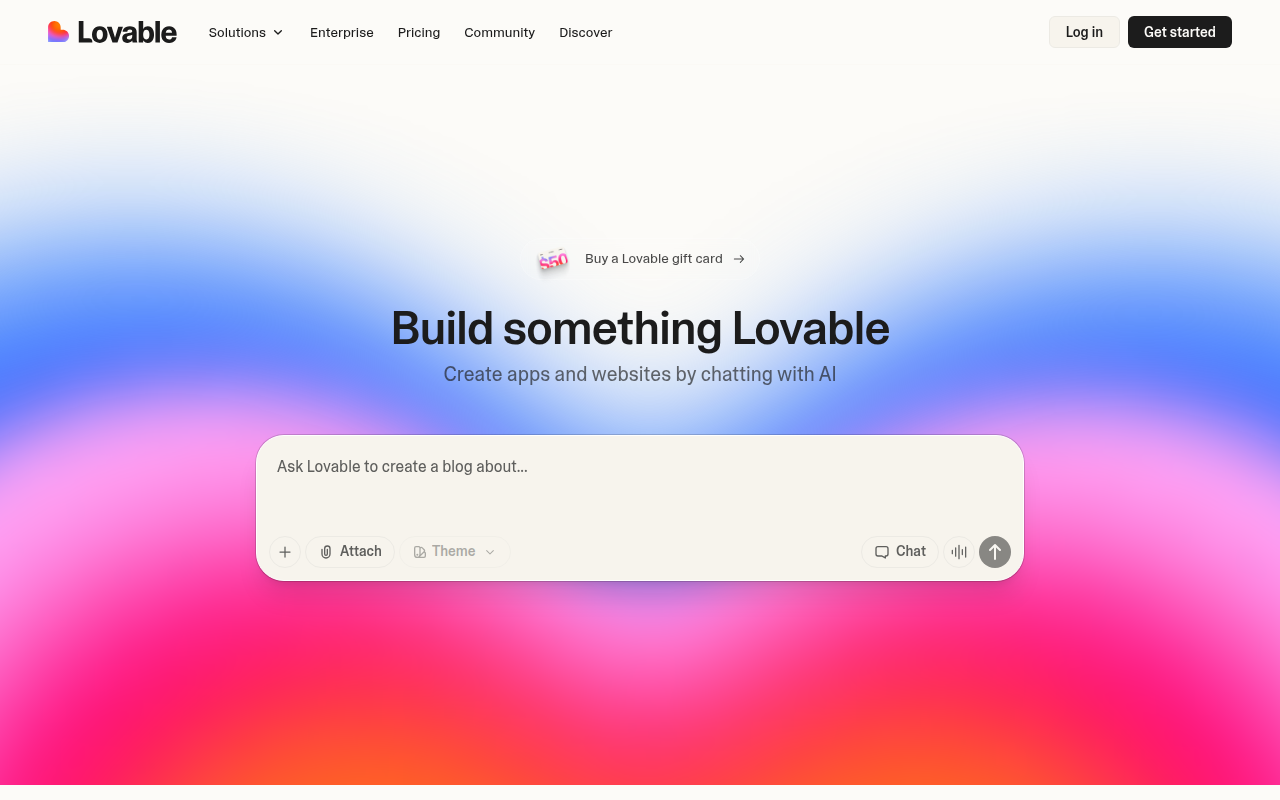
Overview
If you have been following the "Vibe Coding" movement where people build software just by talking to an AI, Lovable is likely the tool you keep hearing about.
At its core, Lovable is an AI-powered full-stack engineer. You give it a natural language prompt, and it spins up a functioning web application using industry-standard tech: React, Tailwind CSS, Vite, and Supabase.
Unlike traditional no-code tools that lock you into a proprietary walled garden, Lovable generates real, exportable code. The recent Lovable 2.0 update shifted the platform from a simple interface generator to a collaborative environment where the AI acts as an agent. It plans, codes, creates databases, and fixes bugs alongside you.
It is specifically targeting two groups: non-technical founders who want to launch an MVP without burning cash on agencies, and experienced developers who want to skip the boilerplate setup and jump straight to the complex logic.
Key Features
Agentic "Smart" Chat
In the early days of AI coding, you had to spoon-feed the AI one file at a time. Lovable 2.0 operates more like a senior contractor. When you ask for a feature, it reasons across multiple files, inspects logs to see what went wrong, and plans the architecture before writing a single line of code. It understands context, which significantly reduces the frustration of the AI forgetting what it built five minutes ago.
"Click-to-Fix" Visual Editing
One of the biggest pain points in AI coding is wasting generic credits on tiny CSS tweaks. Lovable introduced a Visual Edit Mode that lets you click on UI elements to adjust margins, colors, copy, and fonts directly. This feels like using Figma or Webflow. It saves your AI computation credits for the heavy lifting (logic and functionality) rather than burning them on pixel-pushing.
Automated Backend (Supabase Integration)
Most AI builders are great at making pretty frontends but fall apart when you need to save data. Lovable integrates tightly with Supabase to handle the backend. It automatically provisions PostgreSQL databases, sets up authentication tables, and even handles storage buckets for file uploads. It "thinks" in database schemas. If you ask for a "user profile page," it knows it needs to create a profiles table in the database first.
Real Code & GitHub Sync
This is the feature that makes developers take Lovable seriously. You can sync your project to a GitHub repository. This means you own the source code. You can pull the repo to your local machine, open it in VS Code or Cursor, and manually refine the code if the AI gets stuck. It creates a safety net that pure no-code tools simply cannot offer.
Pricing
Lovable operates on a credit consumption model. The AI "thinks," writes code, and edits files, all of which cost credits.
- Free Plan ($0/mo):
- Good for testing the waters. You get 5 credits a day.
- Projects are public and include a "Made with Lovable" badge.
- Includes GitHub sync and hosting.
- Pro Plan (~$25/mo):
- The standard tier for builders. You get roughly 100 credits per month plus a small daily top-up.
- Allows for private projects and custom domains.
- Removes the branding badge.
- Scale/Team Plans:
- Higher tiers exist for teams needing shared credit pools, centralized billing, and higher usage limits.
Note on Credits: Users report that building a complex app from scratch burns credits fast. The Pro plan is usually necessary if you intend to finish a project within a month.
Pros & Cons
The Good
- Aesthetic Default: The UI quality is exceptionally high. While other tools generate generic Bootstrap-looking sites, Lovable leans heavily into modern, clean Tailwind designs that look production-ready immediately.
- No Lock-In: Since it generates standard React code, you can "eject" at any time. If Lovable shuts down tomorrow, you still have your GitHub repo and a working Supabase backend.
- Speed to MVP: For standard CRUD applications (directories, internal tools, simple SaaS), you can genuinely get a working product in an afternoon.
The Bad
- Credit Burn: Debugging is expensive. If the AI makes a mistake and you ask it to fix it, that costs you credits. New users often burn their monthly allowance just trying to fix a stubborn bug.
- The "Looping" Problem: Like many LLM tools, Lovable can get stuck in a correction loop where fixing a database error breaks the UI, and fixing the UI breaks the database.
- Complex Backend Limitations: While great for standard apps, it struggles with heavy server-side logic or complex data processing. You will likely need a human developer to step in for advanced backend requirements.
Verdict
Lovable is currently the best-in-class tool for "Prompt-to-Product" development. It bridges the gap between the ease of no-code and the flexibility of pro-code better than almost anything else on the market.
If you are a founder looking to validate an idea, this is a no-brainer. It is cheaper and faster than hiring a freelancer.
If you are a developer, treat it as the ultimate scaffolder. Use it to build 80% of the app (the UI, auth, and basic DB structure) in a few hours, then sync to GitHub and take over for the complex finishing touches.