
Overview
Mailchimp is the 800-pound gorilla of the email marketing world, but calling it just an "email tool" doesn't quite cover it anymore. Over the last few years, it has morphed into a full-stack marketing and commerce platform designed specifically for small to mid-sized businesses (SMBs).
The core philosophy here is "democratic marketing." The idea is to give a local coffee shop or a Shopify side-hustle access to the kind of predictive analytics and automation that used to require a dedicated enterprise IT team. If you are a solopreneur, a growing D2C brand, or a marketing agency managing multiple clients, Mailchimp is trying to be your central command center. It handles email, SMS, social ads, and even acts as a lightweight CRM.
While it is famous for its friendly branding and ease of use, the platform has pivoted hard toward AI and data science. It wants to help you sell, not just send newsletters.
Key Features
Customer Journey Builder
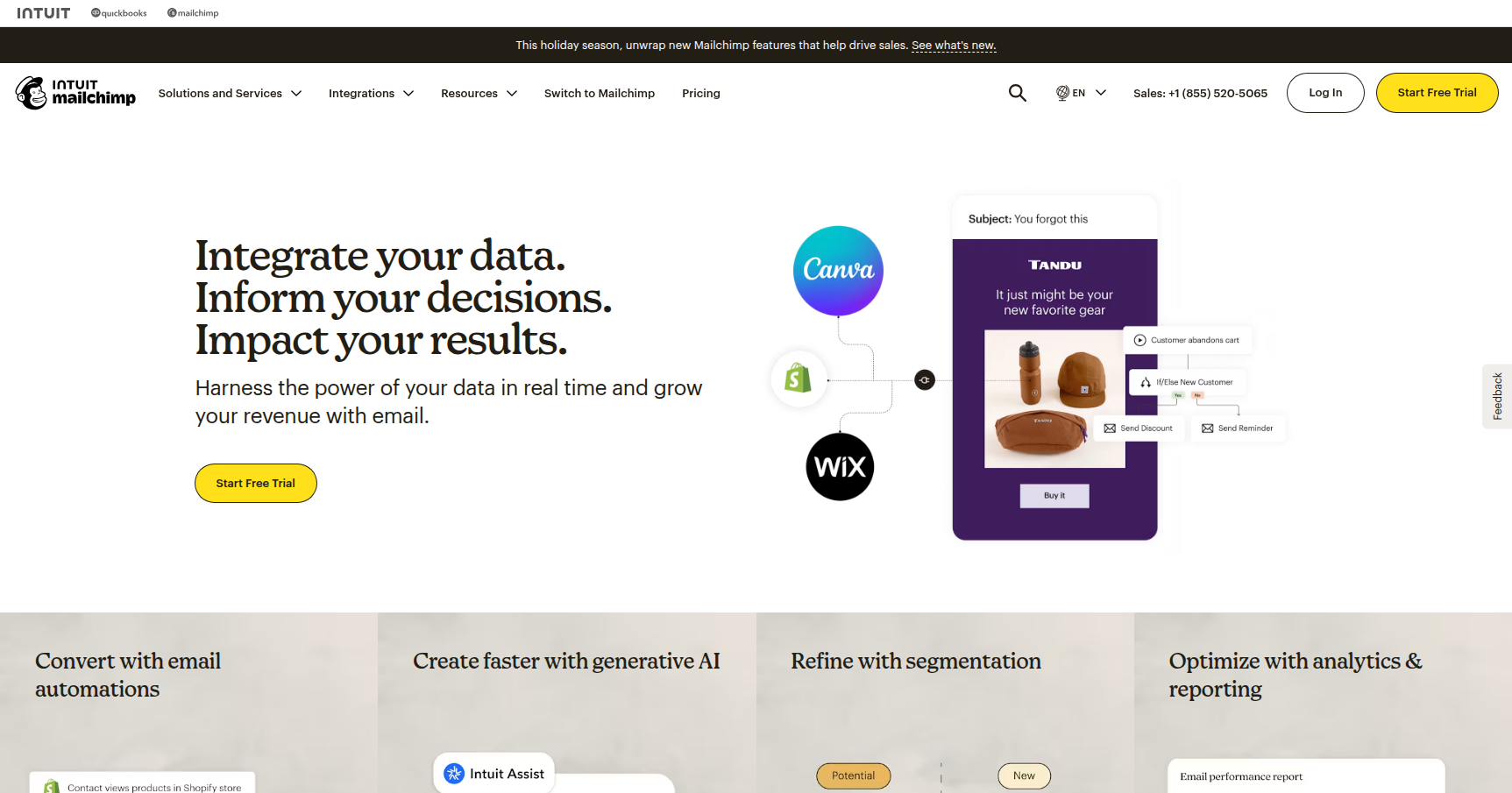
This is where Mailchimp moves beyond "batch and blast" emails. The Journey Builder is a visual "if this, then that" automation tool. You can drag and drop different trigger points to create complex workflows. For example, if a customer buys a specific product on your WooCommerce store, you can tell Mailchimp to wait two days and then send a cross-sell email for a related accessory. It is intuitive enough that you don't need a logic diagram to figure it out, but powerful enough to handle nuanced D2C strategies like abandoned cart recovery.
AI Creative Assistant & Content Optimizer
For teams without a graphic designer, this is a major time-saver. The Creative Assistant analyzes your brand assets (logo, fonts, color palette) and automatically generates on-brand email templates for you. It pairs with the Content Optimizer, which acts like a specialized spell-checker for marketers. It compares your subject lines and copy against millions of top-performing campaigns to give you real-time suggestions on how to improve open rates and engagement.
Predictive Segmentation
This is the "enterprise" tech trickling down to the SMB level. Available on the higher-tier plans, this feature uses machine learning to look at your purchase history and engagement data. It then predicts future behavior, specifically calculating the Customer Lifetime Value (CLV) or the likelihood that a customer will purchase again. This allows you to target your "big spenders" with VIP offers while sending re-engagement campaigns to users who are drifting away.
Integrations Ecosystem
Mailchimp plays nice with almost everyone. With over 300 native integrations, it syncs cleanly with the heavy hitters like Shopify, Salesforce, BigCommerce, and Canva. The e-commerce integrations are particularly tight, allowing for detailed revenue tracking directly inside the Mailchimp dashboard so you can see exactly how much money a specific email campaign generated.
Pricing
Mailchimp uses a tiered pricing model based on the number of contacts you have. The prices listed below are for the entry-level tier (500 contacts), but be aware that costs scale up as your list grows.
- Free Plan ($0/mo): Good for testing the waters. You get up to 500 contacts and 1,000 monthly sends. You are limited to 1 audience and basic templates. Support is virtually non-existent after the first 30 days, and your emails will have the Mailchimp logo in the footer.
- Essentials Plan (Starts ~ $13/mo): This removes the Mailchimp branding and opens up A/B testing and 24/7 support. It is the solid choice for businesses that just need to send professional emails without the AI bells and whistles.
- Standard Plan (Starts ~ $20/mo): This is the sweet spot for data-driven marketers. It unlocks the "smart" features like Predictive Segmentation, Send-time Optimization, and the full Customer Journey Builder.
- Premium Plan (Starts ~ $350/mo): This is for high-volume senders who need multivariate testing, unlimited seats, and priority phone support.
The "Gotcha": Mailchimp’s billing policy counts unsubscribed and non-subscribed contacts toward your total contact limit. If you have 2,000 subscribers and 1,000 unsubscribes, you are billed for 3,000 people unless you manually archive the inactive ones. This often catches users by surprise.
Pros & Cons
Pros
- UI/UX is Top Tier: The interface is clean, playful, and genuinely easy to navigate. You can build a professional-looking campaign in minutes with zero coding skills.
- Deliverability: Mailchimp protects its sender reputation aggressively. If you follow the rules, your emails are very likely to land in the Primary inbox rather than the Spam folder.
- Data Visualization: The analytics are actionable. You get clear reports on revenue, click maps, and open rates that help you understand what is working immediately.
- Template Library: The pre-built designs are modern and mobile-responsive right out of the box.
Cons
- Pricing Scalability: The cost creates a "hockey stick" curve. Once you pass 2,500 or 5,000 contacts, Mailchimp becomes significantly more expensive than competitors like MailerLite or Brevo.
- Billing Logic: Paying for unsubscribed contacts feels unfair to many users and requires manual list hygiene to avoid overage charges.
- Support Walls: If you are on the Free plan, you are effectively on your own. If something breaks, you cannot just email support after your first month is up.
- Automation Limits: While the Journey Builder is good, power users might find it slightly rigid compared to the hyper-flexible automation found in tools like ActiveCampaign.
Verdict
Mailchimp is the standard recommendation for a reason. It offers an excellent balance of power and usability for Small to Mid-Sized Businesses and E-commerce brands. If you run a Shopify store and want to automate your marketing with data-backed decisions (without hiring a data scientist), the Standard Plan is likely your best ROI.
However, if you are a creator with a massive list of free subscribers and a low budget, the pricing model might force you out eventually. Mailchimp is a premium tool that charges a premium price for its reliability and feature set. Use it if you plan to monetize your list aggressively; otherwise, the monthly bill might outweigh the benefits.