
Overview
Slack started as a internal tool for a gaming company, but it evolved into the standard for modern workplace communication. The name itself is an acronym for "Searchable Log of All Conversation and Knowledge," which tells you exactly what the core utility is. It is designed to replace internal email with organized, real-time channels.
Since Salesforce acquired it in 2021, Slack has shifted its strategy to become a "Work OS." The goal is to keep you inside the Slack window for your entire workday. Instead of tab-switching between Jira, Google Drive, and Salesforce, you handle approvals and notifications directly in the chat interface. It is the go-to platform for tech-driven teams, remote organizations, and high-growth startups that need to move faster than email allows.
Key Features
Channels & Slack Connect
The foundation of the platform is the Channel. Instead of a messy inbox, you organize work by project, team, or topic. What sets Slack apart is Slack Connect. This feature lets you create shared channels with external partners, such as vendors or clients, without compromising security. You can talk to them exactly like you talk to your internal team, which drastically reduces the friction of external collaboration.
Huddles (Now with AI)
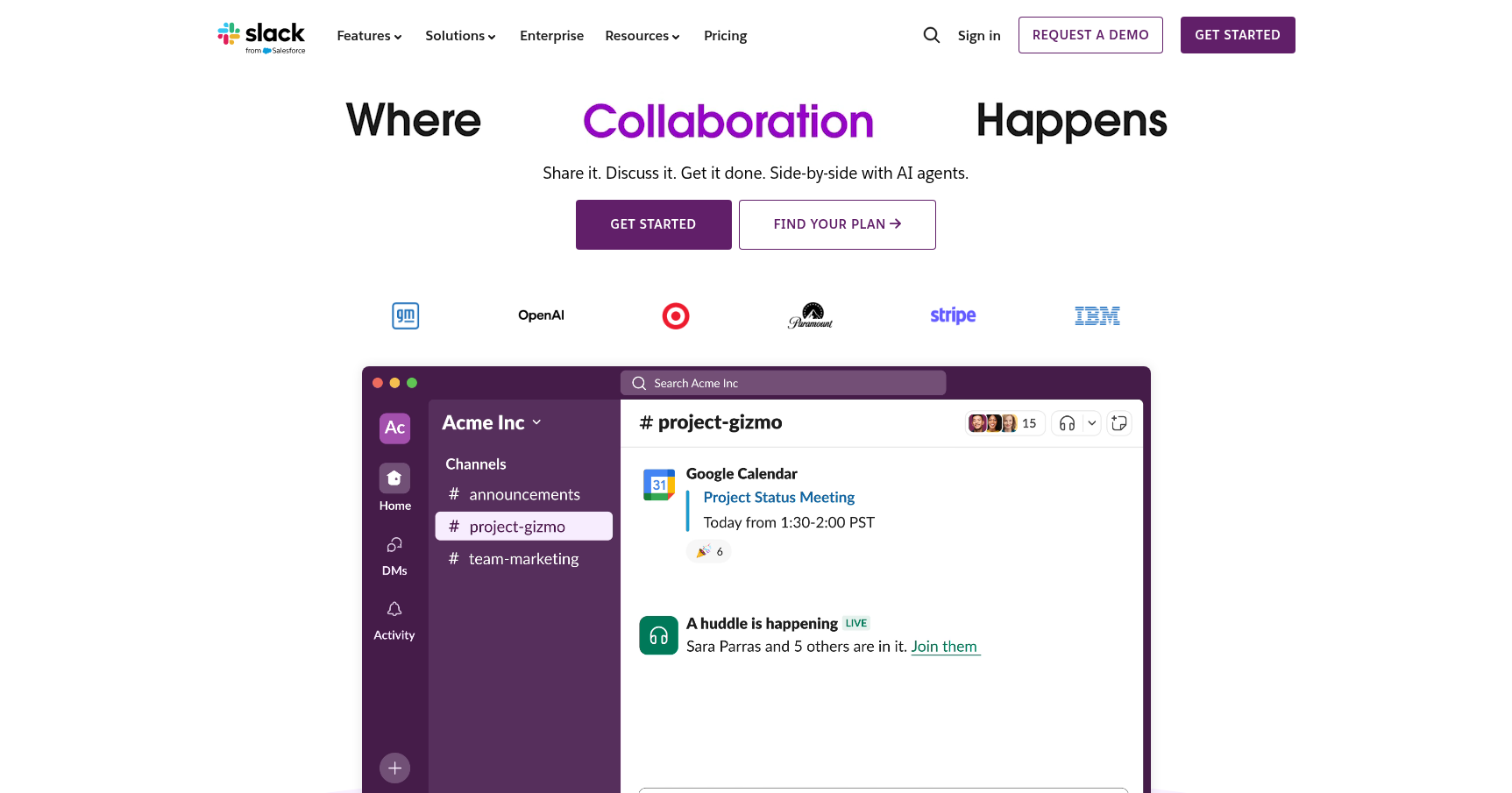
Huddles started as a way to mimic walking over to a colleague's desk. It is an audio-first experience that happens in one click. In 2025, this feature got a significant upgrade for Pro users. It now includes AI-powered summaries and automated recordings. If you miss an impromptu sync, you don't have to chase people down for context. You just read the AI recap.
Workflow Builder
This is a standout feature for operations and engineering teams. It is a no-code tool that lets you automate routine tasks. You can set up a workflow to prompt the team for weekly status updates every Friday or create a form that collects IT help tickets and routes them to the right channel. It removes the administrative overhead from repetitive processes.
Canvas
Channels are great for flow, but terrible for storage. Canvas solves this by giving every channel a permanent document layer. You can use a Canvas to store FAQs, embed files, or track action items that shouldn't get buried in the chat history. It essentially puts a lightweight wiki inside every conversation.
Slack AI
The platform now integrates generative AI to help manage information overload. It provides daily recaps of channels you haven't checked, summarizes long, winding threads into a few bullet points, and powers a "smart search" that can answer questions based on your company's historical data.
Pricing
Slack has updated its pricing structure for 2025 to reflect the inclusion of new AI features.
- Free Plan: Good for casual use or very early-stage startups.
- Cost: $0.
- The Catch: You hit a hard wall with a 90-day message and file history limit. You are also limited to 10 app integrations and can only do 1:1 Huddles (no group calls).
- Pro Plan: The standard for most small to mid-sized businesses.
- Cost: Approximately $7.25/user/month (billed annually).
- Value: This unlocks unlimited message history, unlimited integrations, and group Huddles. It also includes the Canvas feature and guest access.
- Business+ Plan: Required for larger orgs needing compliance.
- Cost: Approximately $15.00/user/month (billed annually).
- Value: The price jump covers 99.99% uptime guarantees, SAML-based Single Sign-On (SSO), and data exports needed for compliance.
- Enterprise Grid: For the Fortune 500.
- Cost: Custom pricing.
- Value: Supports up to 500,000 users, HIPAA compliance, and complete control over data residency and encryption keys.
Pros & Cons
Pros
- Search is King: Slack's original promise holds up. The ability to filter search results by person, channel, date, or file type is superior to almost any competitor. You can actually find a document sent three years ago.
- The Ecosystem: With over 2,600 integrations, if a SaaS tool exists, it probably connects to Slack. This makes the "central hub" strategy a reality.
- User Experience: The mobile app is incredibly stable, and the desktop interface is intuitive. Custom emojis and status updates do a surprising amount of heavy lifting for company culture in remote teams.
- External Collaboration: Slack Connect is arguably the best feature for agencies or service providers who need close contact with clients.
Cons
- It Gets Expensive: Compared to Microsoft Teams, which is often bundled "free" with Office 365, Slack is a significant line item. For a company of 500 people, the bill adds up fast.
- The Noise: The "always-on" nature of the platform can lead to notification fatigue. Without strict personal notification settings, it destroys focus time.
- The Free Tier Limit: The 90-day history limit on the free plan is aggressive. You will lose institutional knowledge if you don't upgrade, which forces growing teams to pay up sooner than they might like.
Verdict
Slack remains the gold standard for chat-based collaboration, specifically for engineering and product teams who value speed and integrations. The UX is polished, the search is reliable, and the mobile experience is top-tier.
However, the cost is the main friction point. If your organization is already deep in the Microsoft ecosystem, paying extra for Slack is a hard justification. But if you are a remote-first startup or a tech-heavy enterprise that relies on best-in-class tools like Jira and Salesforce, Slack is likely worth the premium to keep your workflow centralized.