

Overview
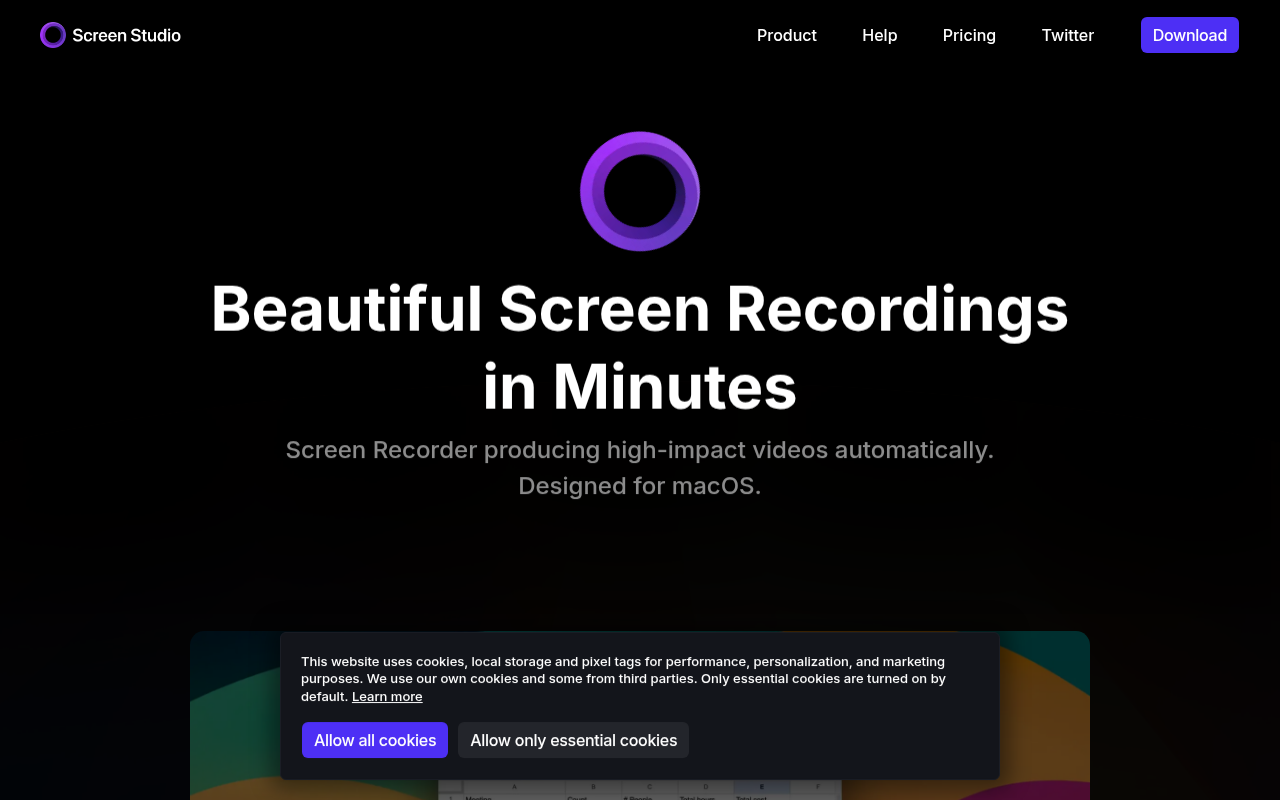
Screen Studio is a macOS-exclusive screen recorder and editor that solves a very specific problem: making software demos look professional without requiring hours of manual editing.
If you have ever tried to record a product walkthrough using QuickTime or OBS, you know the result usually looks static and boring. To make it engaging, you normally have to pull the footage into Premiere Pro or Final Cut, manually add keyframes to zoom in on buttons, smooth out your jerky mouse movements, and add motion blur. It is a tedious process that can take two hours for a two-minute video.
Screen Studio automates 90% of that work. It records your screen and your metadata (clicks, mouse position, window size) simultaneously. Immediately after you stop recording, it presents a video that already zooms in on your actions, smooths your cursor movement, and adds a professional background. It is designed for SaaS founders, indie hackers, and content creators who need "Apple-style" product videos but don't have the time or skills to be a motion graphics designer.
Key Features
The "Automatic" Director
The standout feature here is how the software handles focus. When you click on a button or type into a text field during your recording, Screen Studio automatically adds a smooth zoom to that area. You don't have to set start and end points for the zoom manually. If the software guesses wrong, you can easily adjust or delete the zoom point on the timeline, but it gets it right most of the time.
Synthetic Cursor Movement
Human mouse movement is naturally jittery and shaky. Screen Studio ignores the visual feed of your mouse and reconstructs it digitally. This allows it to replace your actual movement with a perfectly smooth, straight glide between points. It looks incredibly polished. Furthermore, because the cursor is a digital asset rather than burned-in pixels, you can change its size or visibility after you have finished recording.
Cinematic Motion Blur & Backgrounds
To get that high-end "tech promo" look, the software applies high-quality motion blur to every animation. When the camera zooms or the mouse moves, it blurs appropriately. Additionally, it automatically wraps your window in a customizable background (wallpaper, gradient, or solid color) and adds drop shadows and rounded corners to the window itself. This makes even a basic boring spreadsheet look like a designed asset.
One-Click Vertical Conversion
For creators posting to TikTok, Instagram Reels, or YouTube Shorts, Screen Studio creates a vertical version of your horizontal recording instantly. Because the software tracks where the action is happening (the clicks and typing), it automatically keeps the relevant part of the screen centered in the vertical crop. You don't have to manually keyframe the position to keep your mouse in the shot.
Pricing
Screen Studio has moved from a simple cheap utility to a premium productivity tool, and the pricing reflects that. They recently introduced a subscription model alongside a lifetime option.
- Free Trial: You can download the full version for free to test every feature. There is no time limit, but you cannot export a usable video without a watermark.
- Standard Subscription:
- $9/month (if paid annually at $108).
- $29/month (if paid monthly).
Note: Students and teachers can often get a ~40% discount with a valid .edu email address.
Pros & Cons
Pros
- Speed to Publish: What takes 2 hours in Final Cut takes 10 minutes here. The ROI on time is massive.
- Aesthetic Quality: The default output looks significantly better than typical screencasts. The motion blur and easing curves are tuned perfectly.
- Native Feel: The app is built for Apple Silicon (M1/M2/M3). It is fast, responsive, and adheres to macOS design language.
- Social Ready: The ability to repurpose a wide-screen demo into a vertical short with one click is a massive time-saver for marketing teams.
Cons
- Mac Only: There is no Windows or Linux version, and the developer has stated there are no plans for one.
- Limited "Real" Editing: This is not a full video editor. You cannot do multi-track audio mixing, complex masking, or advanced color grading. If you need a complex intro sequence, you will have to export from Screen Studio and finish it in another editor.
- System Heavy: While optimized, rendering 4K video with real-time motion blur and zoom effects can still heat up older Intel Macs or base-model Airs.
Verdict
Screen Studio is an expensive tool that is worth every penny if you fit the user profile.
If you only record a quick screen grab once a month to show a colleague a bug, stick to the free Loom plan or QuickTime. Screen Studio is overkill for that.
However, if you are a founder building in public, a creator making tutorials, or a product marketer, this tool pays for itself in one or two projects. It effectively replaces a freelance motion designer for standard demo videos. It strips away the drudgery of keyframing and leaves you with a result that makes your product look cleaner and more professional than it actually is. It is highly recommended for anyone whose business relies on showing software on a screen.