

Overview
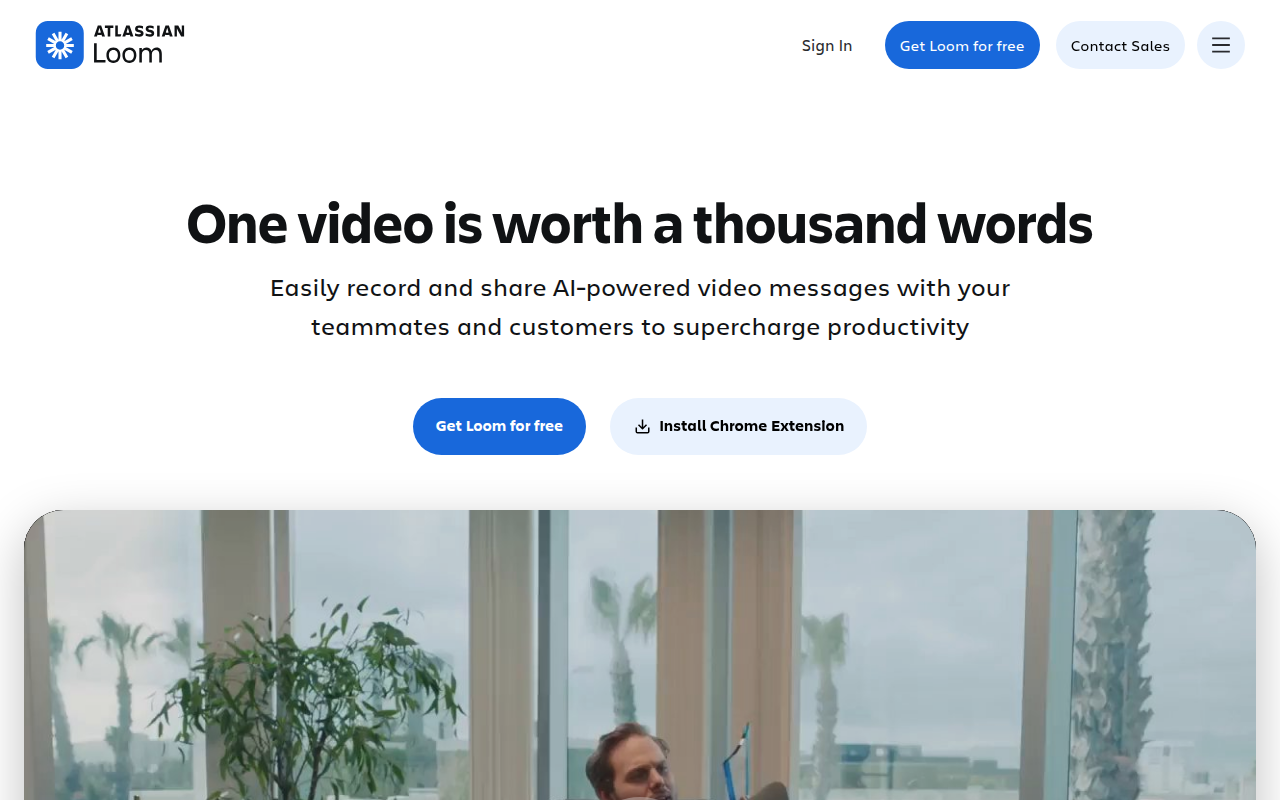
Loom is essentially the antidote to "this meeting could have been an email." It is an asynchronous video messaging platform that captures your screen and camera simultaneously. The concept is simple: you record a quick walkthrough or explanation, and the recipient watches it whenever they have time.
Since Atlassian acquired Loom in late 2023, the tool has started integrating deeply with Jira and Confluence, but it remains a strong standalone product. It fills the gap between a cold text message and a disruptive live video call. By putting a "bubble" of your face over your screen share, it adds the tone and context that usually get lost in Slack or email.
This tool is standard issue for remote and hybrid teams, but it is also heavily used by sales reps to send personalized pitches and by engineering teams to document bug reports without scheduling a sync.
Key Features
Instant Upload & Sharing The engineering behind Loom's upload process is its biggest selling point. There is effectively zero rendering time. The moment you hit the "Stop" button, the video is already uploaded to the cloud, and a shareable link is copied to your clipboard. You don't have to wait for the file to process locally. This lack of friction is what makes it faster than recording a clip with QuickTime and uploading it to Drive or Dropbox.
Edit by Transcript (AI-Powered) This is a standout feature for anyone who hates standard video editing. Loom generates a transcript of your recording automatically. If you want to cut a section out, you don't mess with a timeline; you just highlight the text in the transcript and delete it. The AI automatically snips that portion of the video and stitches it back together. It also includes a one-click option to scrub filler words like "um" and "ah" from the audio.
Loom AI Suite On the higher-tier plans, Loom leverages AI to do the administrative work for you. It scans your video to generate a title, a written summary, and a list of chapters with timestamps. It can even detect if you mentioned a link or a specific task and automatically generate a Call to Action (CTA) button that overlays the video player at the end.
Variables (Beta) For sales and outreach, Loom is rolling out the ability to record one core video and "personalize" it for mass distribution. You can swap out variables (like the recipient's name) in the audio and title without re-recording the whole clip.
Interactive Player & Insights Communication is a two-way street. The Loom player allows viewers to leave time-stamped comments and emoji reactions at specific points in the video. For the creator, the analytics are granular. You can see exactly who watched the video, how far they got, and if they clicked your CTA button.
Pricing
Loom updated its pricing structure for 2025 to push users toward paid tiers for advanced features and storage.
- Starter (Free): Good for testing the waters but restrictive. You get up to 25 videos per person, and crucially, a 5-minute recording limit per video. It includes basic editing and transcriptions.
- Business ($15/user/mo billed annually): This removes the handcuffs. You get unlimited video count and recording length, 4K resolution, and custom branding. It also adds security features like password protection.
- Business + AI ($20/user/mo billed annually): This includes everything in Business plus the automated AI suite (Edit by transcript, auto-summaries, filler word removal, and Variables).
- Enterprise: Custom pricing. Necessary for SSO (SAML), SCIM, and advanced data retention policies.
Note: There is a 14-day free trial available for the Business + AI plan.
Pros & Cons
Pros
- Zero Friction: The speed from "record" to "share" is unmatched. It encourages you to communicate visually because it doesn't feel like a chore.
- Contextual Clarity: For engineers and designers, pointing at a screen while speaking explains the "why" much faster than typing out a documentation ticket.
- Integration Stability: The Chrome extension and desktop app are reliable. The integration with Slack (previewing videos directly in the chat) and Jira (embedding videos in tickets) works seamlessly.
Cons
- The 5-Minute Wall: The free plan's time limit is aggressive. Five minutes is often just short enough to cut off a detailed technical walkthrough, forcing an upgrade.
- Cost Scaling: Paying $15 to $20 per user every month adds up quickly for larger organizations, especially when competing tools like Slack Huddles or Zoom Clips are "good enough" and included in existing subscriptions.
- AI Editing Quirks: While "Edit by Transcript" is clever, it isn't perfect. If your tone shifts between sentences, the AI-generated cut can sometimes sound jarring or unnatural.
- Workspace Confusion: In big teams, file permissions can get messy. Users often struggle to differentiate between posting to a personal library versus a public team workspace.
Verdict
Loom is currently the gold standard for asynchronous video. If your team works across time zones or finds itself bogged down by meetings that simply share status updates, Loom is an immediate productivity booster. The user experience is polished, and the instant-share capability removes the friction of traditional video tools.
However, the cost is a consideration. For casual users, the 5-minute limit on the free plan will eventually become a nuisance. If you are a power user in Sales, Product, or Engineering, the Business + AI plan is worth the $20/month for the automated summaries and editing tools alone. For general communication, it is a superior alternative to typing out long emails, provided your company is willing to foot the bill.