

Overview
If you have ever spent an entire weekend just trying to configure an AWS IAM role or setting up a PostgreSQL connection pool, PocketBase is the antidote. It is an open-source Backend-as-a-Service (BaaS) that compiles your entire backend infrastructure (database, file storage, auth, and API) into a single portable binary file.
PocketBase is effectively the "anti-Kubernetes." It is not designed for microservices or massive horizontal scaling. Instead, it is built for vertical efficiency and developer sanity. It allows solo developers, indie hackers, and internal tool builders to deploy a live API in minutes by simply running ./pocketbase serve.
Because the data and the logic live in one folder, you have total data sovereignty. There is no vendor lock-in. If you want to move your app from DigitalOcean to a Raspberry Pi under your desk, you just copy the folder.
Key Features
The Single-Binary Architecture
The defining feature of PocketBase is its delivery method. You don't install a database server, then a caching server, then an API server. You download one executable file (written in Go) and run it. This single process handles everything. It is incredibly lightweight, capable of handling thousands of concurrent connections on a cheap VPS with as little as 512MB of RAM.
Embedded SQLite with WAL Mode
PocketBase ignores the industry obsession with complex database clusters in favor of SQLite running in WAL (Write-Ahead Logging) mode. This isn't the slow, file-locked SQLite of the past. It is highly performant for read-heavy workloads and handles concurrent connections surprisingly well. For 99% of projects (MVPs, internal dashboards, SaaS apps with under 10k users), this architecture is faster and more reliable than a poorly managed Postgres instance.
Built-in Auth & Real-Time Subscriptions
Out of the box, you get a full authentication system. This includes standard email/password flows and OAuth2 integration for over 20 providers like Google, GitHub, and Microsoft. It also supports MFA. On the data side, the API supports Real-time subscriptions via Server-Sent Events (SSE). This means your frontend can listen for changes in the database and update the UI instantly without you writing complex WebSocket logic.
Extensibility (Go & JS Hooks)
While PocketBase aims for "no-code" simplicity with its Admin UI, it does not trap you there. You can intercept requests or trigger custom business logic using JavaScript (via an embedded engine) or Go. If you need to send an email after a user signs up or validate data against an external API, you can hook into the event loop easily.
S3-Compatible Storage
Even though the database is local, your file assets don't have to be. PocketBase includes built-in configuration to offload file storage to S3-compatible services. You can hook it up to AWS S3, Cloudflare R2, or DigitalOcean Spaces so your local disk doesn't fill up with user uploads.
Pricing
PocketBase is Free and Open-Source Software (FOSS) released under the MIT License. There are no monthly subscription tiers or feature gates.
- Software Cost: $0.
- Hosting Cost: You pay for the infrastructure.
- Self-Hosting: Runs comfortably on a $4–$6/month VPS (Hetzner, DigitalOcean, Fly.io).
- Free Tiers: Compatible with Oracle Cloud or Google Cloud "Always Free" tiers.
- Managed Options: While there is no official cloud, community-run services like PocketHost or Elest.io offer managed instances starting around $5/month if you don't want to touch a Linux terminal.
Pros & Cons
Pros
- Speed to Market: You can realistically build a functional backend for a hackathon project or MVP in under an hour.
- DevOps Simplicity: No Docker containers to orchestrate. Deployment is essentially a file copy operation.
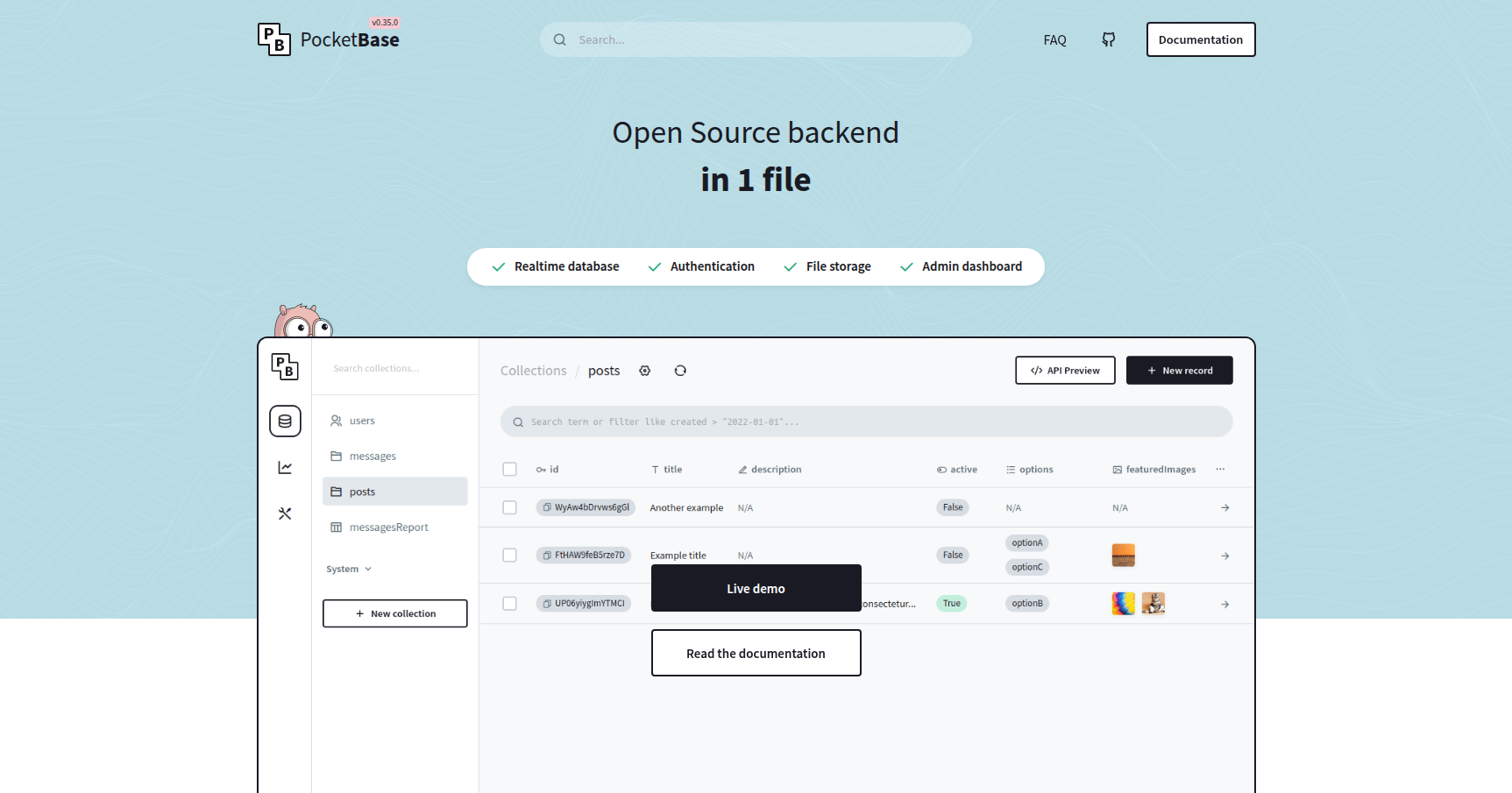
- Developer Experience: The Admin UI is clean and intuitive. You can manage data and logs without writing SQL. The creator (Gani Georgiev) is known for being highly responsive to community feedback.
- Portability: You own your data completely. Migrating away just involves taking your SQLite file and exporting it.
Cons
- Vertical Scaling Only: This is the trade-off for simplicity. You cannot scale horizontally across multiple servers easily. If your app hits 50k+ daily active users, you will likely outgrow PocketBase.
- Bus Factor: The project is primarily maintained by one developer. While open source, the long-term roadmap is heavily dependent on a single person.
- Pre-v1.0 Instability: The project is still in active development. Breaking changes happen, and while migration guides are provided, it requires maintenance to keep up with updates.
- No Edge Functions: Unlike Supabase or Firebase, PocketBase does not have a native "serverless function" network. Logic runs on your central server.
Verdict
PocketBase is currently the best-in-class solution for solo developers and small teams who value shipping over scaling.
If you are building the next global social network that needs to handle millions of transactions per second, look elsewhere. However, if you are building an internal inventory tool, a niche SaaS, or a personal side project, PocketBase removes the infrastructure headache completely. It brings the joy back into backend development by getting out of your way.
Recommendation: Download it, run it locally, and build a "Hello World" app. The lack of friction is genuinely refreshing.