

Overview
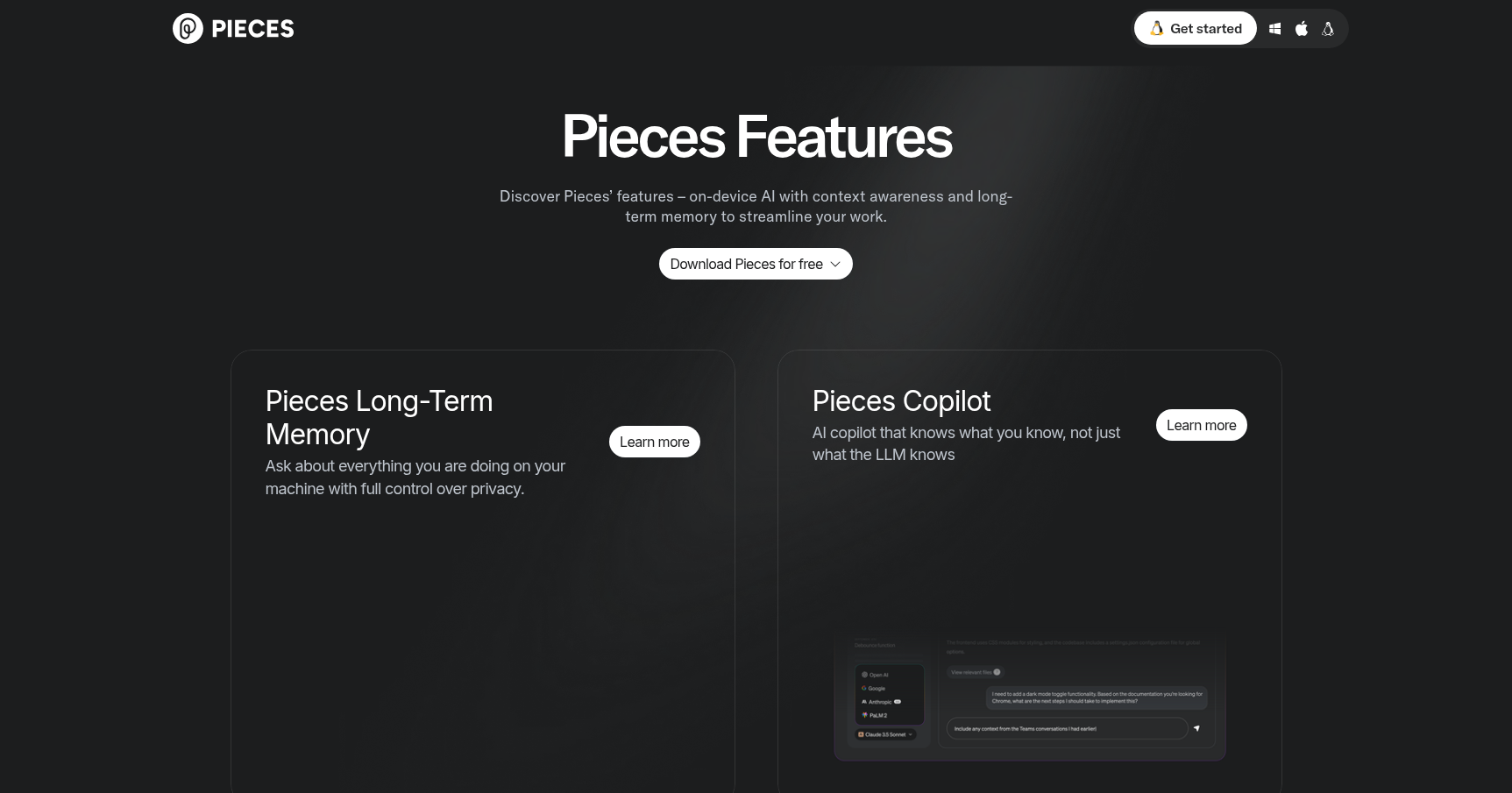
If you have ever stared at a block of code you wrote three weeks ago and completely forgotten why you wrote it or how it works, Pieces is built for you. Think of it as an "on-device copilot" that functions as a long-term memory layer for your entire workflow.
Most developer tools live in silos. Your browser history doesn't talk to your IDE, and your terminal commands disappear into the void. Pieces bridges this gap by running a background engine called "Pieces OS" that unifies these applications. It captures code snippets, project context, and workstream activity to help you recall exactly what you were doing weeks or months later.
This isn't just a fancy clipboard manager. It is designed for individual engineers, data scientists, and teams who need to preserve institutional knowledge without spending hours writing manual documentation. Crucially, it takes a "local-first" approach, meaning it prioritizes privacy by running many of its AI processes directly on your machine rather than sending everything to the cloud.
Key Features
Long-Term Memory Engine (LTM)
This is the flagship feature. Instead of relying on your brain to remember where you left off, Pieces tracks your workstream activity to generate a searchable history. It creates "roll-ups" which are periodic summaries of your tasks, decisions, and code reviews. This allows you to jump back into a project after a long break and immediately understand the previous context without needing to re-read every file.
Context-Aware Snippet Enrichment
Saving code usually involves manually naming files or writing comments so you can find them later. Pieces automates this. When you save a snippet, the tool analyzes it and automatically appends metadata. This includes titles, descriptions, language detection, and even links to related documentation. It makes your personal code library searchable not just by syntax, but by functionality and intent.
On-Device & Offline AI
For developers working on proprietary code or sensitive data, sending snippets to a cloud LLM is often a security violation. Pieces allows you to download and run smaller, optimized AI models locally. This enables you to generate code, explain complex logic, and analyze snippets without an internet connection. It keeps your intellectual property on your own hardware.
Deep Study & MCP Support
The tool offers a "Deep Study" feature that analyzes your recent workflow to provide high-level insights and progress summaries. Furthermore, it supports the Model Context Protocol (MCP). This allows Pieces to act as a central context provider, meaning you can feed your personal "long-term memory" into other external AI assistants or interfaces to make them smarter about your specific coding style and project history.
Pricing
Pieces offers a tiered structure that is quite generous for individual users while offering scalability for organizations.
- Free Forever Plan: This is likely sufficient for most individual developers. It includes core snippet management, standard long-term memory (typically retaining about 9 months of history), access to local AI models, and the essential browser/IDE integrations.
- Pro Plan ($18–$20/month): This tier removes the limits on memory. You get infinite long-term memory retention and priority support. It also unlocks access to more advanced cloud-based reasoning models for complex problem-solving and includes the Deep Study reporting feature.
- Teams Plan: Pricing is custom based on the size of the organization. The value here is shared context. It allows for centralized snippet repositories, administrative controls, and the integration of custom or private AI models for the whole team.
Pros & Cons
The Good
- Reduced Mental Load: The biggest benefit is simply not having to remember everything. Users report that the ability to recall obscure snippets and setup commands saves significant ramp-up time at the start of a session.
- Ecosystem Integration: It doesn't force you to change tools. With plugins for major browsers and IDEs, it feels like a native part of your environment rather than a separate app you have to toggle to.
- Privacy First: The option to use local models is a major advantage for enterprise users or privacy-conscious developers who are wary of leaking data to public AI model providers.
The Bad
- Resource Intensive: Running local AI models and indexing everything you do takes a toll on hardware. Users with older machines have reported high CPU or VRAM usage, which can slow down other tasks.
- Learning Curve: Because it does so much (snippet management, workflow tracking, AI generation), the interface can feel cluttered. It takes time to learn how to navigate the features efficiently.
- Stability with Large Projects: While great for snippets, some users have noted performance lag or occasional crashes when the tool tries to ingest and index exceptionally large project repositories.
Verdict
Pieces is an excellent tool for the "scatter-brained" genius or the developer who juggles too many projects at once. If you frequently find yourself context-switching between research papers, Stack Overflow, and VS Code, the unification this tool provides is genuinely useful.
However, it demands a modern machine. If you are working on a laptop with limited RAM, the local processing features might weigh your system down. For those with the hardware to support it, Pieces offers a sophisticated way to externalize your memory and keep your workflow private. Start with the Free Forever plan to test the resource usage on your machine before committing to Pro.