

Overview
Firebase is Google’s Backend-as-a-Service (BaaS) platform. Think of it as the default answer when a frontend developer asks, "How do I build a full-stack app without actually managing a server?"
It is designed to abstract away the heavy lifting of infrastructure. Instead of worrying about spinning up AWS EC2 instances, configuring load balancers, or writing boilerplate authentication logic, you just plug Firebase’s SDKs into your client. It handles the database, authentication, hosting, and even edge logic.
The platform is heavily skewed toward mobile (iOS/Android) and web developers who need to move fast. It is the go-to choice for startups building an MVP (Minimum Viable Product) or indie developers who need a robust backend that handles scaling automatically. While enterprise marketing teams use it for its analytics, the core value is speed to market. You can ship a working product in weeks instead of months.
Key Features
Cloud Firestore & Realtime Database
Firebase actually offers two databases. The Realtime Database is the original product. It is a big JSON tree that syncs data with extremely low latency. It is the gold standard if you are building a live chat app or a collaborative tool where speed is everything.
Cloud Firestore is the newer, more scalable NoSQL option. It stores data in documents and collections. The killer feature here is the "realtime listener." You don't have to constantly ping the server for updates. You set up a listener in your code, and if data changes on the backend, the client updates instantly.
Firebase Authentication
Building a secure identity system from scratch is a security risk and a time sink. Firebase Auth handles this with just a few lines of code. It supports everything from standard Email/Password to phone number verification and federated logins (Google, Apple, Facebook). It creates a unified identity system that integrates immediately with your database security rules.
Remote Config
This feature is a massive time-saver for mobile developers. It allows you to change the behavior and appearance of your app without pushing a new update to the App Store or Play Store. You can toggle feature flags, change color schemes, or roll out seasonal promos directly from the console.
Firebase Extensions & Gemini
Google has been aggressive about adding "serverless" utility here. Extensions are pre-packaged bundles of code that handle common tasks. Need to resize an image when a user uploads it? There is an extension for that. Need to sync users to Mailchimp? One-click install.
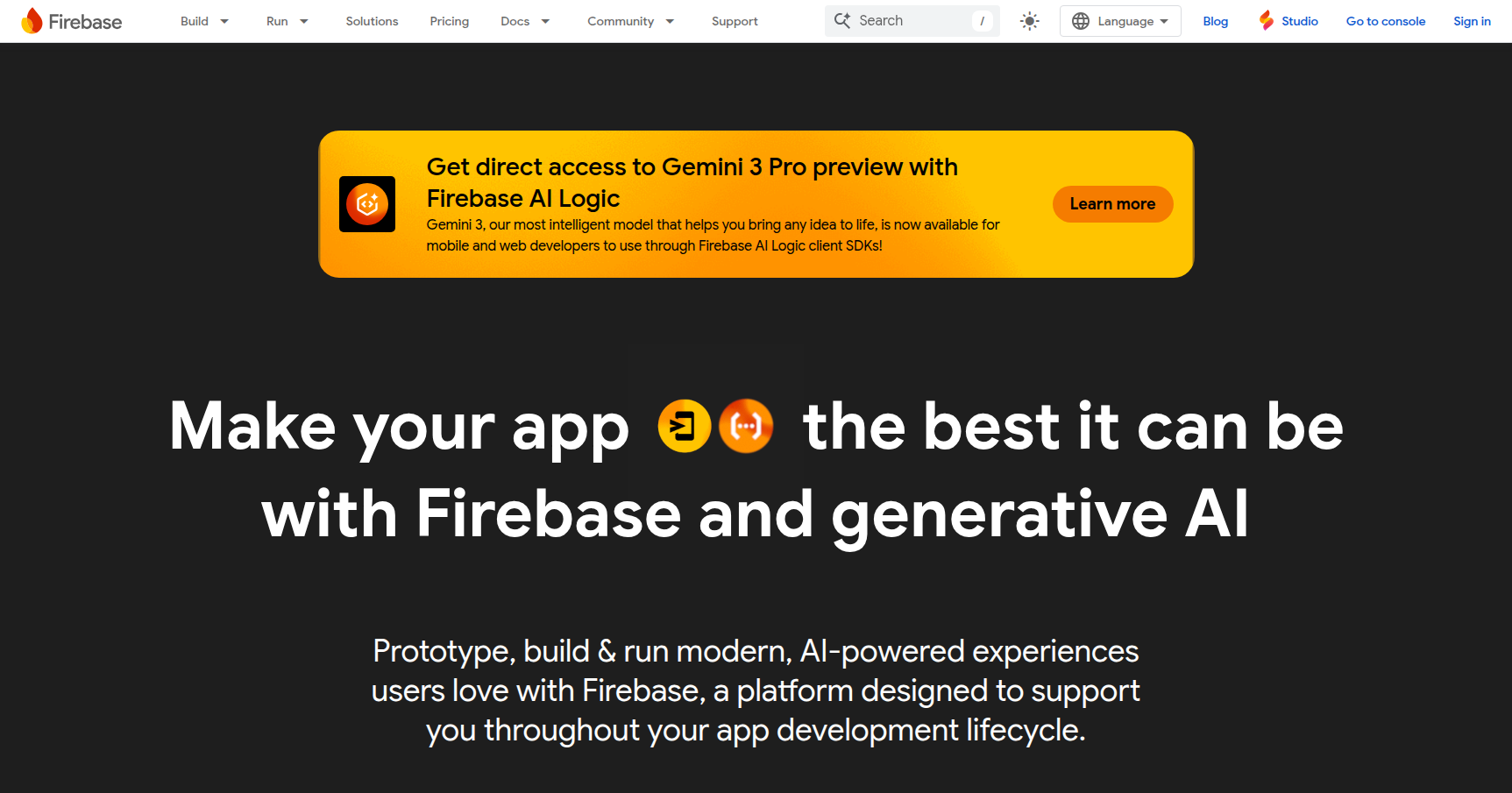
Recently, they added Gemini in Firebase. This is an AI assistant embedded in the console that helps you troubleshoot errors, write complex security rules, or generate code snippets.
Pricing
Firebase uses a distinct two-tier model. It is generally very friendly for hobbyists but requires careful monitoring as you scale.
1. Spark Plan (Free) This is one of the most generous free tiers in the industry. It is not a trial; it is a permanent tier.
- Authentication: Up to 50,000 Monthly Active Users.
- Firestore: 1GB of storage, plus 50,000 reads and 20,000 writes per day.
- Hosting: 10GB of transfer.
- Extras: Unlimited use of Analytics and Crashlytics.
2. Blaze Plan (Pay-As-You-Go) Once you hit the limits or need to use logic like Cloud Functions, you switch to Blaze. There is no monthly fee; you pay for overage.
- Firestore Reads: ~$0.18 per 100,000 reads.
- Firestore Writes: ~$0.06 per 100,000 writes.
- Hosting: ~$0.15 per GB transferred.
- Cloud Functions: ~$0.40 per million invocations (plus compute time costs).
Pros & Cons
The Good
- Speed & Ease: The "magic" factor is real. You can wire up a reactive database and a login screen in an afternoon.
- The Google Ecosystem: The integration is deep. You can link your crash reports to Jira, pipe your data into BigQuery for analysis, or use Analytics audiences to trigger Push Notifications.
- Documentation: Google’s docs are excellent, and because the platform is so popular, StackOverflow is full of solutions for edge cases.
- Realtime by Default: For apps that need live states (Uber-like tracking, Slack-like chat), Firebase handles the websocket complexity for you.
The Bad
- Vendor Lock-in: This is the biggest risk. Firebase is proprietary. If you build your entire architecture around Firestore and Firebase Auth, migrating to AWS or a SQL solution later is technically difficult and expensive.
- NoSQL Limitations: Firestore is not a relational database. You cannot perform "JOIN" operations like you would in SQL. This forces you to structure your data in ways that can feel awkward or duplicative.
- Search Issues: Firestore has very limited native search capabilities. If you need full-text search (like searching for a product by name with typos), you usually have to integrate (and pay for) a third-party service like Algolia.
- Billing Surprises: On the Blaze plan, costs scale with usage. If you write an inefficient loop that reads your database 10,000 times a second, you will wake up to a massive bill.
Verdict
Firebase is the best tool on the market for 0 to 1 development.
If you are a startup founder, an indie developer, or a team building a mobile MVP, Firebase is a no-brainer. The time you save on DevOps and backend boilerplate can be reinvested into building a better user interface. The free tier is generous enough that you likely won't pay a dime until you have actual traction.
However, proceed with caution if you are building a data-heavy application that requires complex relational queries, or if you are philosophically opposed to being locked into Google's ecosystem. For everyone else, it is the standard for a reason.