

Overview
If you have ever tried to tape together WordPress, an email marketing tool, a course plugin, and a separate checkout cart, you know the pain. That approach is powerful but high-maintenance. Podia is the antidote to that specific headache.
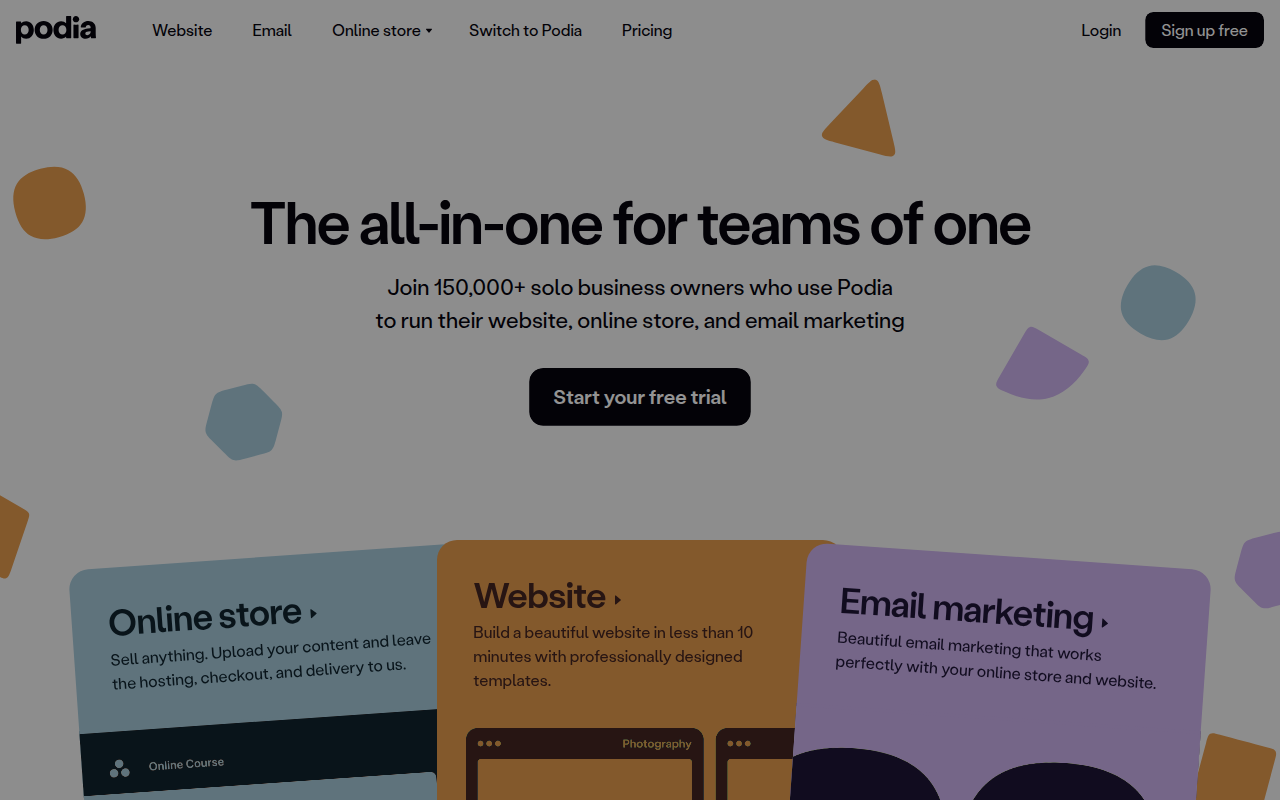
Podia is an all-in-one platform built for creators who want to sell digital products without becoming part-time systems administrators. It combines your website, email marketing, digital storefront, and community hub into a single dashboard.
The philosophy here is "speed over customization." Podia isn't trying to beat Kajabi on complex funnels or WordPress on design flexibility. Instead, it targets first-time creators and solopreneurs who need to get a product live by Friday. It handles the hosting, the payments, and the delivery so you can focus entirely on the content.
Key Features
1. The "Guardrails" Website Builder
Podia’s site builder is distinct because it is intentionally restrictive. You do not get a blank canvas where you can drag elements anywhere. Instead, you get a stack of pre-designed, mobile-responsive blocks.
For a designer, this feels limiting. For a non-techie, this is a lifesaver. It is almost impossible to make a Podia site look bad. You upload your logo, pick your brand colors, and the system automatically styles your storefront to look clean and modern. You can build sales pages, a home page, and an "about" page in under an hour.
2. Unified Digital Product Hosting
Most platforms specialize in one thing (like courses) and tack on the rest. Podia treats all digital goods equally. From a single dashboard, you can create and sell:
- Online Courses: With drip content, basic quizzes, and video hosting included.
- Digital Downloads: PDFs, audio files, or templates.
- Webinars: You can charge for access to a live stream via Zoom or YouTube Live integrations.
- Coaching: Native booking for 1-on-1 sessions.
The real win here is the customer experience. A user can buy a coaching session, a PDF guide, and a video course in a single checkout flow.
3. Native Community
Community platforms usually require a separate tool like Circle or Discord. Podia builds this right in. It functions like a forum where you can create topics and members can post interactions.
You can bundle access to the community with a course, sell it as a standalone membership, or give it away for free to generate leads. It keeps your audience on your site rather than sending them off to a distracted environment like a Facebook Group.
4. Email Marketing (Broadcasts & Campaigns)
Podia includes a functional email system. You can send one-off newsletters (broadcasts) or set up automated drip campaigns that trigger when someone buys a product or downloads a lead magnet. On the paid plans, you get unlimited sends to your audience, though you will pay extra as your subscriber count grows past the starter tier.
Pricing
Podia recently overhauled their pricing model (late 2025), removing the "Free Forever" plan for new users in favor of a 30-day full-feature trial.
Mover Plan
Best for those just starting out who want to validate an idea.
- Cost: $39/month (or $33/month paid annually).
- Transaction Fee: 5% on every sale.
- What you get: Your website, unlimited digital products, webinar hosting, and basic email features.
Shaker Plan
The standard for established creators who are generating consistent revenue.
- Cost: $89/month (or $75/month paid annually).
- Transaction Fee: 0%.
- What you get: Everything in Mover, plus affiliate marketing, product bundles, blog functionality, and third-party code embedding (necessary for things like Facebook Pixels).
- Bonus: If you pay annually, they offer a "white-glove" migration to move your content from another platform for free.
Add-Ons
- Email: The first 100 subscribers are free. After that, pricing scales based on list size (starting around $7-$9/mo).
- Team: Additional admin seats cost $20/month per person.
Pros & Cons
The Good
- Zero Maintenance: You never have to update a plugin, manage a server, or worry about security patches. It just works.
- Human Support: This is their standout feature. Their support team runs 7 days a week via chat and email. They are known for actually solving problems rather than pasting links to help docs.
- Consolidated Billing: Replacing Teachable ($39+), ConvertKit ($29+), and a website host ($15+) with one Podia subscription saves significant money and mental overhead.
- Clean UX: Both the back-end for you and the front-end for students are intuitive. There is virtually no learning curve.
The Bad
- Customization Ceiling: If you want to move a button five pixels to the left or create a unique layout that breaks the grid, you can't. The site builder is rigid.
- No "Power" Automation: The email tool handles linear drip sequences well, but it lacks "if/then" logic. You cannot tag users based on specific link clicks or create complex branching paths like you can in ActiveCampaign.
- Quiz Limitations: Assessment options are basic multiple-choice. There are no graded essays, complex certifications, or advanced student reporting.
- No Mobile App: While the browser version works fine on phones, Podia lacks a dedicated mobile app for students to download content for offline viewing.
Verdict
Podia is the "Apple" approach to the creator economy. It is a walled garden that trades flexibility for ease of use and reliability.
Buy it if: You are a solopreneur, coach, or content creator who hates dealing with tech. If your primary goal is to launch a product and get paid without hiring a developer or designer, Podia is arguably the best tool on the market for you. The "Shaker" plan is excellent value if you plan to use affiliates.
Skip it if: You are a power user who needs deep control over your sales funnels, complex email automations, or a highly custom brand design. If you need your course platform to do heavy lifting on student grading or certification, you will outgrow Podia quickly.