
Overview
Think of Zapier as the digital duct tape for the internet. It is the connective tissue that links over 8,000 different web applications that otherwise wouldn't talk to each other. At its core, Zapier eliminates manual data entry by using "Zaps," which are automated workflows built on simple "If This, Then That" (IFTTT) logic.
For example, a specific event in one app (Trigger) kicks off a sequence of events in others (Actions). You might set it up so that if a new lead comes in via Facebook Ads, then Zapier automatically adds them to HubSpot and sends a notification to Slack.
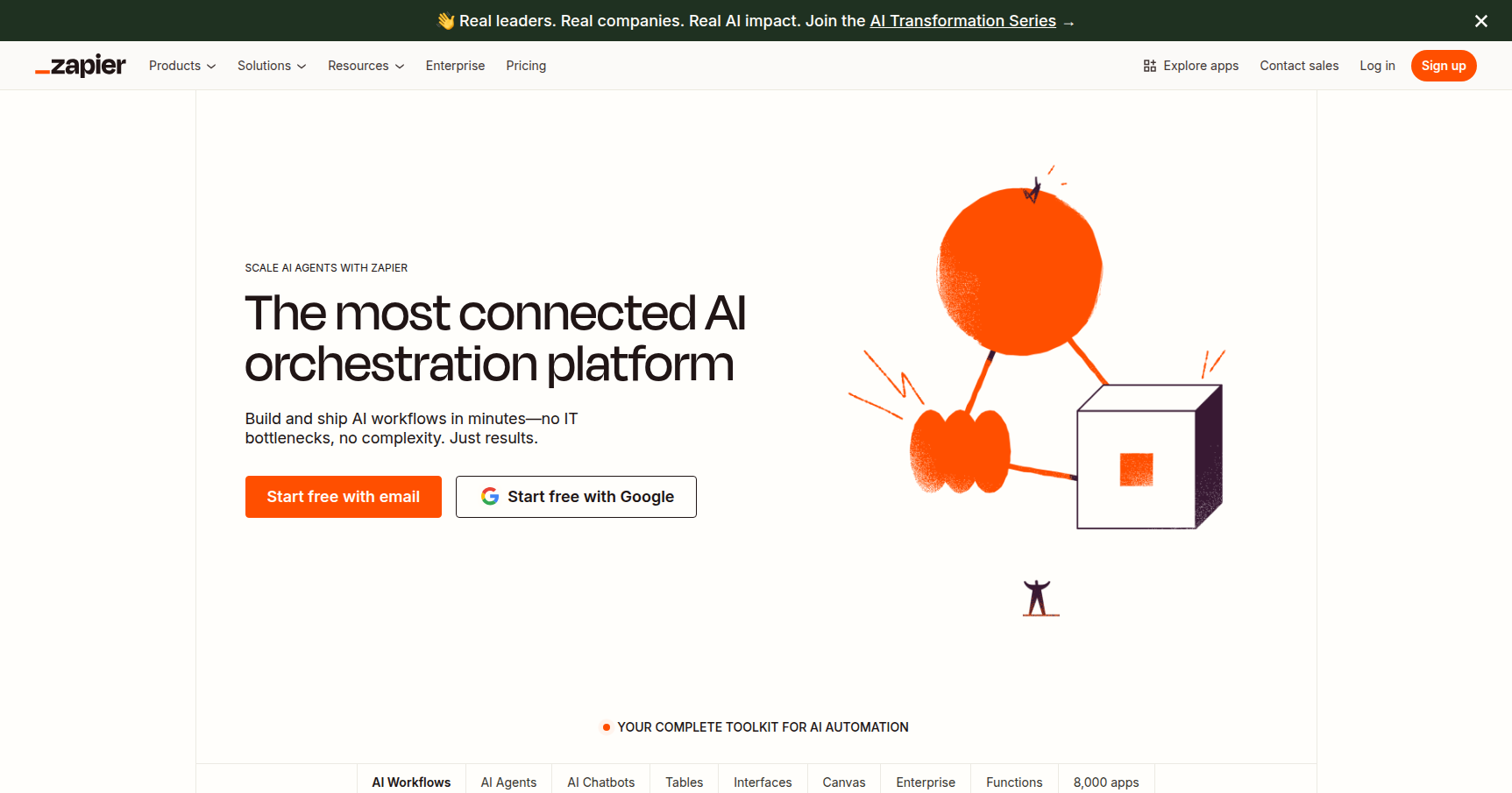
While it started as a simple automation tool, it has evolved into a broader operations platform. With recent additions like autonomous AI Agents and visual planning tools, it serves everyone from solopreneurs trying to scale their output to RevOps professionals managing complex data pipelines across fragmented tech stacks.
Key Features
The 8,000+ App Ecosystem
This is Zapier's biggest competitive advantage. While competitors like Make or Workato are powerful, Zapier has the largest library of pre-built integrations in the industry. If a tool has an API, it is almost certainly on Zapier. This sheer volume means you rarely hit a wall where you can't connect a niche tool to your primary stack.
Multi-Step Zaps and Logic
The Free plan allows for simple one-to-one connections, but the real power lies in Multi-Step Zaps. A single trigger can initiate a cascade of actions. You can layer this with "Paths" (conditional logic) and "Filters." For instance, you can build a workflow that analyzes a new email attachment; if it's an invoice, it goes to QuickBooks, but if it's a contract, it goes to Dropbox and alerts the Legal team.
Zapier Agents & AI
Zapier is moving beyond linear "step-by-step" automation. They introduced Zapier Agents, which are autonomous AI bots you can train on your specific data. Unlike a standard Zap that follows a rigid script, an Agent can look at a vague instruction and determine the best steps to take across your connected apps to solve the problem.
Canvas and Tables
Zapier has introduced features to keep you inside their ecosystem.
- Zapier Canvas: A visual diagramming tool. You can map out your business processes in a flowchart first, then convert that diagram directly into a live automation.
- Zapier Tables: A built-in database. If you don't want to rely on Google Sheets or Airtable for temporary data storage, you can use Tables to store, edit, and trigger actions based on data directly within Zapier.
Pricing
Zapier's pricing model is based on "tasks" (actions perform) and feature access. Note that the Free plan is quite restrictive regarding "Premium" apps (like Salesforce or PayPal).
- Free Tier: $0/month. Good for testing. You get 100 tasks/month and unlimited "Single-Step" Zaps. Includes basic AI Copilot access.
- Professional Plan: Starts at ~$19.99/mo (annual) or $29.99/mo (monthly). This is the standard entry point for business use. It unlocks Multi-Step Zaps, Filters, Logic Paths, and unlimited Premium Apps. It starts at 750 tasks/month with a 2-minute update speed.
- Team Plan: Starts at ~$69/mo (annual). Essential if you need multiple users. Includes shared workspaces, shared app connections, and faster 1-minute execution times.
- Enterprise: Custom pricing. Focuses on security with SAML SSO, audit logs, and dedicated account management.
Note: All new accounts typically get a 14-day trial of the Professional features.
Pros & Cons
Pros
- User Experience: It creates the standard for "no-code." The builder is intuitive, and the drag-and-drop interface is easy for non-technical users to grasp.
- Reliability: The uptime is exceptional. When things do break, the error logs are detailed enough to actually help you fix the issue rather than just throwing a generic "failed" code.
- Versatility: With 8,000+ integrations, it is the most capable tool for connecting obscure apps.
- AI Integration: The new AI Agents allow for complex, non-linear workflows that competitors are struggling to match.
Cons
- Expensive at Scale: This is the biggest complaint. Zapier charges per task. If you have a workflow that processes thousands of rows of data daily, your bill will skyrocket. Competitors like Make are often cheaper for high-volume data processing.
- Premium Paywalls: Many essential business tools (Facebook Lead Ads, Salesforce, Shopify) are classified as "Premium Apps" and are locked behind paid plans.
- Logic Complexity: While simple Zaps are easy, building complex nested logic (Paths) can get messy compared to the visual node-based editors found in other tools.
- No Mobile App: You cannot build or fix Zaps from a dedicated mobile app, which is a pain point for on-the-go management.
Verdict
Zapier remains the heavyweight champion of automation for a reason. It balances power with accessibility better than anyone else.
If you are a solopreneur, marketer, or project manager who values time over raw compute cost, Zapier is the best choice. The setup time is minimal, and it just works.
However, if you are a developer or technical operations manager needing to process massive datasets or execute hundreds of thousands of tasks per month, you might find Zapier's "price-per-task" model prohibitive. In those cases, you might look at alternatives for the heavy lifting while keeping Zapier for general connectivity.
Recommendation: Start with the Free trial to map out your critical workflows. If you can justify the ~$20/month for the Professional plan to save yourself 5-10 hours of manual work, it pays for itself immediately.