

Overview
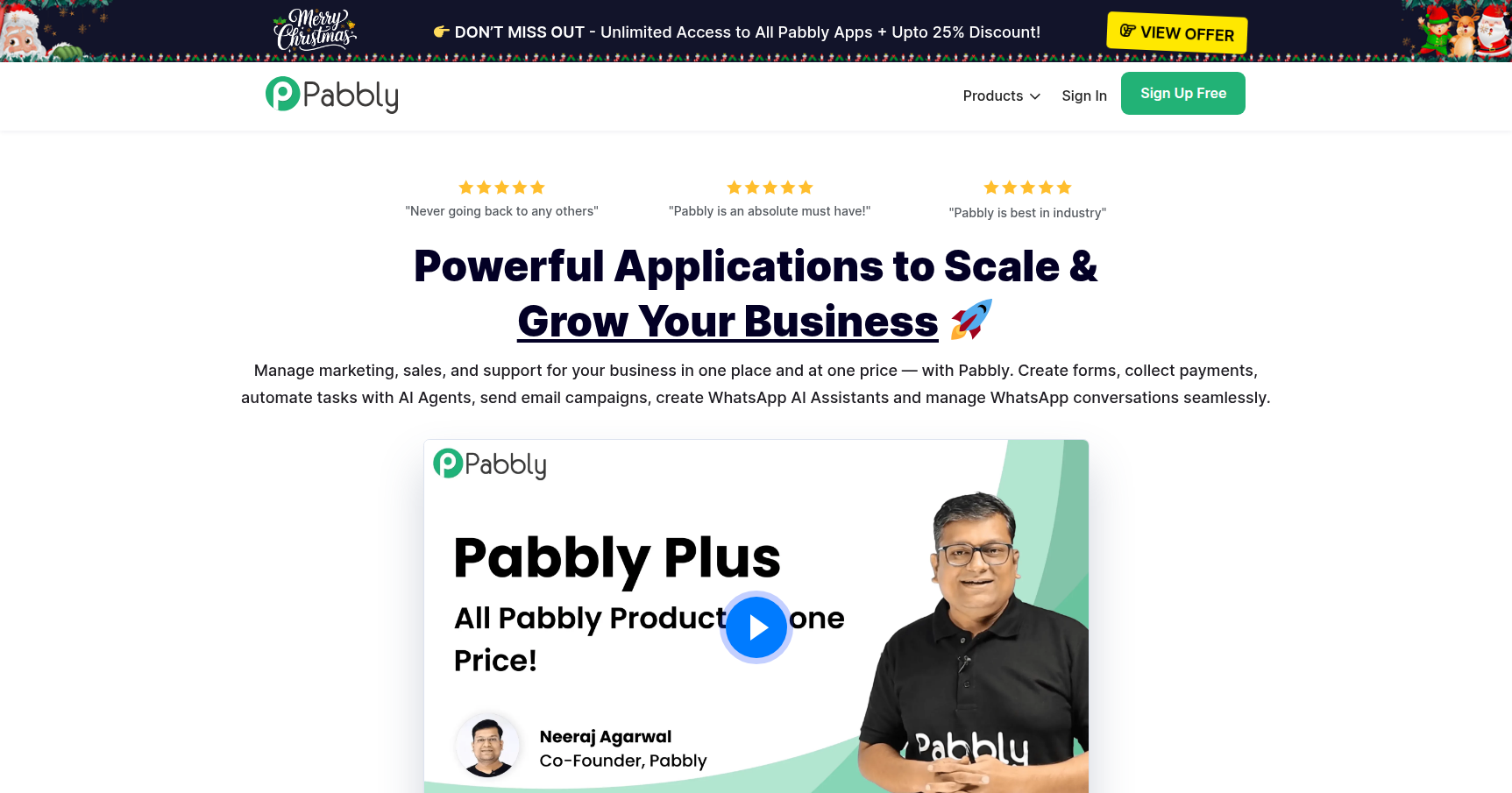
Pabbly is an all-in-one business suite that positions itself as the budget-friendly counterweight to the major SaaS giants. While it offers tools for email marketing, form building, and subscription billing, it is best known for Pabbly Connect, an integration platform that competes directly with Zapier.
The core philosophy here is straightforward: "One Price, One Place." Pabbly targets SMBs, agencies, and freelancers who are bleeding money on multiple subscriptions. Instead of paying separately for Mailchimp, Typeform, Zapier, and Chargebee, Pabbly attempts to bundle these functionalities into a single dashboard with usage policies that are far more generous than the industry standard. It is a utility-first platform. It might not look as polished as HubSpot, but it handles heavy lifting without the exorbitant costs associated with scaling.
Key Features
Pabbly Connect: The "Zero Internal Task" Logic
This is the main reason users switch to Pabbly. In platforms like Zapier, every single step in an automation workflow counts against your monthly quota. If you format a date or filter a lead, you pay for it.
Pabbly operates differently. They do not count "internal tasks" toward your limit. Operations like routers, filters, and formatters are free. You only burn a task credit when the workflow performs an external action, such as sending a row to Google Sheets or firing an email. For complex workflows with 10+ steps, this singular feature can reduce your credit usage by 50% or more compared to competitors.
Pabbly Subscription Billing
Most billing platforms act as a middleman and take a percentage of your revenue on top of gateway fees. Pabbly Subscription Billing charges 0% transaction fees. You connect your gateway (like Stripe or PayPal) and keep all the revenue.
It also includes a built-in Affiliate Management module. Usually, you would need a separate tool like Tapfiliate or Rewardful to track and pay affiliates. Pabbly includes this natively, allowing SaaS founders to run referral programs without an extra $100/month subscription.
Hybrid Email Marketing
Pabbly Email Marketing offers a unique hybrid model. You can use their built-in SMTP server to send campaigns, but they also allow you to connect external SMTP servers like Amazon SES, Mailgun, or SendGrid.
This is a massive advantage for technical users. You can design the emails in Pabbly but use Amazon SES for delivery, which costs pennies per 1,000 emails. It gives you the interface of a marketing tool with the cost-efficiency of a developer tool.
Pricing
Pabbly uses a mix of traditional recurring subscriptions and their highly marketed "Lifetime Deals."
The Recurring Bundle (Pabbly Plus) If you want the whole suite (Connect, Billing, Email, Forms), plans start around $49 to $59 per month when billed annually. This tiers up based on usage, but even the entry-level plan includes access to all apps.
The Lifetime Deals (LTD) This is where the cash-flow value is highest. Pabbly frequently sells lifetime access to individual tools, most notably Pabbly Connect.
- Standard: ~$249 one-time payment.
- Pro: ~$499 one-time payment.
- Ultimate: ~$699 one-time payment.
These one-time payments give you a monthly task allotment that resets every 30 days forever. It is a capital expense rather than an operating expense. All paid plans are backed by a 30-day unconditional money-back guarantee.
Pros & Cons
The Good
- Honest Automation Costs: The exclusion of internal steps from the task count is the most transparent pricing model in the integration space. It stops you from being punished for building complex workflows.
- Massive Savings: For an agency managing automations for 10 clients, the bill on Pabbly is often a fraction of what it would be on Zapier or Make.
- Educational Support: Their YouTube channel is genuinely helpful. They have over 10,000 tutorials showing exact setup guides for specific tools, which bridges the gap for non-technical users.
The Bad
- Dated Interface: The UI is functional but clunky. It feels like software from 2015. It lacks the drag-and-drop elegance and visual polish of modern competitors.
- No Mobile App: You cannot manage workflows, check sales, or get push notifications via a native app. Everything must be done through a mobile web browser, which is not ideal for troubleshooting on the go.
- Strict Email Approval: To prevent spam, Pabbly is very aggressive about approving accounts for their built-in SMTP. New users frequently get rejected and are forced to configure Amazon SES or another third-party sender.
Verdict
Pabbly is the best choice for budget-conscious power users.
If you are an enterprise that needs enterprise-grade branching logic, white-glove support, and a beautiful interface, stick with Zapier or HubSpot. However, if you are a bootstrapper, a digital agency, or a Solopreneur who is tired of watching your overhead creep up every time you add a new automation step, Pabbly is a no-brainer.
The learning curve is slightly steeper due to the UI, but the "Free Internal Tasks" policy alone makes the switch worth the effort. Grab a Lifetime Deal on Pabbly Connect to test the waters; it will likely pay for itself within three months of cancelled Zapier invoices.