

Overview
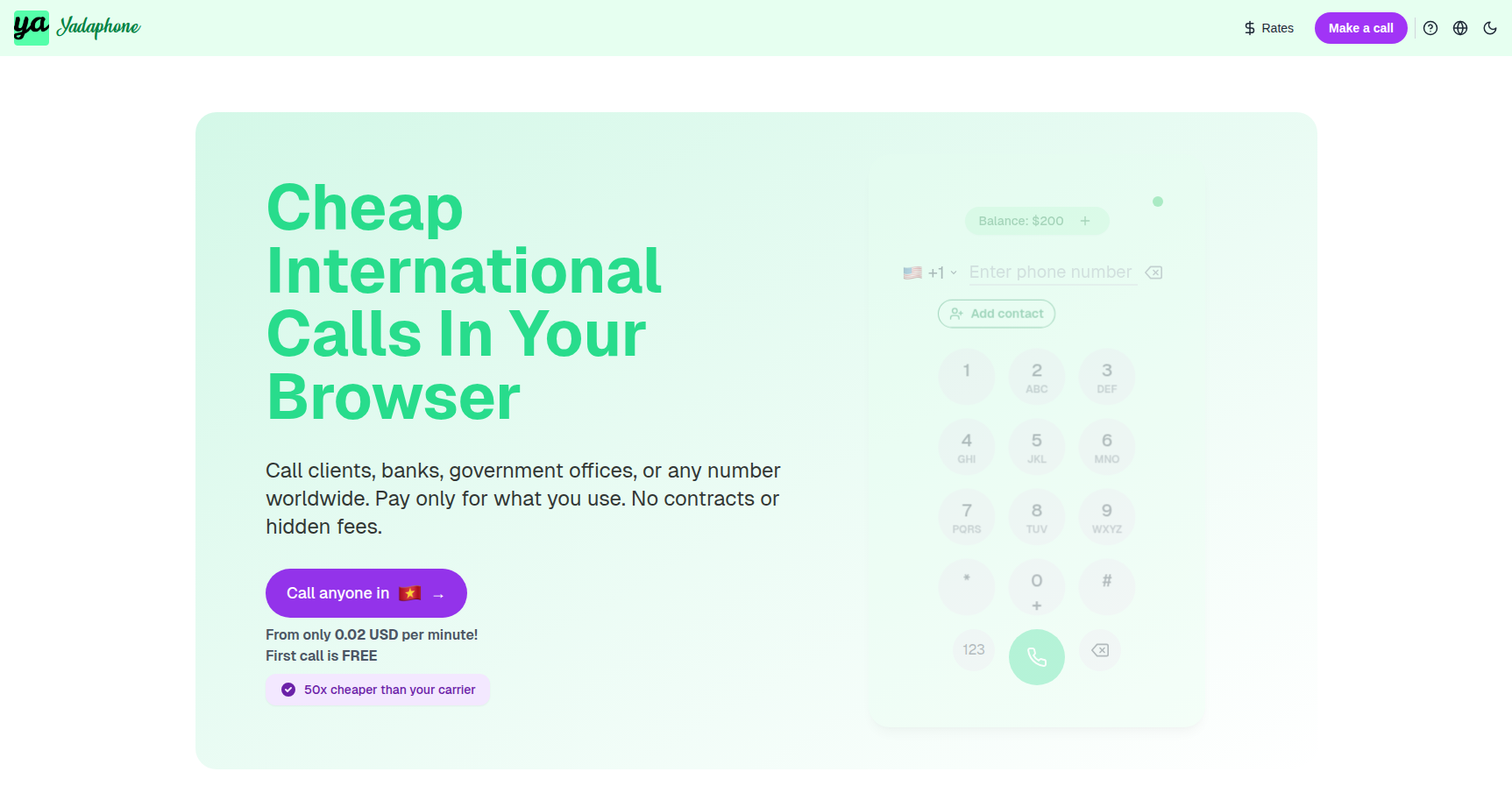
Let’s be honest. Calling international numbers usually involves a headache of expensive roaming fees, hunting for Wi-Fi calling settings, or dealing with legacy VoIP apps that haven't updated their UI in a decade. Yadaphone takes a different approach by acting as a strictly browser-based VoIP solution.
The premise is simple. You open a Chromium-based browser on your laptop or mobile, log in, and dial. There is no software to install, no .exe files to run, and no app store downloads required.
This tool is built primarily for digital nomads, expats, and travelers who need to call "real world" numbers like banks, insurance agencies, or government bureaus back home without verifying a SIM card. It also scales up for small distributed teams and freelancers who need a shared wallet to handle international client calls without managing individual phone plans.
Key Features
Browser-Native Calling The main draw here is the zero-install architecture. Yadaphone runs entirely in the browser. This is particularly useful if you are on a borrowed machine, a restricted corporate laptop, or just don't want another app cluttering your phone. It supports outbound calls to over 150 countries. The interface is essentially a web-based dialer that connects instantly provided you have a stable internet connection.
Custom Caller ID One of the biggest issues with VOIP services is that your call often shows up as "Spam Risk" or "Unknown Number" to the recipient. Yadaphone allows you to verify your existing mobile number and use it as your outbound Caller ID. This is critical for expats calling banks or family members who screen calls. If the recipient misses the call, they see your legitimate number and can call you back through their standard carrier.
Team Management and Shared Wallet For small businesses or support teams, the administrative side is streamlined. You don't buy individual seats. Instead, you have a central "wallet" of credits. You can add unlimited team members who all draw from this single balance. This cuts down on the friction of managing five different subscriptions for five different support agents.
Call Intelligence and Records Despite the lightweight interface, the backend includes features usually reserved for heavier enterprise systems. You can record calls, park calls, and set up automated routing. It also offers automated transcripts, which allows you to turn call audio into text for record-keeping or compliance without manual typing.
Virtual Phone Numbers If you need a local presence in a specific country, you can purchase dedicated virtual phone numbers. This enables you to receive incoming calls directly in the browser, effectively turning a laptop tab into a local landline for that region.
Pricing
Yadaphone operates on a strict Pay-As-You-Go model. There are no monthly subscription fees or contracts. You are paying purely for the minutes you use and any virtual numbers you choose to rent.
- Rates: International rates are competitive. For context, calls to destinations like the US and Canada start around $0.02 per minute.
- Wallet System: You top up a credit balance. These credits typically do not expire, meaning you can load $20 and use it over the course of a year without penalty.
- Enterprise/Bulk: For heavier users, they offer bulk credit tiers (ranging from $100 to $1,000) which often come with bonus credits to lower the effective cost per minute.
- Free Trial: New accounts usually get a small credit or a free first call to test audio latency and quality before committing money.
Pros & Cons
Pros
- Frictionless Access: The "no install" policy is great. You can be on a call within two minutes of visiting the site.
- Cost Transparency: The dialer shows you the exact per-minute rate for the number you are about to call before you connect.
- Landline Reliability: Users consistently report high success rates when calling legacy infrastructure like landlines and toll-free numbers.
- Support: Feedback points to a very responsive support team that is available 24/7.
Cons
- Browser Dependency: Since there is no native app, call quality is entirely at the mercy of your browser and internet connection. If Chrome lags, your call lags.
- Mobile Experience: While it works on mobile browsers, some users find navigating a browser tab on a phone more cumbersome than opening a dedicated dialer app.
- Hardware Quirks: There are occasional reports of setup issues with specific wireless headsets, usually requiring some digging into browser permission settings to resolve.
Verdict
Yadaphone is a utility tool in the best sense of the word. It solves a specific problem—making cheap international calls to standard phone numbers—without trying to be a full-blown unified communications platform like Zoom or Microsoft Teams.
If you are a traveler tired of roaming fees, or a freelancer needing to call a client in London or New York without a subscription, this is a solid choice. It is less ideal for someone who wants a permanent, deep system integration on their iPhone, but for browser-first users, it is efficient, transparent, and cost-effective.