

Overview
If you hang around developer Twitter or Reddit, you have almost certainly heard Supabase described as the "Open Source Firebase Alternative." While that tagline is great for marketing, it actually sells the platform short.
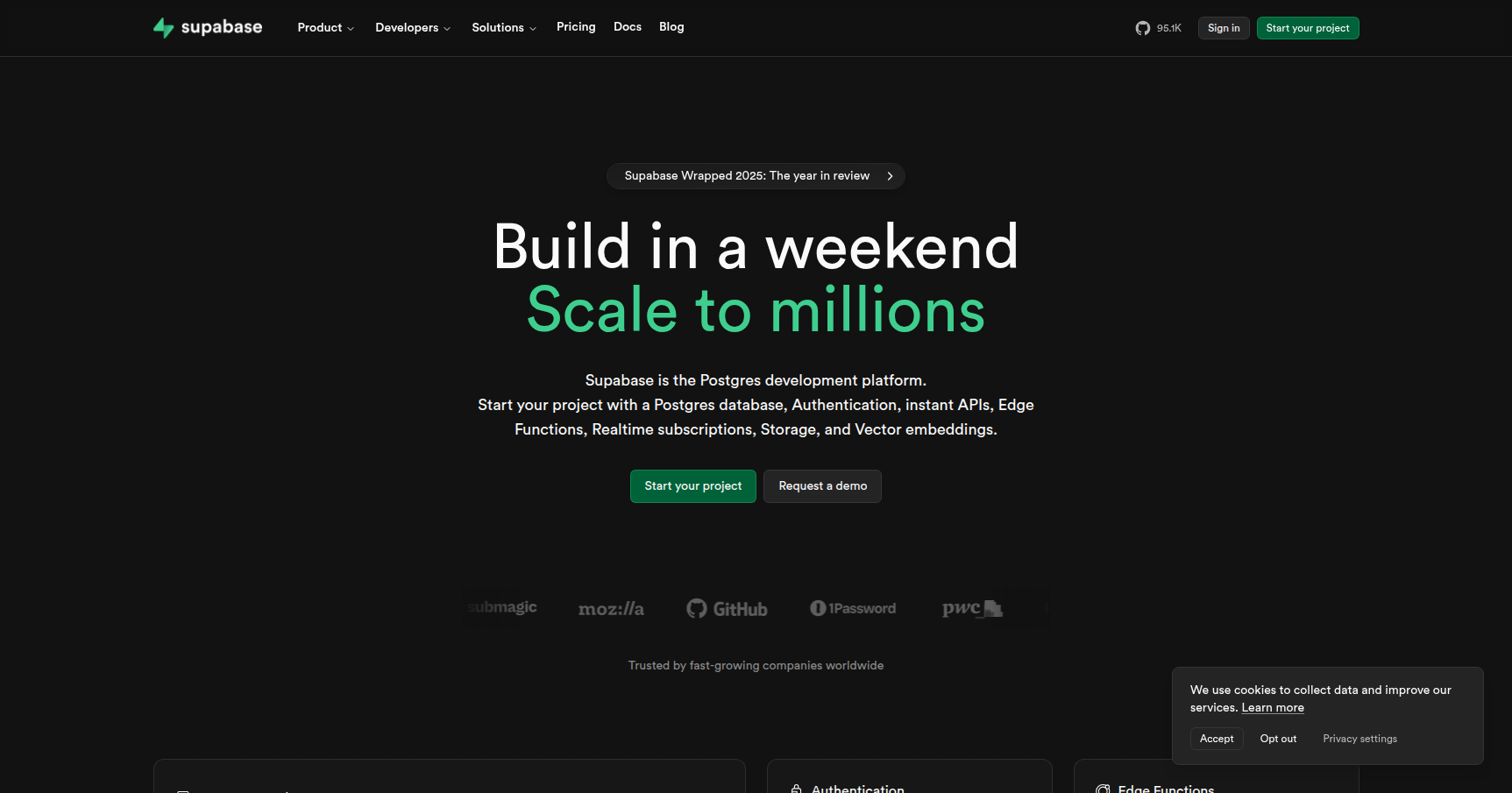
At its core, Supabase is a suite of tools wrapped around PostgreSQL. It gives you a full backend-as-a-service (BaaS) experience without the "black box" nature of proprietary tools like Google's Firebase. When you spin up a Supabase project, you aren't getting a restricted NoSQL sandbox. You are getting a full, dedicated Postgres database that just happens to come with authentication, file storage, and auto-generated APIs pre-configured.
This makes it an incredibly strong choice for solo developers, bootstrappers, and "Vibe Coders" who need to ship an MVP this weekend. It is also robust enough for enterprise teams who want the structure of relational data but don't want to spend weeks writing boilerplate CRUD endpoints.
Key Features
Here is what makes Supabase actually interesting from an engineering perspective.
1. Postgres at the Core
Unlike other BaaS platforms that force you into their proprietary query languages, Supabase gives you a standard Postgres database. This is a massive win for portability. You can connect to your database using the Supabase dashboard (which looks like a clean spreadsheet), or you can connect directly using standard tools like DBeaver, pgAdmin, or the CLI. Because it is just Postgres, you can use raw SQL for complex joins and queries.
2. Instant APIs (REST & GraphQL)
This is usually the "aha" moment for new users. Supabase uses a tool called PostgREST to automatically analyze your database schema and generate API endpoints for you. If you create a users table, you immediately have a secure REST endpoint to GET, POST, UPDATE, or DELETE that data. You don't have to write a single line of API route code. If you prefer GraphQL, that is available out of the box too.
3. Row-Level Security (RLS)
Since you are hitting the database directly from the client side (like a React or Flutter app), security is handled differently. Supabase leans heavily on Postgres Row-Level Security. You write policies in SQL to define access. For example, a policy might state: "A user can only update rows where user_id matches their authenticated ID." This logic lives in the database engine, meaning your data is secure regardless of where the request comes from.
4. Edge Functions
For logic that can't fit into a SQL query, Supabase offers Edge Functions. These are serverless functions written in TypeScript and run on Deno. They are deployed to the "edge" (servers close to the user) to reduce latency. They are significantly faster to cold-start than traditional AWS Lambda functions and integrate tightly with the rest of the stack.
5. Vector Support & AI
Supabase was quick to pivot into the AI space by integrating pgvector. This allows you to store vector embeddings directly in your main database alongside your relational data. If you are building RAG (Retrieval-Augmented Generation) apps or AI agents, having your vector search and your application data in the same place simplifies your architecture effortlessly.
Pricing
Supabase recently updated their pricing model (2025). It is generally predictable, specifically designed to avoid the "bill shock" stories common with Firebase.
Free Plan ($0/mo) This is excellent for hobby projects or testing.
- Active Projects: 2
- Database: 500MB storage
- Users: 50,000 Monthly Active Users (MAU)
- The Catch: Projects are "paused" after 7 days of inactivity. You just have to log in to the dashboard to wake them up, but it prevents you from hosting a forgotten portfolio site here for free forever without maintenance.
Pro Plan (Starts at $25/mo per org) This is the standard tier for production apps.
- Database: 8GB included (scalable to TBs)
- Users: 100,000 MAU
- No Pausing: Projects stay online 24/7.
- Compute Credits: Includes $10/mo credit, covering a standard Micro instance.
- Spend Caps: You can toggle a "Spend Cap" to ensure the service turns off rather than charging you overages if you go viral unexpectedly.
Team Plan (Starts at $599/mo) For established companies needing SOC2 compliance, daily backups with 14-day retention, and priority support.
Pros & Cons
The Good
- Developer Experience: The JS/TypeScript SDK is a joy to use. Documentation is clear, and the web-based "Supabase Studio" makes managing data feel intuitive.
- No Vendor Lock-in: Because it is open source and based on Postgres, you can technically export your data and self-host it elsewhere if you ever want to leave.
- Local Development: The Supabase CLI is excellent. It allows you to run the entire stack (database, auth, functions) locally in Docker containers. This makes offline development much faster than relying on a cloud connection.
- Connection Pooling: They recently solved a major pain point by integrating Supavisor, a scalable connection pooler, handling thousands of simultaneous connections without crashing the DB.
The Bad
- RLS Learning Curve: If you have never written SQL security policies, RLS can be tricky. It requires a mental shift from writing security logic in your API middleware to writing it in the database.
- Self-Hosting Gaps: While you can self-host Supabase, the experience is not identical to the cloud version. You lose the nice dashboard logs explorer and some third-party auth integrations are harder to configure.
- Migrations: Schema migrations are less automated than in frameworks like Rails or specialized ORMs like Prisma. You often have to manage SQL migration files manually as your team grows.
Verdict
Supabase is currently the best "backend-in-a-box" for developers who appreciate relational databases.
If you are building a SaaS, a mobile app, or an internal tool and you want the speed of Firebase but the reliability of SQL, this is the right tool. It removes the need for a dedicated backend engineer in the early stages of a project.
Use it if: You use Next.js, Flutter, or Vue; you like SQL; and you want to launch fast without managing servers.
Skip it if: You absolutely hate SQL, you require a specialized Graph database, or you need a complex legacy enterprise setup that can't be adapted to the "BaaS" model.