
Overview
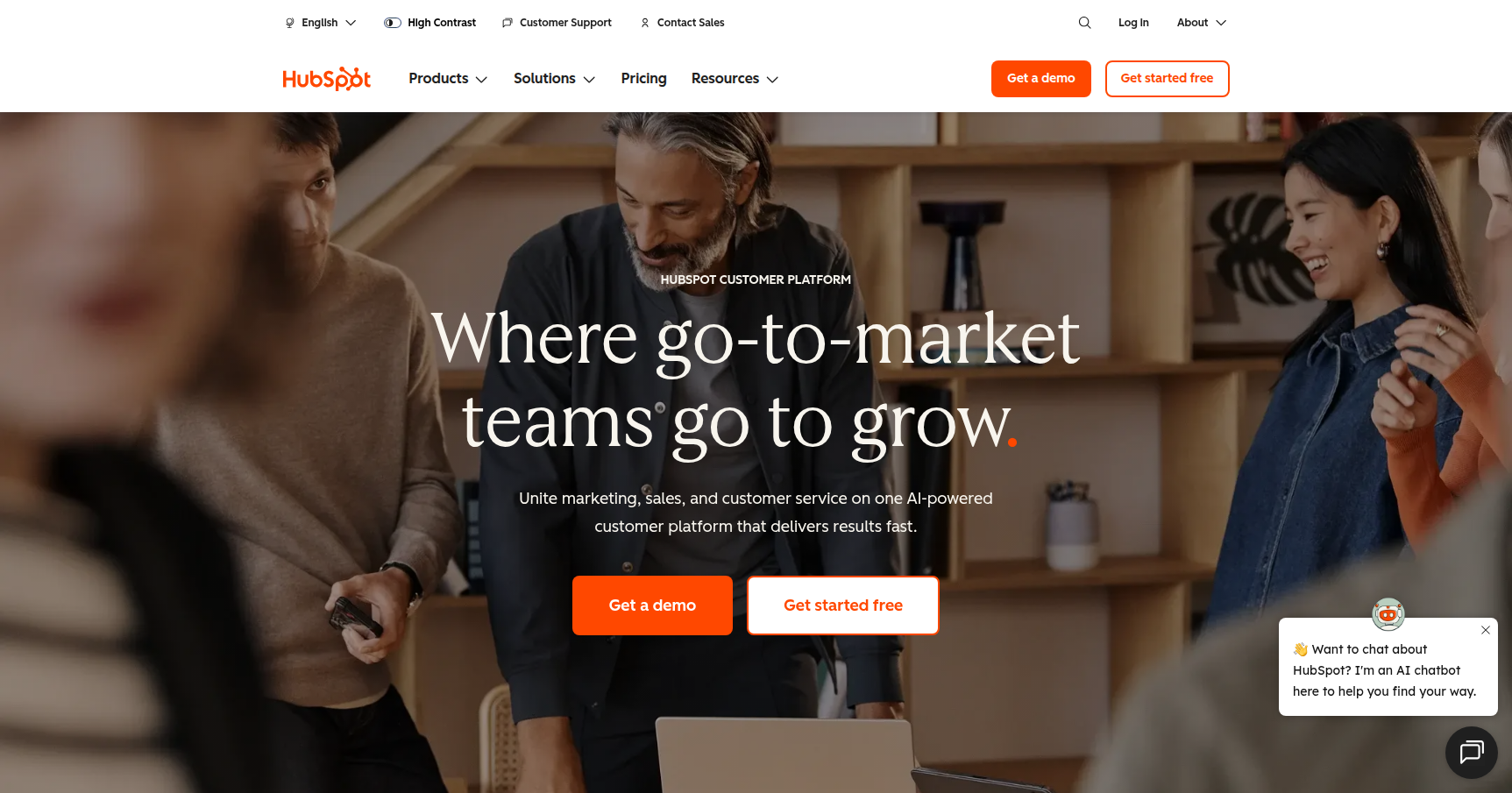
HubSpot is an all-in-one customer platform that attempts to solve the "frankestack" problem. Instead of cobbling together disjointed tools for email, CRM, and ticketing, HubSpot offers a "crafted" ecosystem where marketing, sales, and service teams all work from a single database.
The core value here is a unified view of the customer. If a prospect visits your pricing page, opens an email, and then calls your support line, every team member sees that history in one place. It is designed primarily for scaling B2B companies (2 to 500 employees) that want to focus on strategy rather than systems integration. While it scales up to the enterprise level, its sweet spot is serving efficiency-focused leaders who want to run inbound marketing campaigns and sales pipelines without hiring a dedicated IT department.
Key Features
The Smart CRM
This is the engine under the hood. Unlike static address books, the Smart CRM automatically enriches contact records with company data and social insights. It acts as the single source of truth, ensuring that your data stays clean and actionable without constant manual entry. Because it connects to every other part of the platform, you don't have to worry about syncing errors between your marketing and sales tools.
Content Hub & "Remixing"
HubSpot has moved beyond basic CMS features with its Content Hub. A standout capability here is multi-channel "content remixing." This allows you to take a single asset, like a blog post, and turn it into social posts, emails, and short-form videos with just a few clicks. It saves significant time for creative teams trying to feed multiple channels.
Breeze AI & Intelligence
Rather than forcing you to use external plugins, HubSpot embeds intelligence features directly into the workflow. Known as Breeze AI, these tools can scan your database to identify high-intent leads or automatically draft outreach emails that match your brand's specific voice. It handles the heavy lifting on lead scoring and data cleaning so your team can focus on closing deals.
Workflow Automation
This is often the reason teams upgrade from the cheaper plans. The visual workflow builder lets you automate complex internal and external processes. You can set up triggers for virtually anything. For example, if a lead visits a specific webpage three times, the system can automatically rotate that lead to a sales rep, create a task, and send a personalized follow-up email.
Sales & Service Tools
For sales teams, the platform offers "Sequences" to automate follow-up tasks and "Playbooks" that provide interactive scripts during live calls. On the service side, a shared inbox and customer portal allow support staff to manage tickets and chats alongside the customer's full history.
Pricing
HubSpot’s pricing model is modular but can get expensive as you scale.
- Free Tools: A surprisingly robust entry point. You get the CRM, forms, landing pages, live chat, and email marketing (up to 2,000 sends per month). The catch is that these assets will include HubSpot branding.
- Starter Plan: Usually priced around $15–$20 per user per month. This removes the branding, unlocks basic automation, and increases limits for reporting and lists.
- Professional Plan: This is where the real power (and cost) kicks in. Marketing Hub typically starts near $900/month. Sales and Service Hubs are priced per "seat," often around $450–$500/month for a bundle. This tier unlocks advanced automation, A/B testing, and custom reporting.
- Enterprise Plan: For large organizations needing custom objects and advanced security. Pricing generally starts around $3,600/month for Marketing.
- The "Gotchas": Be aware of two things. First, Professional and Enterprise plans usually require a mandatory one-time onboarding fee ranging from $1,500 to over $7,000. Second, marketing pricing is often tied to the number of "marketing contacts," so your bill will rise if you don't clean your lists regularly.
Most premium features are available to test via a 14-day free trial.
Pros & Cons
Pros
- User Experience: It is widely considered the most intuitive CRM available. Teams tend to adopt it much faster than legacy enterprise tools because the interface is clean and logical.
- HubSpot Academy: The educational resources are excellent. The platform offers free certifications that teach you not just how to use the software, but how to be better at marketing and sales.
- Integration Ecosystem: With over 1,500 apps in their marketplace, you can connect tools like Slack, Zoom, or Shopify with a single click.
- Data Integrity: Because everything lives in one database, you avoid the export/import nightmares that plague other systems.
Cons
- The Price Jump: The leap from "Starter" (cheap) to "Professional" (expensive) is steep. Growing companies often hit a wall where they need one specific pro feature but can't justify the massive cost increase.
- Contact-Based Billing: If you have a large database of old leads, you need to be careful. You are billed based on the number of contacts you market to, which can inflate costs quickly.
- Mandatory Onboarding: Smaller teams with internal expertise often find the required onboarding fees frustrating, as they feel like a tax for turning on the software.
- Customization Limits: While flexible, it does not offer the same level of hyper-specific, code-heavy customization that global conglomerates might get from older, "best-of-breed" enterprise platforms.
Verdict
HubSpot is the standard for a reason. If you are a B2B company looking to scale and you want your marketing, sales, and service teams aligned, this is likely the best tool for the job. It replaces the headache of managing five different subscriptions with a single, smooth operating system.
However, you need to keep a close eye on the budget. The entry price is low, but the costs ramp up significantly once you need advanced automation or have a large contact list. It is ideal for teams that value ease of use and speed over infinite, code-level customization. If you are ready to invest in a "single source of truth" and want a platform that grows with you, HubSpot is a solid choice.