
Overview
If you have ever tried to produce a corporate training video or a personalized sales pitch, you know the logistical headache: lighting, microphones, retakes, and editing software that crushes your CPU. HeyGen exists to bypass that hardware entirely.
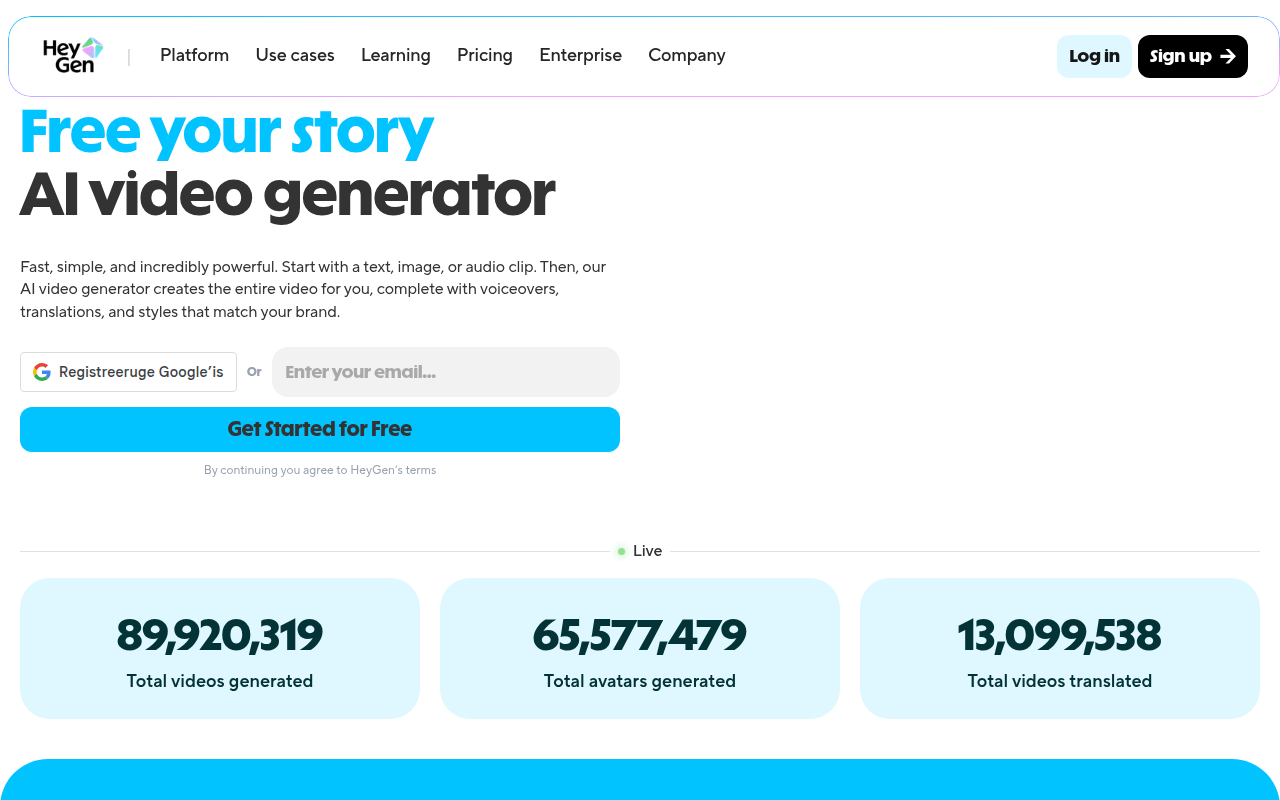
It is an AI video generation platform that functions as a text-to-video studio. You type a script, select an avatar (or upload yourself), and the software renders a realistic video of that person speaking your words. While there are many tools in this space, HeyGen currently leads the pack in lip-sync fidelity and facial micro-expressions.
This tool isn't for artistic filmmakers. It is built specifically for marketing teams, corporate trainers, and sales departments that need to produce talking-head content at volume. Whether you are creating 500 personalized outreach videos or translating an onboarding course into Japanese without re-hiring the actor, HeyGen is designed to solve the "scale" problem in video production.
Key Features
1. AI Avatars and "Digital Twins"
HeyGen offers over 120 stock avatars covering various demographics and professional styles. They are good, but the real utility lies in the custom avatars.
- Instant Avatar: You can upload a few minutes of footage filmed on a smartphone, and the system creates a "digital twin." This allows you to generate new content featuring yourself without ever turning on a camera again.
- Studio Avatar: For enterprise clients, they offer high-fidelity avatars recorded in professional studios.
- Interactivity: They have recently rolled out real-time avatars that can be embedded into websites for conversational AI interfaces.
2. Video Translation with Lip-Sync
Most translation tools just dub audio over the original video, looking like an old martial arts movie. HeyGen actually re-animates the speaker's lips to match the new language. It supports 175+ languages and clones the original speaker's voice tone. This means your CEO can deliver a message in Mandarin, Spanish, and German, sounding like themselves and looking like they actually speak the language.
3. Voice Cloning
You are not stuck with generic text-to-speech robotic voices. The platform allows you to clone your own voice for the avatar to use. In testing, the intonation is surprisingly accurate, though it still occasionally struggles with very specific proper nouns or emotional nuance compared to a human actor.
4. Automation and Personalization
For sales teams, this is the high-value feature. You can integrate HeyGen with CRM tools like Salesforce or HubSpot. Using the API, you can programmatically generate thousands of videos where the avatar greets the prospect by name and references their specific company, all from a single recording session.
Pricing
HeyGen's pricing structure changed in late 2024 to a hybrid model. It can be confusing because it mixes "Unlimited" creation with a "Credit" system for premium features.
Free Plan ($0/mo)
- Good for a quick test drive.
- 3 videos per month (max 3 mins), 720p resolution.
- Includes a watermark.
Creator Plan ($29/mo or $24/mo annually)
- The "Unlimited" part: You can make unlimited standard videos up to 30 minutes long.
- The "Credit" part: You get 200 "Generative Credits" per month. You need these credits to use the high-end "Avatar IV" (the most realistic models) or premium voice features.
- Removes watermarks and bumps quality to 1080p.
- Includes 120 minutes of video translation.
Team Plan ($39 per seat/mo, min 2 seats)
- Unlocks 4K resolution.
- Adds workspace collaboration features.
- Translation limits are per seat (120 mins each).
API ($99/mo starting)
- Standalone pricing for developers building apps on top of HeyGen.
Pros & Cons
The Good
- SOTA Realism: Right now, HeyGen holds the title for the least "uncanny valley" avatars. The lip-syncing is noticeably tighter than competitors like Synthesia or D-ID.
- Workflow Efficiency: The interface mimics tools like CapCut or Canva. If you can build a slide deck, you can build a HeyGen video.
- Translation Tech: The ability to retain the original voice's emotional tone while switching languages is technically impressive and highly practical for global teams.
The Bad
- Confusing Credits: The distinction between "Unlimited Video" and "Generative Credits" frustrates users. If you want the best-looking avatars (Avatar IV), you are on a metered connection, not an unlimited one.
- Hidden Costs: To get the absolute best quality, you burn through credits fast, which can make the monthly subscription feel like an entry fee rather than an all-inclusive pass.
- Support & Rendering: User reports indicate that rendering times spike during peak hours, and customer support can be slow to resolve billing or cancellation issues.
Verdict
HeyGen is currently the strongest player in the AI avatar space. If your primary bottleneck is the time and cost of filming people talking to a camera, this tool is an immediate ROI booster. It is excellent for L&D modules, news updates, and mass personalized sales outreach.
However, pay close attention to the credit system. If you need the absolute highest fidelity "Avatar IV" models for every single video, the costs will scale up beyond the base subscription price.
Recommended for: Marketing agencies, HR/Training departments, and Sales teams needing scale. Pass if: You need cinematic storytelling with complex emotional acting, or if you are on a strict budget and hate metered credit systems.