

Overview
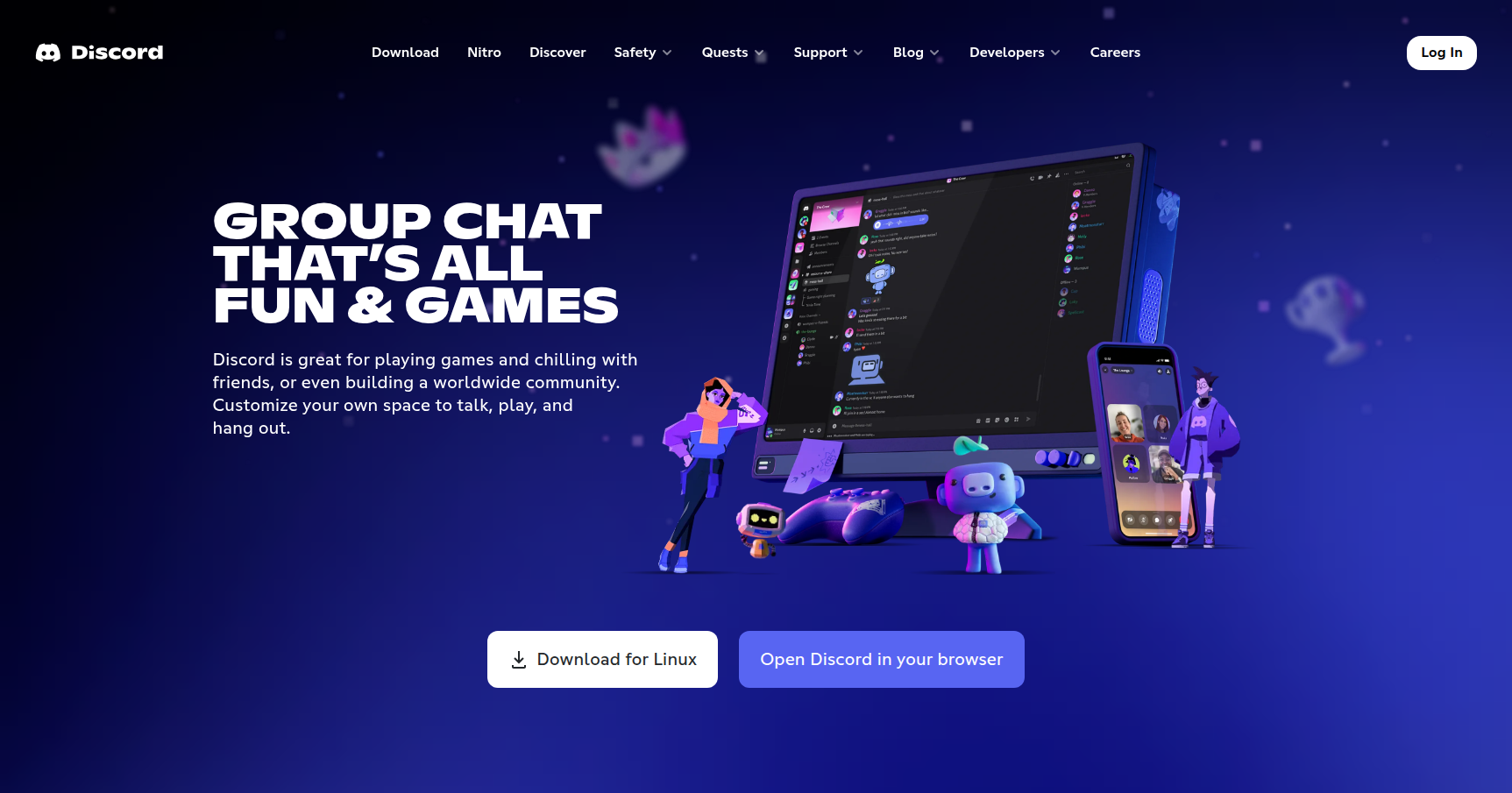
Discord started as a tool for gamers to coordinate strategies without lagging their CPUs, but it has morphed into something much bigger. It is now the "digital third place" for millions of people, ranging from crypto startups and study groups to massive brand communities like Midjourney or Gucci.
Unlike Zoom or Google Meet where you need a link and a calendar invite to talk, Discord relies on persistent "servers." Think of a server as a building and the channels inside as rooms. You don't "call" someone. You simply walk into a room (voice channel) and start talking. It removes the friction of scheduling. While it allows for direct messaging and video calls, its real power lies in managing high-volume, organized communities with an interface that blends the structure of Slack with the casual vibe of a gaming lounge.
Key Features
The "Always-On" Voice Architecture
The defining feature of Discord is the voice channel. In most apps, audio is a distinct event you have to initiate. Here, voice channels are persistent spaces. You can see who is hanging out in a channel before you join. This creates a sense of presence that other platforms lack. It mimics walking into a breakroom or a living room, allowing for spontaneous "water cooler" moments that remote teams and friend groups struggle to replicate elsewhere.
Granular Role-Based Access Control (RBAC)
Discord offers one of the most sophisticated permission systems in the consumer SaaS world. You manage users through "Roles" rather than individual settings. You can create a "Moderator" role, a "New Member" role, or a "Subscriber" role, and assign granular permissions to each. This lets you control exactly who can read, write, speak, or stream video in specific channels. It is the main reason why community managers prefer Discord over Telegram or WhatsApp for groups larger than 50 people.
Structured Channels and Organization
To keep discussions from turning into a chaotic feed, servers are organized into Categories and Channels.
- Text Channels: Standard chat rooms for typing and image sharing.
- Voice/Video Channels: Low-latency rooms for talking and screen sharing.
- Forum Channels: Reddit-style threaded discussions to keep help-desks or topic debates organized.
- Stage Channels: These are designed for one-to-many broadcasts, similar to a live podcast or town hall, where a few people speak and the audience listens.
The Bot Ecosystem
Discord has an open API that has spawned a massive library of third-party bots. You don't need to be a coder to use them. You can invite bots that handle server moderation, play high-quality music, create support tickets, or run mini-games. For power users and developers, this extensibility allows Discord to integrate with GitHub, Jira, Twitch, and Xbox, effectively turning the chat app into a command center for other workflows.
Pricing
Discord operates on a refreshingly honest "Free-to-Play" model. There are no ads, and they don't sell user data. The free version is fully functional for 99% of users.
Free Tier ($0)
- Unlimited text, voice, and video.
- Standard screen sharing (720p/30fps).
- File upload limit of 25 MB (this is the main friction point).
- Create or join up to 100 servers.
Discord Nitro Basic ($2.99/mo)
- Increases file upload limit to 50 MB.
- Unlocks custom emojis and stickers across all servers.
- Adds a Nitro badge to your profile.
Discord Nitro ($9.99/mo)
- High-Res Streaming: Up to 4K resolution and 60fps (crucial for game streaming or design reviews).
- Large Files: Upload limit increased to 500 MB.
- Longer Messages: Character limit bumped to 4,000.
- Server Capacity: Join up to 200 servers.
- Perks: Includes 2 "Server Boosts" to help upgrade a specific community.
Server Boosts (~$4.99/mo per boost) Communities can pool money to "Boost" a server. This unlocks perks for everyone in that specific server, such as higher bitrate audio (up to 384kbps) and more emoji slots.
Pros & Cons
Pros
- Audio Quality: The integration of Krisp noise suppression is outstanding. It filters out keyboard clacking and background noise better than most enterprise tools.
- Community Management: The combination of bots and granular roles makes it the best tool for managing large groups of people without it descending into anarchy.
- Customization: It doesn't feel sterile. Between custom emojis, themes, and profile banners, users can express identity in a way Slack doesn't allow.
- Cross-Platform Parity: The experience on mobile, web, and desktop is remarkably consistent.
Cons
- Resource Heavy: The desktop client is built on Electron. It can be a memory hog, especially if you sit in multiple busy servers simultaneously.
- Steep Learning Curve: For a new user, the interface is busy. Pop-ups, notification badges, and the sheer number of channels can be overwhelming and lead to "notification fatigue" if you don't tweak your settings immediately.
- Security Risks: Because it supports semi-anonymity, Discord is a playground for scammers. Users often face DM spam or phishing links if they join large public servers without tightening their privacy settings.
- Upload Limits: The 25 MB limit on the free tier is very low by modern standards, often forcing users to compress screenshots or short clips.
Verdict
Discord is the clear winner for anyone looking to build a community rather than just a contact list. While it started with gaming, its low-latency voice architecture and distinct "rooms" make it the best option for hobbyist groups, study circles, and tech teams who want a workspace that feels alive.
If you are looking for a sterile, strictly-business environment, Stick to Teams or Slack. But if you want a digital space that facilitates spontaneous connection and culture building, Discord is the standard. Just make sure to adjust your notification settings the moment you sign up, or you will regret it.