

Overview
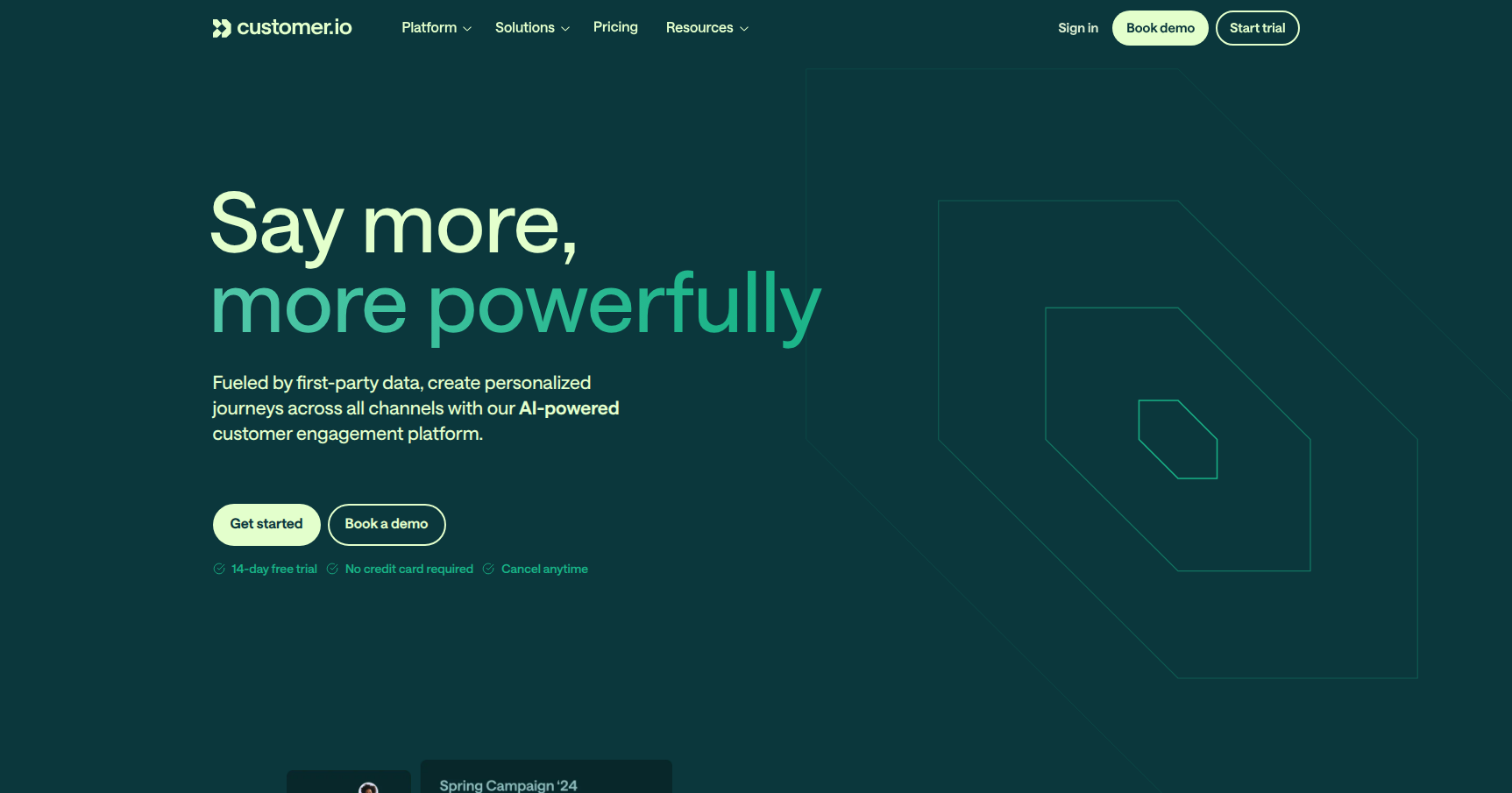
Customer.io is an automated messaging platform built specifically for data-driven companies. While many marketing tools focus on sending pretty newsletters, Customer.io is designed to function as an operational logic engine. It triggers messages based on exactly what a user is doing (or failing to do) inside your product in real-time.
This tool is a heavy hitter for Product-Led SaaS companies, mobile app developers, and technical marketing teams who are comfortable with data. It acts as a control center that ingests data from your backend, app, or warehouse and converts it into complex, multi-channel workflows (Email, SMS, Push, In-App).
If you are looking for a simple drag-and-drop newsletter builder, this is likely overkill. But if you need to orchestrate a complex onboarding sequence based on API events, this is the industry standard.
Key Features
Visual Workflow Builder
The heart of the platform is the campaign builder. It uses a drag-and-drop canvas where you map out the user journey. Unlike linear auto-responders, this allows for intricate branching logic. You can set up "Wait" steps, "If/Else" branches, and A/B tests that split traffic based on specific attributes. It allows you to visualize the logic of your communication strategy without looking at code.
Real-Time Segmentation
Most legacy marketing platforms rely on lists that need manual updating or slow syncs. Customer.io creates dynamic segments that update instantly. If a user performs an action (like "Upgraded Plan"), they are immediately moved into the "Premium User" segment and removed from "Free Tier." This speed allows for "segments of one," ensuring users never receive a prompt to do something they just finished doing five seconds ago.
Custom Objects
This is a feature that separates Customer.io from basic email tools. Standard tools usually only understand "Users." Customer.io allows you to map relationships to other entities, such as Company Accounts, Online Courses, or Physical Properties. This means you can trigger workflows based on changes to a business account (B2B context) rather than just individual user behavior.
Liquid Templating & Data Activation
For the technical user, the support for Liquid templating is a major plus. You can use logic (if/then statements) directly inside your message content to render different text or images based on user data. Combined with its ability to pipe data in from sources like Snowflake or BigQuery, you can activate your first-party data without constant developer intervention after the initial setup.
Pricing
Customer.io operates on a "High-Watermark" billing model. This means you pay based on the maximum number of profiles tracked during a month. Costs can scale rapidly if you do not actively prune inactive users.
- Essentials Plan: Starts at roughly $100/month. This covers up to 5,000 profiles and 1 million email sends. It gives you the core visual builder and standard integrations.
- Premium Plan: Starts around $1,000/month (usually billed annually). This is for scaling teams that need HIPAA compliance, dedicated IP addresses, and premium support.
- Enterprise Plan: Custom quotes, generally ranging from $3,000 to $5,000+ per month. This tier unlocks managed infrastructure, audit logging, and a dedicated Customer Success Manager.
- Startup Program: They offer a generous program for early-stage startups (typically under $10M in funding), providing one year for free.
- Trial: There is a 14-day free trial available to test the waters.
Pros & Cons
The Good
- Engineering-Grade Flexibility: If you can define the logic, you can build the workflow. The event-based triggers allow for highly specific automation that generic marketing tools cannot handle.
- Reliability: The infrastructure is solid. Whether sending ten emails or ten million, the uptime and deliverability remain consistent.
- Data Handling: The segmentation engine is incredibly fast. The ability to use Custom Objects makes it viable for complex B2B SaaS models.
- Technical Empowerment: It bridges the gap between engineering and marketing. Marketers can build complex flows using real product data without bugging a developer for every single campaign iteration.
The Bad
- The Learning Curve: There is a "wall" when you first start. Because it is logic-heavy, it is not immediately intuitive for non-technical users.
- Design Tools: While the logic engine is modern, the actual email content editor can feel a bit dated compared to design-first competitors.
- Cost Scaling: The pricing is strictly tied to profile count. If you have a free app with millions of inactive users, your bill will explode unless you are diligent about data hygiene.
- Initial Setup: You cannot just "sign up and send." You need developers to hook up the API and send events to the platform before it becomes useful.
Verdict
Customer.io is arguably the best tool on the market for SaaS and mobile apps that care about retention and engagement. It excels when you treat messaging as an extension of your product experience rather than just a marketing channel.
However, it requires a commitment to technical setup and data hygiene. If your team lacks technical resources or if your primary goal is simply sending a weekly newsletter to a static list, look elsewhere. Choose Customer.io if you need to trigger complex messages based on real-time user behavior.